Can You Run a Laser Engraver Indoors? A Practical Safety Guide
A practical guide to running a laser engraver indoors safely, covering exhaust venting, enclosure requirements, fire prevention, and apartment setup tips.

On this page
Top picks at a glance
As an Amazon Associate I earn from qualifying purchases.
- 1
 xTool SafetyPro AP2 Smoke Purifier for Laser Engraver9.6/10View on Amazon
- 2
 190nm-490nm OD 6+ Laser Safety Eye Protection Glasses UV9.6/10View on Amazon
- 3
 Laser Fume Extractor Compatible with 10 to 40W Laser9.5/10View on Amazon
Can you run a laser engraver indoors? Yes, you can run a laser engraver indoors if you properly exhaust smoke outdoors or through a certified multi-stage filter, enclose the beam to block optical radiation, and keep reliable fire suppression within reach. Operating an unenclosed machine indoors exposes living spaces to airborne particulates and optical hazards. The guide below details how to configure a safe indoor workspace, step by step.
LaserEngraveHQ earns a commission from purchases made through these links, at no extra cost to you. Read our affiliate disclosure.
Never operate any laser engraver unattended in a home or apartment. Optical containment, proper ducting to an exterior vent, and active fire suppression are essential for indoor workshop operation.
Step 1: Choose an enclosed laser or a certified enclosure
The primary hazard of running a laser indoors is unprotected optical radiation. Open-frame diode lasers lack physical barriers between the beam and the surrounding room. For example, the Laservii listing classifies the open-frame L1 Pro as a Class IV laser with a 12000mW optical module, meaning direct beam exposure and reflections can damage eyes across the room.
For indoor operation, an enclosed machine rated as Class 1 provides built-in beam containment. The Creality listing states the Falcon A1 Pro is an enclosed Class 1 laser cutter with a 20W module and a cover that filters 99% of laser radiation, with lid safety shutoffs. Similarly, the BlazeX listing states the M3 offers a Class 1 enclosure with a 10W module, while the Aliencell listing specifies the X1 Lite provides a fully enclosed Class 1 structure with a 40W laser. If using an open-frame unit, installing a protective enclosure is mandatory indoors. Compare options in our best enclosed laser engraver guide and our laser engraver with enclosure review.
Step 2: Set up dedicated exhaust ventilation or multi-stage filtration
Laser engraving vaporizes material, generating dense smoke and odors that must not linger indoors. Safe indoor operation requires either exhausting fumes out of the living space through sealed ducting to an exterior window, or routing air through a dedicated multi-stage filtration system. If your ducted setup needs supplementary airflow, review our guide on choosing an exhaust fan for laser enclosure units.
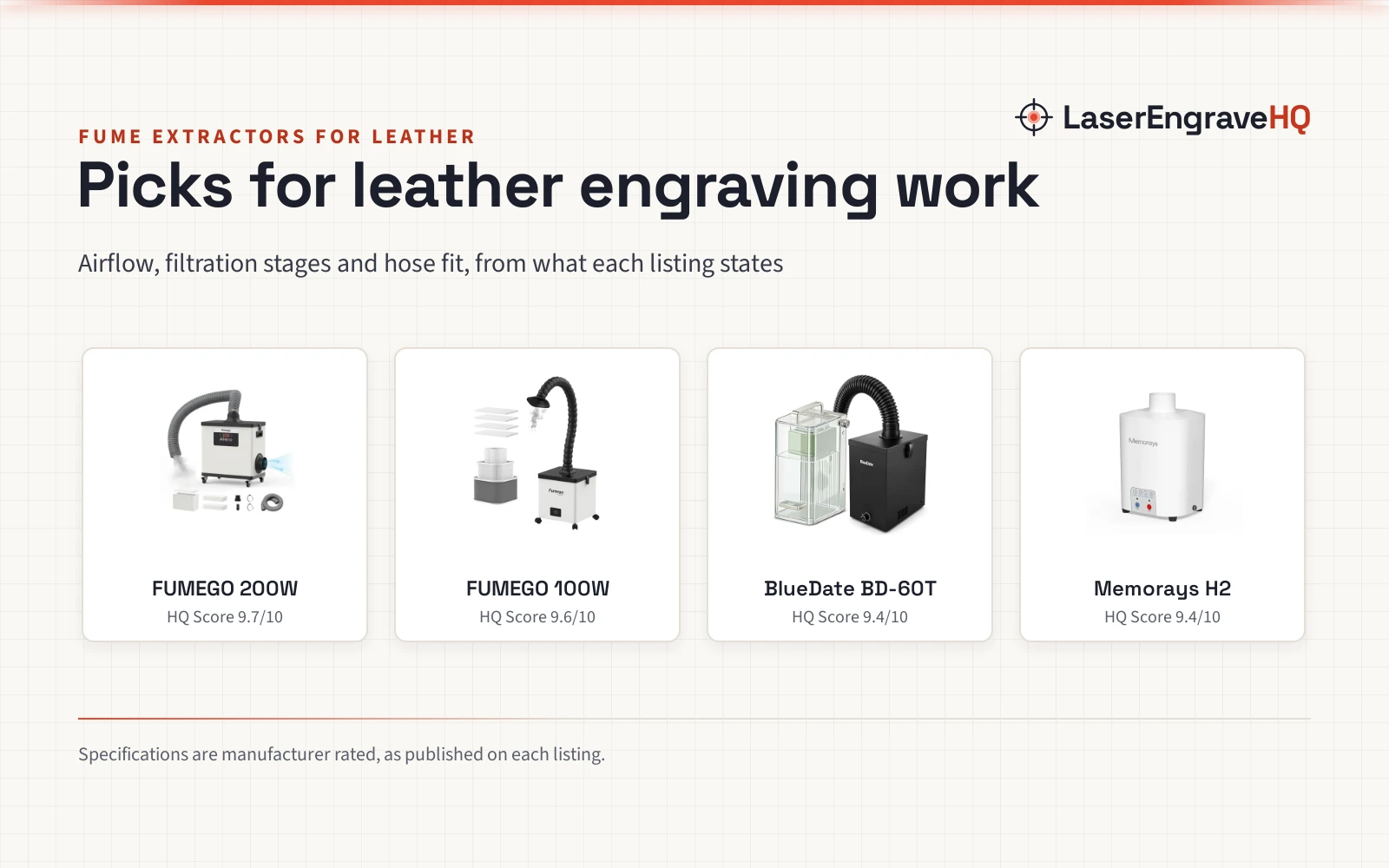
When venting directly outside is not possible, a specialized multi-stage filtration unit is required. For instance, the FUMEGO listing describes an indoor fume extractor with a 200W motor delivering 177 CFM of airflow across 10 suction levels with 2300Pa negative pressure. The maker states its 4-stage filtration system captures particulates down to 0.3μm, while exhaust passes through a 4-inch (100 mm) outlet or an included 1.5 m (59 in) hose with a 3-inch diameter. To evaluate standalone filter systems, see our best fume extractor for laser engraver comparison. Additionally, the ACMER listing notes an included 25L/min air assist pump that clears combustion debris from the cut line.
Step 3: Match safety eyewear to machine wavelength
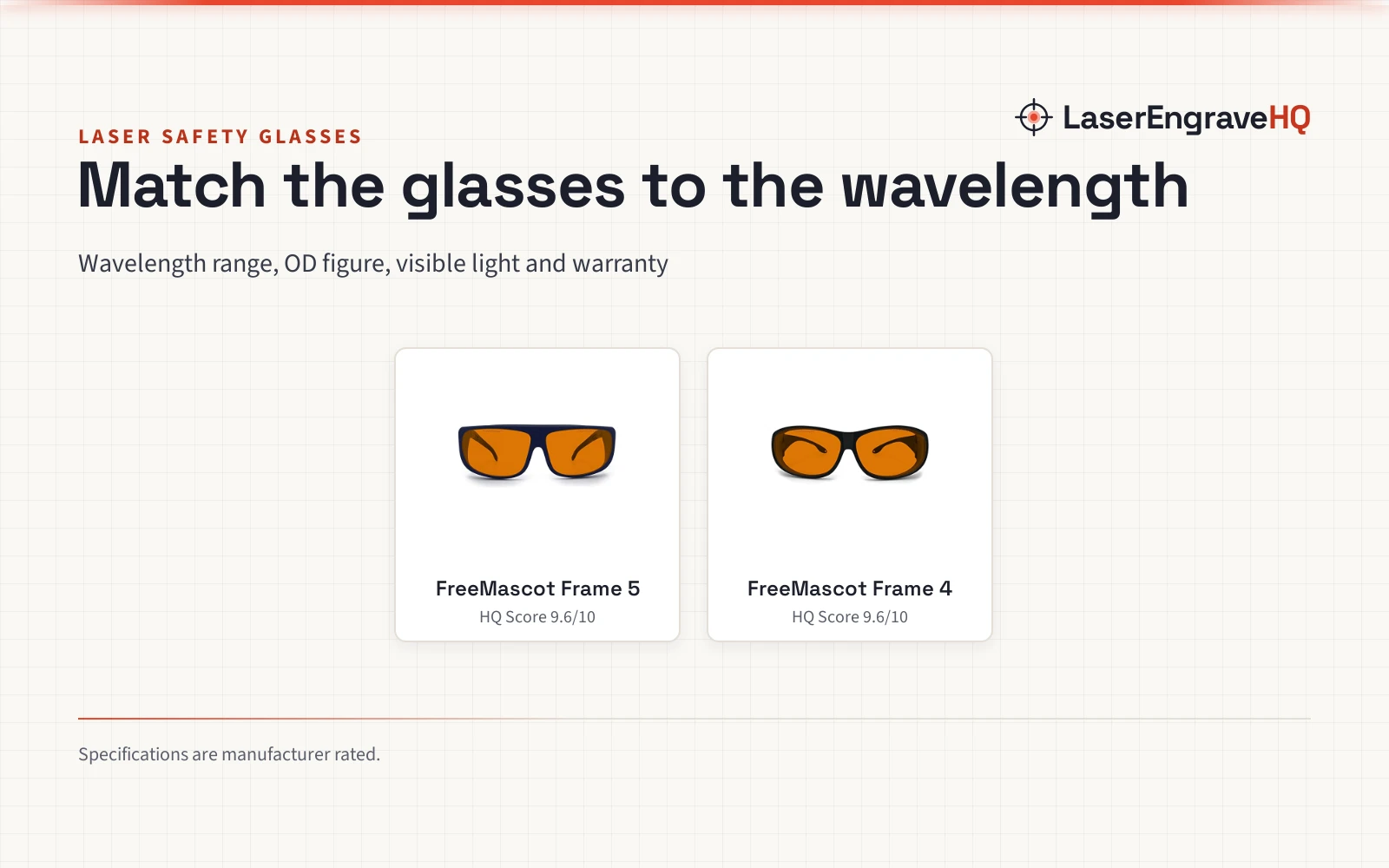
Even with an enclosed machine, certified safety glasses are required whenever the enclosure is opened for maintenance or alignment. Eyewear must match the exact emission wavelength of the laser module. Common diode lasers emit visible blue light; the Laservii listing specifies a 450nm wavelength for the L1 Pro, while the ACMER listing states an emission band of 455±5nm for the S2 diode. Glasses for these units must carry an optical density rating matching those blue wavelengths. In contrast, the Creality listing notes an optional infrared module operating at 1064nm, requiring eyewear certified for infrared light. See our laser safety glasses guide and our roundup of the best safety glasses for laser engraving.
Step 4: Establish strict fire prevention and monitoring
Laser engraving uses focused heat to burn material, making fire risk an active concern. Wood, acrylic, and cardboard can ignite if the laser head stalls, if travel speeds are set too slow, or if combustion debris accumulates on the bed. Operating indoors means any flare-up directly threatens your home.
Never leave an active laser machine unattended. Keep a fire extinguisher rated for electrical and combustible fires within reach. Built-in sensors provide valuable backup: the Aliencell listing specifies 10pcs flame sensors and UL94-V0 fire-resistant housing on the X1 Lite, while the BlazeX listing notes sensors that trigger an automatic stop if the machine tilts or if the lid opens. Clean honeycomb beds regularly to prevent combustible residue from igniting.
Step 5: Check indoor material safety and avoid hazardous plastics
Indoor air quality depends on the material placed on the bed. Safe indoor materials include solid wood, basswood, slate, vegetable-tanned leather, laser-safe acrylic, and coated metal blanks. For example, the Creality listing notes capacity to cut 10 mm basswood and 8 mm black acrylic.
Certain common synthetic materials must never be cut or engraved indoors because they release hazardous fumes and corrosive acids. Never process polyvinyl chloride (PVC), vinyl, faux leather containing PVC, polycarbonate, or ABS. Processing PVC releases hydrogen chloride gas, which irritates indoor air, damages sensitive electronics, and corrodes the metal rails of your machine. Always confirm material safety before running a job.
Step 6: Plan apartment and home workshop logistics
Running a laser engraver in apartment settings introduces shared walls and close neighbors. Sound from exhaust fans and air assist pumps travels through apartment structures. Selecting quieter equipment keeps indoor production manageable; for instance, the FUMEGO listing states an operating noise level below 54dB for its extraction unit.
Compact footprints help preserve living space. The Longer listing notes the Ray5 Mini features a 130×130mm work area and a weight of 5.79 pounds, while the Artilume listing describes a foldable frame with a 200x150mm workspace weighing 2.64 pounds. For smaller craft items, the LaserPecker listing cites the LP1 Plus at 2.4 pounds, and the ELIDOR listing notes the Z6 provides a 300×300mm (11.8″ × 11.8″) work area at 4.7 lbs (4.89 pounds on the spec table). For broader project capabilities, review our laser engraver for beginners guide and our review of the best CO2 laser cutter for home use.
When routing exhaust in an apartment, use a removable window insert to seal the duct outlet without modifying window frames.
Step 7: Conduct an initial safety and ventilation check
Before processing production projects, run an initial inspection to verify that safety systems, enclosures, and exhaust seals operate properly. Confirm mechanical limit switches stop carriage travel before the laser head contacts the frame, a feature noted on the ACMER and Laservii listings to prevent stepper motor strain.
Perform a dry framing pass with the laser beam disabled to confirm design boundaries align with the blank. Next, start the exhaust fan and inspect every duct junction, clamp, and window adapter for escaping air. Run a brief engraving pass on scrap wood while monitoring the room for smoke or odor. If you smell combustion fumes indoors, reseal the hose fittings with foil tape and verify exhaust draw before continuing.
Common mistakes to avoid
- Operating an open-frame diode laser indoors without an enclosure or certified safety eyewear.
- Venting unfiltered exhaust into an attic, garage, or living area instead of outdoors or through a dedicated filter.
- Leaving an active laser unattended while cutting combustible materials.
- Processing prohibited materials such as PVC, vinyl, polycarbonate, or ABS that release corrosive fumes.
- Relying on generic tinted acrylic covers that lack verified optical density ratings.
- Allowing flammable dust and honeycomb residue to accumulate inside the cabinet.
Can you run a laser engraver indoors: the short version
- Choose an enclosed Class 1 laser or install a certified protective enclosure.
- Route exhaust fumes outdoors through a sealed window adapter or filter them through a dedicated multi-stage purifier.
- Wear protective safety glasses matched to the specific wavelength of your laser beam.
- Keep a fire extinguisher nearby and never leave active jobs unattended.
- Engrave only laser-safe materials like wood, slate, and acrylic; avoid PVC, vinyl, and ABS.
- Plan room logistics to manage equipment sound and keep apartment living spaces odor-free.
- Verify boundary framing and inspect duct seals for smoke leaks before running full jobs.
Operating a laser engraver indoors is practical when containment, ventilation, and fire safety protocols are strictly observed.
FAQ: lasers and CNC
Can you run a diode laser engraver inside an apartment?
Yes, you can run a diode laser inside an apartment, provided you house the machine in a sealed enclosure and either vent exhaust out a window or pass it through a dedicated multi-stage fume extractor. Unenclosed diode lasers release optical radiation and combustion smoke into the living space, creating hazards for occupants and pets. Using an enclosed setup with verified exhaust management allows safe apartment operation without smoke odor entering neighboring units.
Do you need a window to vent a laser engraver indoors?
Venting out a window is the most reliable method for indoor laser engraving. If your workspace lacks an exterior window, you must route exhaust through a multi-stage fume extractor equipped with pre-filters, HEPA filtration, and activated carbon. Units such as the 200W FUMEGO extractor are designed to capture smoke and volatile organic compounds so air can be recirculated indoors.
Is a desktop laser engraver loud enough to disturb apartment neighbors?
Desktop diode lasers produce very little sound during movement, but support equipment creates steady noise. Air assist pumps, exhaust blowers, and fume extractors generate constant airflow sound. Choosing equipment with low sound ratings, such as the FUMEGO extractor rated below 54dB, and placing vibration-damping pads beneath the machine prevents sound from transferring through shared floors.
Can you smell smoke when running a laser engraver indoors?
When an exhaust system is properly sealed and operates under negative pressure, you should smell almost no smoke inside the room. If you notice a campfire odor or haze, smoke is leaking from duct joints or an unsealed enclosure lid. Inspect hose clamps, seal duct seams with foil tape, and ensure the exhaust fan provides sufficient airflow to pull smoke away from the bed.
What fire safety gear is required for indoor laser engraving?
Every indoor laser workspace requires an accessible fire extinguisher rated for electrical and combustible fires. In addition, machines with integrated flame sensors, such as the 10pcs flame sensors on the Aliencell X1 Lite, provide automated shutoff if flare-ups occur. You should also keep a spray bottle of water for minor ember flare-ups and never leave the engraver unattended while active.
Which materials are dangerous to engrave indoors?
You must never engrave or cut polyvinyl chloride (PVC), vinyl, PVC faux leather, polycarbonate, or ABS. Burning PVC releases hydrogen chloride gas that irritates indoor air, damages sensitive electronics, and corrodes laser optics. Stick to verified laser-compatible materials such as basswood, slate, uncoated leather, laser-safe acrylic, and coated metal blanks.
Related: the laser safety hub, best enclosed laser engraver and best safety glasses for laser engraving. Also see our laser engraver with enclosure. Also see our best laser engraver for wood.