Best Laser Engraver Enclosure Under $100 (2026)
Folding laser enclosures compared by size, fan and venting, viewing window and heat limit for home engraving.

On this page
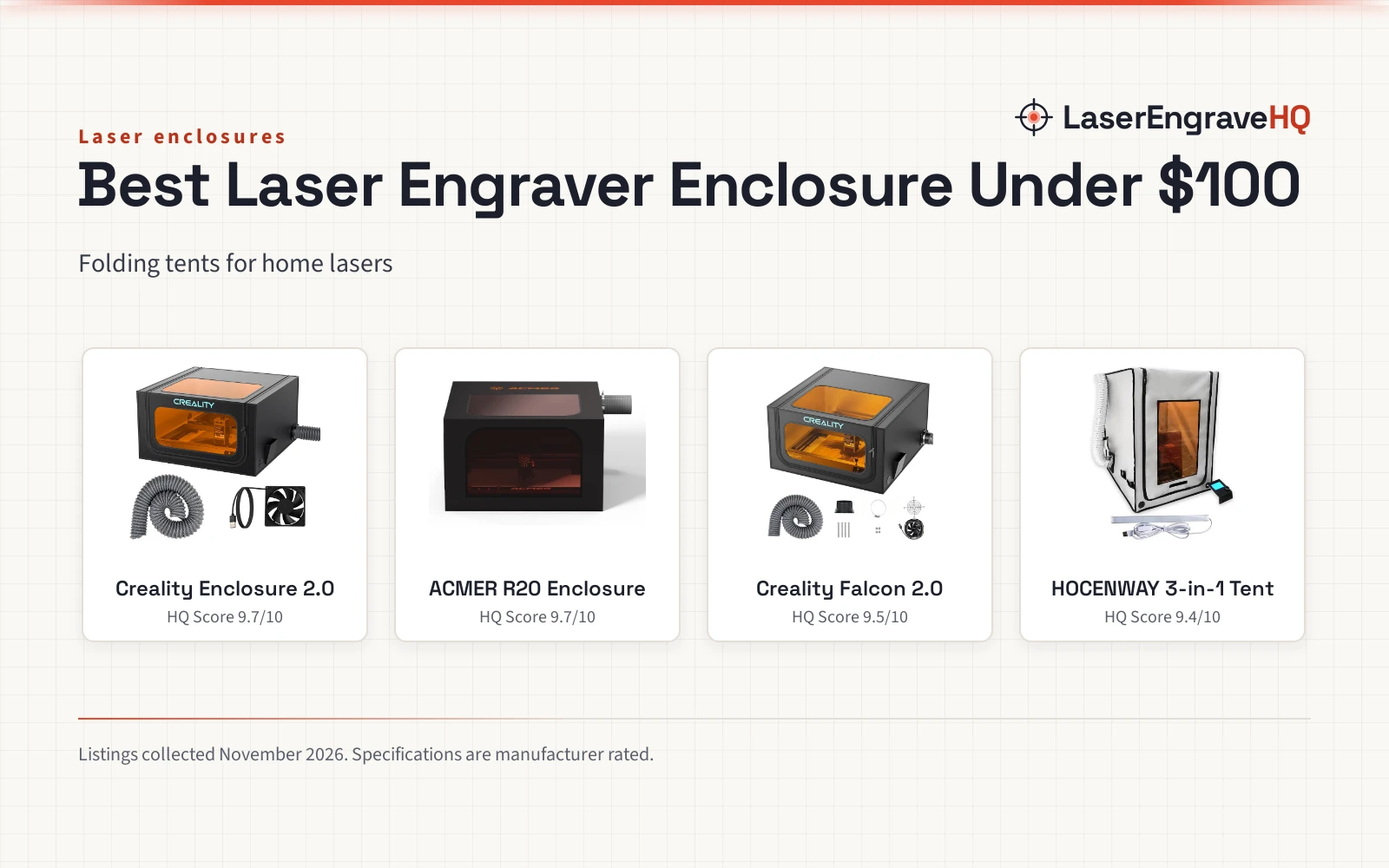
Top picks at a glance
As an Amazon Associate I earn from qualifying purchases.
- 1
 Best OverallCreality Enclosure 2.09.7/10View on Amazon
- 2
 Best for Rotary WorkACMER R20 Enclosure9.7/10View on Amazon
- 3
 Best FanCreality Falcon 2.09.5/10View on Amazon
- 4
 Best Multi-UseHOCENWAY 3-in-1 Tent9.4/10View on Amazon
Signs, tumblers, leather patches and cut parts all start the same way: a design, a material and a machine that has to run while you stay in the room. An enclosure keeps smoke, odor and stray light inside the tent while the laser works, so a spare room or garage stays usable. This guide compares folding tents and a small multi-use tent for the best laser engraver enclosure under 100, so you can match the enclosure to your machine and your projects.
LaserEngraveHQ earns a commission from purchases made through these links, at no extra cost to you. Read our affiliate disclosure.
Quick picks
- Best Overall Creality Enclosure 2.0: 720 x 720 x 400 mm, fan and pipe, filtered window, foldable Check price on Amazon
- Best for Rotary Work ACMER R20 Enclosure: 720 x 720 x 400 mm with room for rotary attachments Check price on Amazon
- Best Fan Creality Falcon 2.0: 4000 RPM fan with dual windows Check price on Amazon
- Best Multi-Use HOCENWAY 3-in-1 Tent: 3-in-1 tent for small engravers and 3D printers Check price on Amazon
Machines on the list


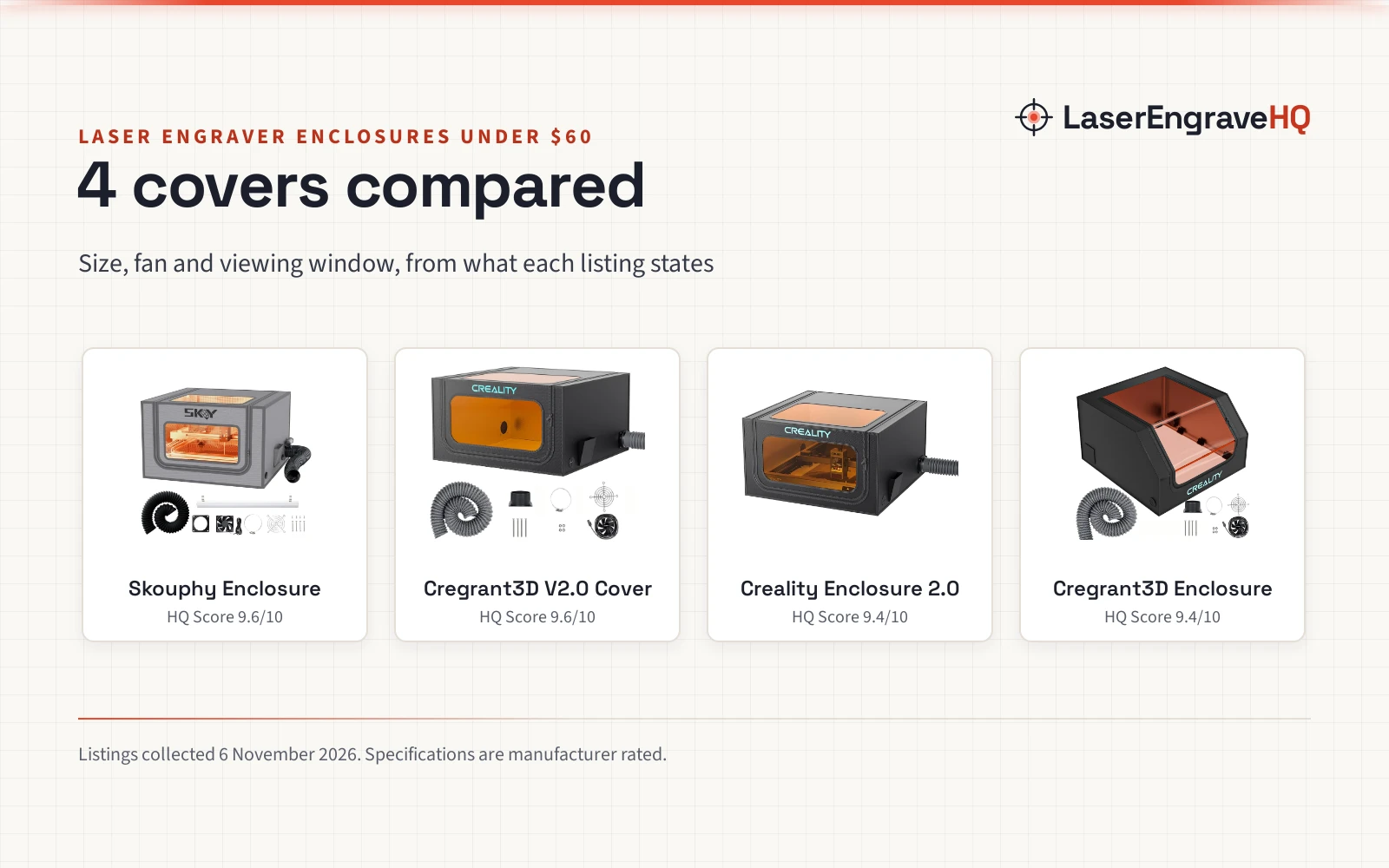
Creality Laser Engraver Enclosure 2.0 with Vent
A 720 x 720 x 400 mm enclosure with an exhaust fan and pipe, a light-filtering viewing window and flame-retardant material rated to 1000°C (1832°F), sized for most engravers and rotary work.
Pros
- 720 x 720 x 400 mm interior fits most engravers, including Creality and xTool machines
- Exhaust fan and pipe move smoke and dust out during engraving and cutting
- Light-filtering viewing window for watching the work without opening the tent
- Flame-retardant material rated to 1000°C (1832°F), with room for a rotary roller
Cons
- No warranty term is stated in the listing
- No fan speed is stated, so air movement cannot be compared with the Falcon 2.0
- At 4.84 lb it is light enough to shift if the pipe pulls on it
- No stated optical density figure for the viewing window

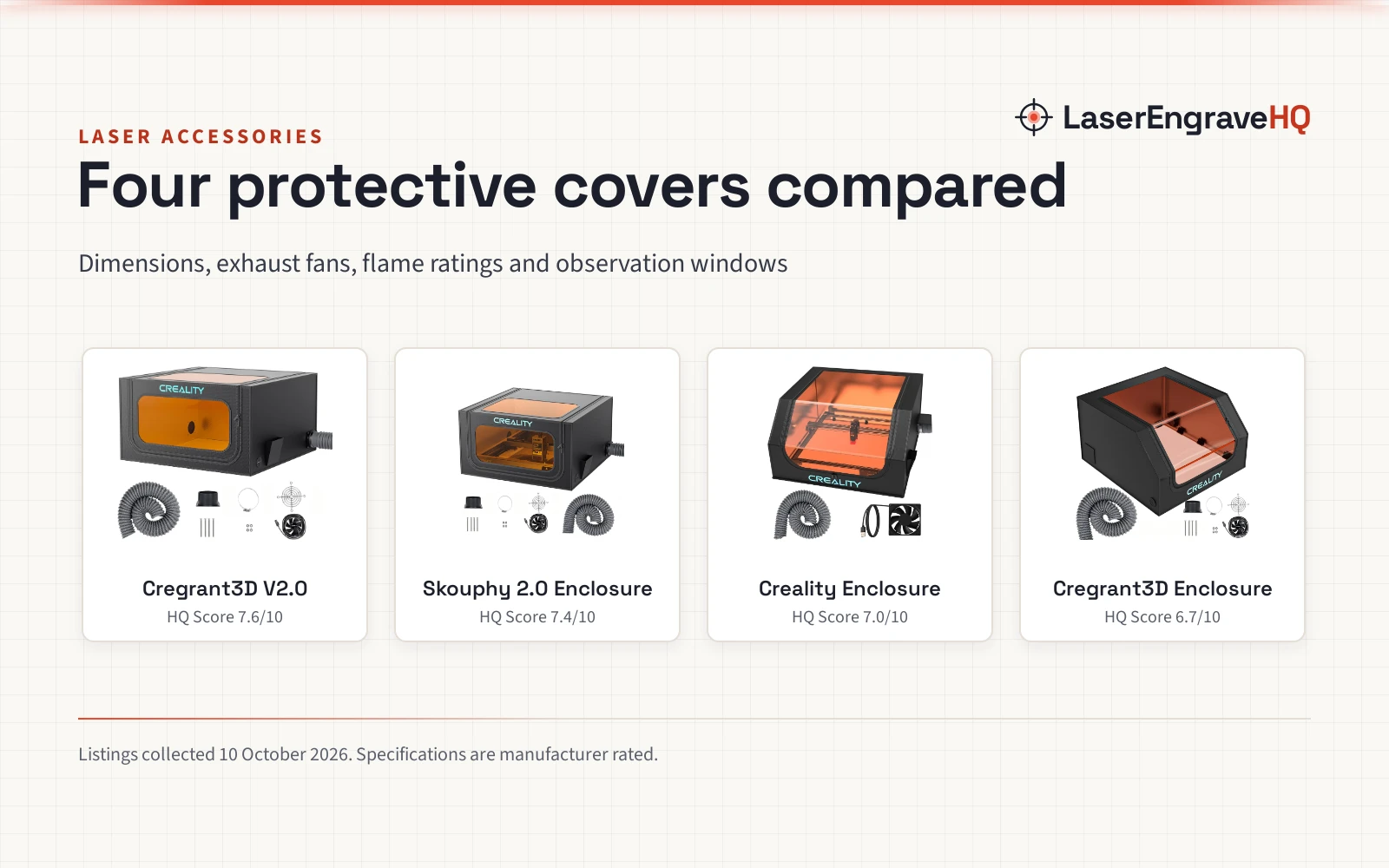
ACMER R20 Laser Engraver Enclosure
A 720 x 720 x 400 mm fiberglass enclosure with a double-sided silicone coating, an exhaust fan and hose, and a double-layer light-filtering window, rated to 1000°C (1832°F).
Pros
- 720 x 720 x 400 mm interior with room for rotary attachments and taller objects
- Fiberglass fabric with a double-sided silicone coating, rated to 1000°C (1832°F)
- Exhaust fan and ventilation hose remove smoke and fumes during work
- Double-layer light-filtering PVC window for watching the work
Cons
- No warranty term is stated in the listing
- Lists compatibility with machines under 700 x 700 x 400 mm, smaller than the tent itself
- No fan speed is stated
- No stated optical density figure for the window

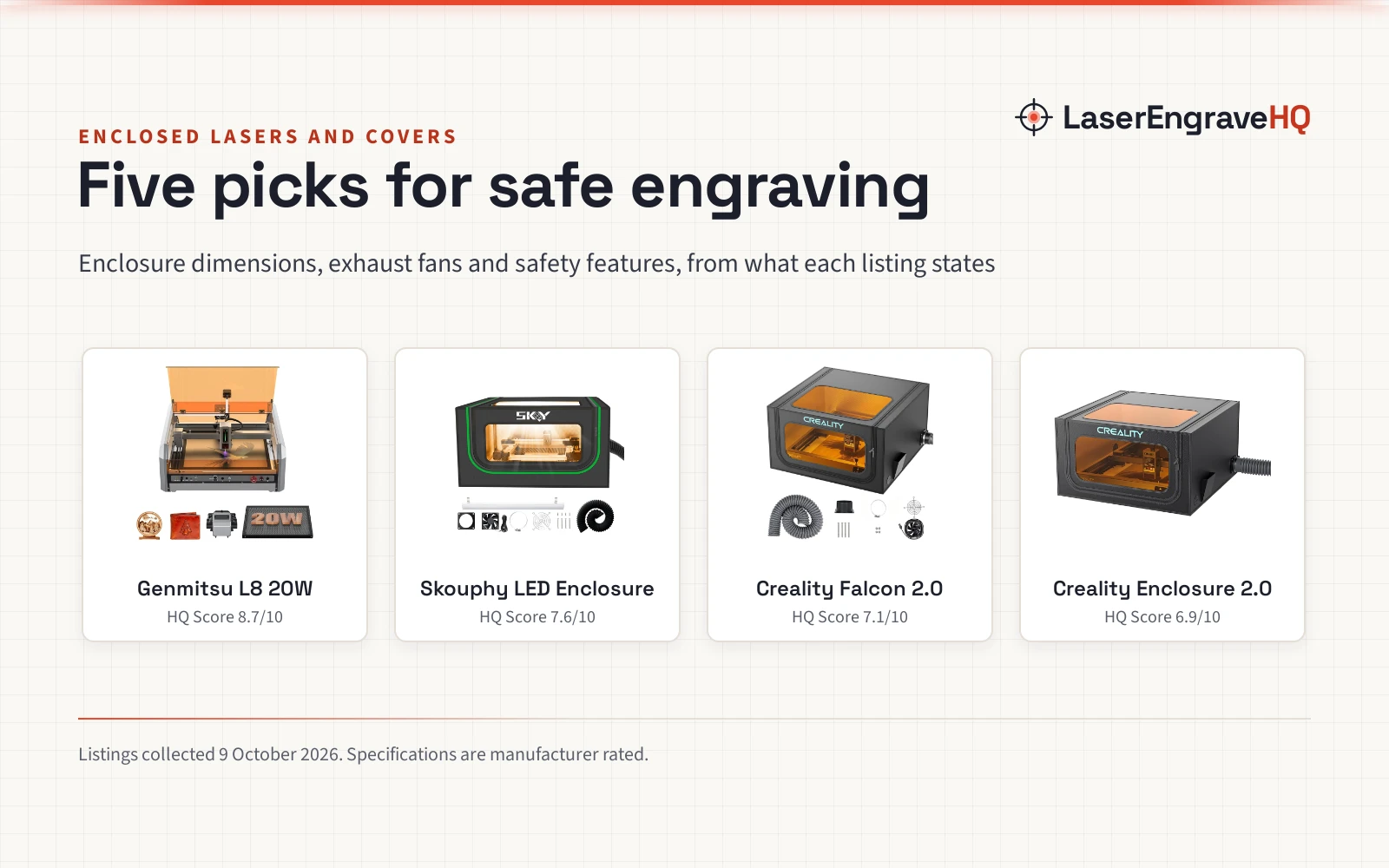
Creality Laser Engraver Enclosure 2.0
A universal 28.3 x 28.3 x 15.7 in protective tent with a 4000 RPM ventilation fan and dual blue-light blocking windows.
Pros
- Spacious 28.3 x 28.3 x 15.7 inch (720 x 720 x 400 mm) volume compatible with 95% of laser engravers
- Equipped with a 4000 RPM high-efficiency ventilation fan to extract smoke and odors
- Dual-window design uses blue light-blocking PVC material for process viewing
- Constructed with flame-retardant fabric and high-strength steel pipes
Cons
- Offers customer satisfaction support but no concrete warranty term is stated
- No interlock switch or formal laser safety class certification
- Exhaust pipe material and length are not detailed in the listing

3-in-1 Multifunctional 3D Printer Enclosure Laser
A 3-in-1 tent with a filter membrane, a 5W LED light and a 1.5 m smoke pipe, sized for a small laser engraver and most resin 3D printers.
Pros
- 3-in-1 tent for a small laser engraver, most resin 3D printers and some FDM printers
- Brown removable filter membrane for ultraviolet rays
- 5W LED light with a USB plug for watching the work in a dark room
- Smoke exhaust interface with a 1.5 m pipe of 75 mm
Cons
- No warranty term is stated in the listing
- Sized for a small laser engraver only, not the 720 mm class tents here

Creality Laser Engraver Enclosure
A 700 x 720 x 400 mm protective tent with connecting rods, an exhaust fan, and a blue-light filtering window.
Pros
- Workspace of 27.5 x 28.3 x 15.7 inches (700 x 720 x 400 mm) fits open-frame diode engravers and rotary rollers
- Includes an exhaust fan and ventilation pipe for smoke extraction
- Fireproof and dustproof fabric insulates against noise, smoke, and odors
- Transparent viewing window is designed to filter blue light during laser operation
Cons
- No warranty term is stated in the listing
- Exhaust fan speed (RPM) and airflow ratings are omitted from the listing
- Viewing window lists no optical density rating or certified wavelength coverage
- Assembly requires pressing 2-way and 3-way pipes tightly against connecting rods to avoid excessive pressure on cover
Specs compared
| Model | HQ Score | Size | Fan and vent | Viewing window | Safety stated | Warranty |
|---|---|---|---|---|---|---|
| Creality Enclosure 2.0 | 9.7/10 | 720 x 720 x 400 mm | Exhaust fan and pipe | Light-filtering window | Flame-retardant, 1000°C (1832°F) | Not stated |
| ACMER R20 Enclosure | 9.7/10 | 720 x 720 x 400 mm | Exhaust fan and hose | Double-layer light-filtering PVC window | Fiberglass, 1000°C (1832°F) | Not stated |
| Creality Falcon 2.0 | 9.5/10 | 720 x 720 x 400 mm | 4000 RPM fan | Dual blue light-blocking windows | Flame-retardant fabric, steel pipes | Not stated |
| HOCENWAY 3-in-1 Tent | 9.4/10 | OD 535 x 635 x 750 mm | Smoke pipe, 1.5 m, 75 mm | Brown filter membrane | Filter membrane, smoke exhaust | Not stated |
| Cregrant3D Enclosure | 9.4/10 | 700 x 720 x 400 mm | Exhaust fan and pipe | Eye protection named | Not stated | Not stated |
Specs are what each manufacturer publishes as its rating on the listing, collected 12 October 2026.
What the enclosure listings tell you
We compared 5 enclosures for this guide. Only two state a heat limit, and both name 1000°C (1832°F). Only one states a fan speed, the Creality Falcon 2.0 at 4000 RPM, while the others name a fan and pipe or hose without a speed. One pick is mainly a 3D printer tent that also suits a small laser engraver, and one pick is listed by title only, with no bullets or spec table. Read the size and the venting parts list, not just the title.
Buying guide: choosing the best laser engraver enclosure under 100
Size and fit
Measure your engraver before you buy, then match it to the enclosure size. 3 picks here measure 720 x 720 x 400 mm, which the Creality listings also give as 28.3 x 28.3 x 15.7 in. The ACMER R20 is 720 x 720 x 400 mm and lists compatibility with most laser engravers under 700 x 700 x 400 mm, so check your machine against that smaller figure, not the tent size. The HOCENWAY tent is smaller, with outer dimensions of 535 x 635 x 750 mm and inner dimensions of 500 x 635 x 750 mm, and the listing says it suits a small laser engraver. The Cregrant3D enclosure measures 700 x 720 x 400 mm. Height matters as much as the footprint when you add a rotary attachment or a tall workpiece.
Fan and venting
A fan and a pipe or hose carry smoke and odor out of the tent. The Creality Enclosure 2.0 comes with an exhaust fan and pipe, the ACMER R20 comes with an exhaust fan and ventilation hose, and the Cregrant3D lists an exhaust fan and pipe. The Creality Falcon 2.0 names a 4000 RPM high-efficiency ventilation fan, the only fan speed stated here. The HOCENWAY tent has a smoke exhaust interface and a 1.5 m smoke pipe of 75 mm. Plan where the pipe goes before you buy: a window or a vent run decides whether the smoke leaves the room. See the do laser engravers need ventilation guide for the setup, and the best exhaust fan for laser engraver picks if the built-in fan is not enough.
Viewing window and eye safety
A window lets you watch the work without opening the tent. The Creality Enclosure 2.0 has a light-filtering viewing window, the ACMER R20 has a double-layer light-filtering PVC window, and the Creality Falcon 2.0 has a dual-window design with blue light-blocking PVC material. The HOCENWAY tent uses a brown removable filter membrane for ultraviolet rays, and the Cregrant3D title names eye protection without describing a window. A tinted window without a stated optical density figure is not protection on its own: wear the eye protection your machine maker specifies, and see the laser safety glasses guide for optical density and wavelength.
Materials and heat
The tent fabric decides how the enclosure handles heat and sparks. The Creality Enclosure 2.0 is made of flame-retardant material and withstands temperatures up to 1000°C (1832°F). The ACMER R20 uses high-temperature resistant fiberglass fabric with a double-sided silicone coating and the same 1000°C (1832°F) limit. The Creality Falcon 2.0 uses flame-retardant fabric with high-strength steel pipes. The HOCENWAY tent and the Cregrant3D enclosure do not state a heat limit in the data given. Never laser PVC, vinyl, PVC faux leather, polycarbonate or ABS, even inside an enclosure: those materials stay off the laser bed whatever the tent is made of.
Vent smoke outside, keep the tent clear of loose paper and fabric, and stay with the machine while it runs. Never laser PVC, vinyl or ABS. Check the window and the fan before each job, and keep a clear path to the power switch.
Foldable storage and setup
3 picks here fold for storage. The Creality Enclosure 2.0 folds for storage and needs no additional tools for installation. The Creality Falcon 2.0 has a foldable assembly design for storage and space saving. The ACMER R20 includes clear installation instructions for quick setup. A folding tent suits a maker who shares a room with other work and packs the laser away between jobs.
Project Match
- Signs and flat cut parts: the 720 x 720 x 400 mm tents fit most desktop engravers and leave room for sheet stock.
- Tumblers and rotary work: the Creality Enclosure 2.0 and the ACMER R20 both name rotary attachments in their listings.
- Leather patches: any of the 720 x 720 x 400 mm tents, with the fan vented outside; see the best fume extractor for laser engraving leather picks for extra extraction.
- Small engravers and 3D printers: the HOCENWAY 3-in-1 tent, sized for a small laser engraver and most resin 3D printers.
- Quick setup in a shared room: the folding Creality tents, which pack away between jobs.
How the scores add up
Each enclosure is scored on performance, build, value, safety and warranty, with the weights published on the How We Pick page. For enclosures, safety points come from named features such as flame-retardant material, a stated heat limit, a light-filtering window and a fan that moves smoke out. No listing here states a warranty term, so every pick earns zero warranty points.
| Product | HQ Score | Perf. /35 | Build /25 | Value /25 | Safety /10 | Warranty /5 |
|---|---|---|---|---|---|---|
| Creality Enclosure 2.0 | 9.7 | 32 | 22 | 21 | 8 | 0 |
| ACMER R20 Enclosure | 9.7 | 32 | 22 | 20 | 8 | 0 |
| HOCENWAY 3-in-1 Tent | 9.4 | 26 | 19 | 19 | 5 | 0 |
HQ Scores live on a 9.2 to 9.8 band: each machine’s weighted point total is projected onto it proportionally, and higher totals always show higher.
FAQ: lasers and CNC
Do I need an enclosure for a diode laser?
An enclosure helps with smoke, odor and stray light, and it keeps dust off the machine. It does not replace eye protection or ventilation: vent the fan outside and wear the eye protection your machine maker specifies.
What size enclosure fits my engraver?
Measure your engraver and match it to the enclosure size. The 3 large tents here measure 720 x 720 x 400 mm, the ACMER R20 lists compatibility with machines under 700 x 700 x 400 mm, and the HOCENWAY tent measures 535 x 635 x 750 mm outside. Check height too when you add a rotary attachment.
Do the windows block blue light?
The listings say the windows filter blue light: the Creality Enclosure 2.0 has a light-filtering window, the ACMER R20 has a double-layer light-filtering window and the Creality Falcon 2.0 uses blue light-blocking PVC. No listing here states an optical density figure for its window, so treat the window as a viewing aid, not as eye protection.
Can I laser PVC inside an enclosure?
No. Never laser PVC, vinyl, PVC faux leather, polycarbonate or ABS, even inside an enclosure. Those materials stay off the laser bed, and the enclosure does not make them safe to cut.
How do I vent the smoke from an enclosure?
Use the fan and pipe or hose the enclosure includes and run it outside. The Creality Enclosure 2.0 and the ACMER R20 both include a fan with a pipe or hose, and the HOCENWAY tent includes a 1.5 m smoke pipe of 75 mm. See the do laser engravers need ventilation guide for the setup.
Related: best laser engraver enclosure, laser enclosure vs safety curtain, integrated laser enclosure vs standalone tent, fume extractor vs exhaust fan, the laser accessories hub and the best laser enclosure for Xtool M2.