Creality Falcon A1 Pro Review: Pros, Cons & Who It’s For
A research-based review of the Creality Falcon A1 Pro, an enclosed 20W diode laser with CoreXY speed: what the specs mean, cut limits, and who should skip it.

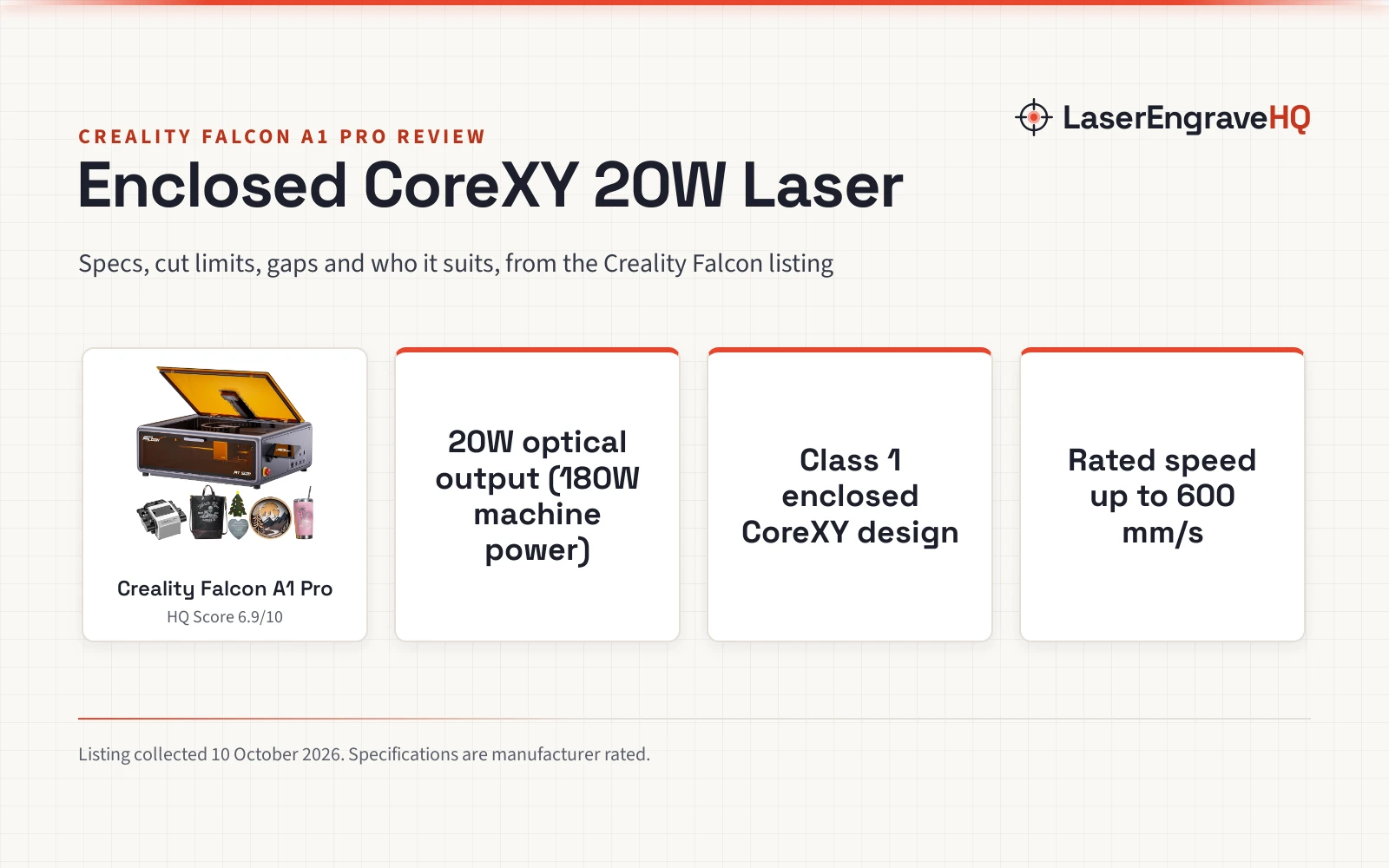
On this page
Top picks at a glance
As an Amazon Associate I earn from qualifying purchases.
- 1
 Creality Falcon A1 Pro 20W Enclosed Laser Cutter and Engraver9.4/10View on Amazon
- 2
 CREALITY FALCON 10w Laser Engraver with Air Assist9.6/10View on Amazon
- 3
 Creality Falcon 5W Laser Engraver Machine9.6/10View on Amazon
- 4
 Creality Falcon A1 Pro 20W Laser EngraverView on Amazon
- 5
 Creality 10W Laser EngraverView on Amazon
This Creality Falcon A1 Pro review evaluates an enclosed 20W diode laser cutter and engraver built with CoreXY motion, auto focus, an HD smart camera, and a touchscreen. It suits home hobbyists and small workshops that need Class 1 enclosure safety, fume containment, and clean cutting on wood and dark acrylic without open frame risks. Buyers who require a published work area or need dedicated jewelry engraving out of the box should skip it. We have not used the machine ourselves; this review is based on Creality Falcon’s Amazon listing and the specs Creality Falcon publishes there.
LaserEngraveHQ earns a commission from purchases made through these links, at no extra cost to you. Read our affiliate disclosure.

Creality Falcon A1 Pro 20W Enclosed Laser Cutter
An enclosed 20W diode laser with CoreXY motion, auto focus, an HD smart camera, integrated touchscreen, and included air assist.
Pros
- 20W optical output (20,000mW) with 180W machine draw and included air assist
- Class 1 enclosed design with 99% radiation-filtering cover, lid open stop, and emergency stop
- CoreXY motion rated up to 600 mm/s with autofocus in about 3 seconds and HD smart camera preview
- Rated to cut 10 mm basswood and 8 mm black acrylic with fewer passes
Cons
- No warranty term is stated on the listing
- Working area dimensions are not stated anywhere in the listing
- Listing contradiction: title names A1 Pro while the spec table lists model number Creality Falcon A1
- Optional 2W 1064nm infrared module for jewelry and fine photo engraving requires a separate purchase
Other machines to compare
 Creality Falcon A1 Pro 20W Laser EngraverCheck price on Amazon
 Creality 10W Laser EngraverCheck price on Amazon
Creality Falcon A1 Pro review: the short verdict
The Falcon A1 Pro combines a 20W diode laser with an enclosed Class 1 workspace and CoreXY mechanics. CoreXY motion drives the laser head for stability at speeds rated up to 600 mm/s. The enclosed chassis includes a transparent protective cover that filters 99% of laser radiation, a lid open safety stop, an emergency stop switch, and bundled air assist. The onboard HD smart camera enables full-bed previews and auto focus in about 3 seconds, while a smart touchscreen lets users run repeated jobs directly from machine history without computer tethering.
The trade-offs are that the listing does not state the work area dimensions, publishes no warranty term, and contains a discrepancy between the A1 Pro title and the Creality Falcon A1 model number in the spec table. In addition, fine jewelry and precious metal engraving requires purchasing the separate 2W 1064nm infrared module.
Key specs
| Spec | Creality Falcon A1 Pro 20W | Optional 2W IR Module | Listing Notes |
|---|---|---|---|
| Laser source | 20W diode | 2W infrared (1064nm) | Blue diode included; IR module sold separately |
| Stated output | 20W (20,000mW) output | 2W output | 180W machine electrical draw |
| Laser class | Class 1 | Class 1 | Transparent cover filters 99% laser radiation |
| Work area | Not stated | Not stated | Dimensions omitted from listing |
| Rated speed | Up to 600 mm/s | Up to 600 mm/s | CoreXY motion system |
| Rated cutting | 10 mm basswood, 8 mm black acrylic | Not stated | Fewer passes stated; exact pass count not stated |
| Camera & focus | HD Smart Camera, autofocus in ~3s | 0.03mm laser spot | Full-bed preview supported |
| Controls | Smart touchscreen, app control | Touchscreen, app control | Direct history project access |
| Safety features | Lid open stop, emergency stop | Lid open stop, emergency stop | Air assist included; blocks smoke and noise |
| Weight | 46.9 pounds | Not stated | Item model number listed as Creality Falcon A1 |
| Warranty | Not stated on the listing | Not stated | No warranty term published |
Specifications are manufacturer rated, as published on the Creality Falcon listing and collected 10 October 2026. The listing states the optical output power as 20W (20,000mW) and machine electrical draw as 180W, separating laser output from electrical input.
The machine
What the Falcon A1 Pro does well
Enclosed Class 1 safety and smoke control
Operating an open frame laser engraver at home poses eye hazards and ventilation challenges. The Falcon A1 Pro addresses this with a fully enclosed body rated as Laser Class 1, protected by an automatic lid open sensor that halts operation if the cover is raised, alongside an accessible emergency stop switch. While the listing states that the transparent cover filters 99% of laser radiation, unrated viewing shields cannot replace eye protection for high-power beams, so certified laser safety glasses remain necessary when watching the machine. The enclosure also blocks smoke and operational noise, making it suitable for home workshops and shared craft spaces when paired with active exhaust.
CoreXY motion and rated speed
Creality Falcon equips the A1 Pro with a CoreXY motion system, rating the machine for engraving speeds up to 600 mm/s. The maker advertises the CoreXY design as 3x faster, boosting batch productivity while preserving engraving detail. The 46.9 pounds machine weight provides a rigid base that dampens vibrations during rapid directional changes, which helps maintain clean lines during batch runs.
Camera preview and rapid autofocus
Material alignment is streamlined via an integrated HD smart camera and automated focusing system. According to the listing, the auto focus routine completes in about 3 seconds, eliminating manual focus blocks or thumb screws. The overhead camera provides a full-bed preview within the software, allowing users to position artwork directly onto material blanks to reduce placement errors.
Touchscreen and standalone controls
Unlike basic diode engravers that require a continuous cable connection to a computer, the Falcon A1 Pro features a built-in smart touchscreen and app control. Operators can access history files and reopen recent projects with a single tap. Real-time previews of work on the screen allow quick status checks during engraving.
Clean cutting with included air assist
The 20W optical output module is rated to cut through 10 mm basswood and 8 mm black acrylic with fewer passes. Creality Falcon includes an air assist system directly in the package, which blows air across the cut line to clear smoke, reduce charring, and maintain clean edges on wood projects.
Limitations
- Work area dimensions not stated. A significant omission in the listing is the working area. While the bullets mention a full-bed preview, Creality Falcon publishes no dimensions in millimeters or inches for the bed size. Buyers cannot confirm whether large signs or standard plywood sheets fit inside before purchasing.
- No warranty term published. The Amazon listing does not state a warranty period for the machine, chassis, or diode module. Prospective buyers should confirm warranty coverage directly with the seller before ordering.
- Title and spec table discrepancy. The product title advertises the machine as the Creality Falcon A1 Pro, whereas the technical specification table designates the item model number as Creality Falcon A1. This creates uncertainty regarding hardware revisions.
- Infrared module sold separately. While the 20W diode can mark bare stainless steel and coated metals, engraving fine jewelry, precious metals like gold and silver, or high-detail photographic metal plates requires the optional 2W 1064nm infrared module with a 0.03mm spot, which requires a separate purchase.
- Diode acrylic restrictions. The stated 8 mm acrylic cutting capacity applies strictly to dark or black acrylic. Diode laser light passes through clear, white, and blue acrylic without cutting. Cutting clear or light-colored acrylic requires a CO2 laser cutter.
Creality Falcon A1 Pro modules and options
The listing describes a 2W red light switching option, referring to an optional 2W 1064nm infrared laser module that requires a separate purchase. Although the listing uses the term red light, 1064nm falls in the near-infrared spectrum. This infrared source utilizes an ultra-fine 0.03mm laser spot designed for engraving photos, jewelry, and reflective metal blanks that reflect blue diode light.
For woodworkers and craft sellers, the standard 20W diode module handles engraving on wood, leather, bare stainless steel, coated metals, and dark acrylic, along with cutting up to 10 mm basswood. However, buyers planning extensive cutting must arrange for workshop exhaust. Even though the enclosure blocks smoke from escaping into the room immediately, the exhaust port must be vented outside or connected to a dedicated fume purifier to manage particulate buildup.
Falcon A1 Pro naming and model details
Shoppers researching the Falcon A1 series will notice conflicting model labels across the listing. The listing title and promotional bullets repeatedly reference the A1 Pro 20W with 3x faster CoreXY motion. However, the manufacturer specification table identifies the item model number simply as Creality Falcon A1.
Because Creality Falcon publishes no separate baseline specification sheet within this listing, buyers cannot compare the A1 Pro against a non-Pro A1. If you are ordering this model, verify with the manufacturer that the unit shipped includes the CoreXY drive, HD camera, and 20W output module rather than an earlier base revision. For comparison with another enclosed unit from the maker, read our Creality Falcon T1 review.
Who should buy it, and who should skip it
Buy it if you want an enclosed Class 1 diode laser for a home workspace, value the physical protection of an interlocked lid with an emergency stop, and want touchscreen controls, CoreXY speed up to 600 mm/s, and rapid autofocus in about 3 seconds for wood and dark acrylic projects.
Skip it if you need a published work area for oversized signage, want out-of-the-box jewelry engraving without buying an optional module, plan to cut clear or blue acrylic, or require a stated warranty. An open gantry machine from our laser engraver hub offers more bed size for the money, while a CO2 laser cutter for home use is required for clear acrylic.
Alternatives
If you are exploring enclosed machines with verified dimensions and established safety credentials, compare the options in our best enclosed laser engraver guide. Beginners seeking a straightforward entry point can consult our best laser engraver for beginners roundup, while small production shops will find higher-capacity picks in our best laser engraver for small business guide.
To understand the difference between blue diode cutting and gas tube systems, see our diode vs CO2 laser comparison. If you are still determining which machine configuration fits your workflow and budget, read our detailed guide on how to choose a laser engraver.
The Creality Falcon A1 Pro is listed as a Class 1 laser device due to its fully enclosed housing and protective cover, which the manufacturer states blocks 99% of laser radiation. The unit features a lid open stop mechanism that halts the laser when opened, along with an accessible emergency stop switch. Even with Class 1 enclosure protection, operating diode lasers requires active ventilation to exhaust smoke and organic particulates outdoors or through an approved fume extractor. Never engrave or cut PVC, vinyl, ABS, or polycarbonate, as these materials release corrosive, toxic fumes that damage equipment and pose severe respiratory hazards. Adhere to FDA CDRH laser product guidelines and OSHA workshop safety recommendations during operation.
FAQ: lasers and CNC
What are the Creality Falcon A1 Pro specs?
The Falcon A1 Pro features a 20W (20,000mW) optical output diode laser, 180W machine power draw, a CoreXY motion system with speeds rated up to 600 mm/s, an HD smart camera with auto focus in about 3 seconds, a built-in touchscreen, app control, and an item weight of 46.9 pounds. The work area dimensions are not stated in the listing.
Is the Creality Falcon A1 Pro enclosed?
Yes. The Falcon A1 Pro is a fully enclosed Class 1 laser cutter. Its transparent protective cover is rated to filter 99% of laser radiation, and the machine includes a safety interlock that stops the laser if the lid is opened, plus an emergency stop switch.
What materials can the Creality Falcon A1 Pro cut?
The listing states that the 20W diode cuts up to 10 mm basswood and 8 mm black acrylic with fewer passes. Like all blue diode lasers, it cannot cut clear, white, or blue acrylic because the beam transmits or reflects without absorbing.
Does the Creality Falcon A1 Pro engrave metal?
The included 20W blue diode laser can mark bare stainless steel, coated metals, and dark materials. For engraving delicate jewelry, reflective precious metals, and ultra-fine photos, Creality Falcon references an optional 2W 1064nm infrared laser module with a 0.03mm spot, which is not included and requires a separate purchase.
Does the Creality Falcon A1 Pro include air assist?
Yes. The listing confirms that air assist functions are integrated into the machine to clear smoke and debris from the cut line, helping maintain cleaner edges on wood and acrylic.
Related: the laser engraver hub, the diode laser hub and fume extractors.