What Materials Can a Laser Engraver Cut: Complete Material Guide
A complete guide to what materials a laser engraver can cut, detailing safe woods, plastics, leather and rubber across diode, CO2 and fiber machines.

On this page
Top picks at a glance
As an Amazon Associate I earn from qualifying purchases.
- 1
 TOOCAA 10W Enclosed Laser Engraver for Tumblers9.6/10View on Amazon
- 2
 CREALITY FALCON A1 10W Laser Engraver9.6/10View on Amazon
- 3
 CREALITY FALCON A1 White 10W Laser Engraver9.6/10View on Amazon
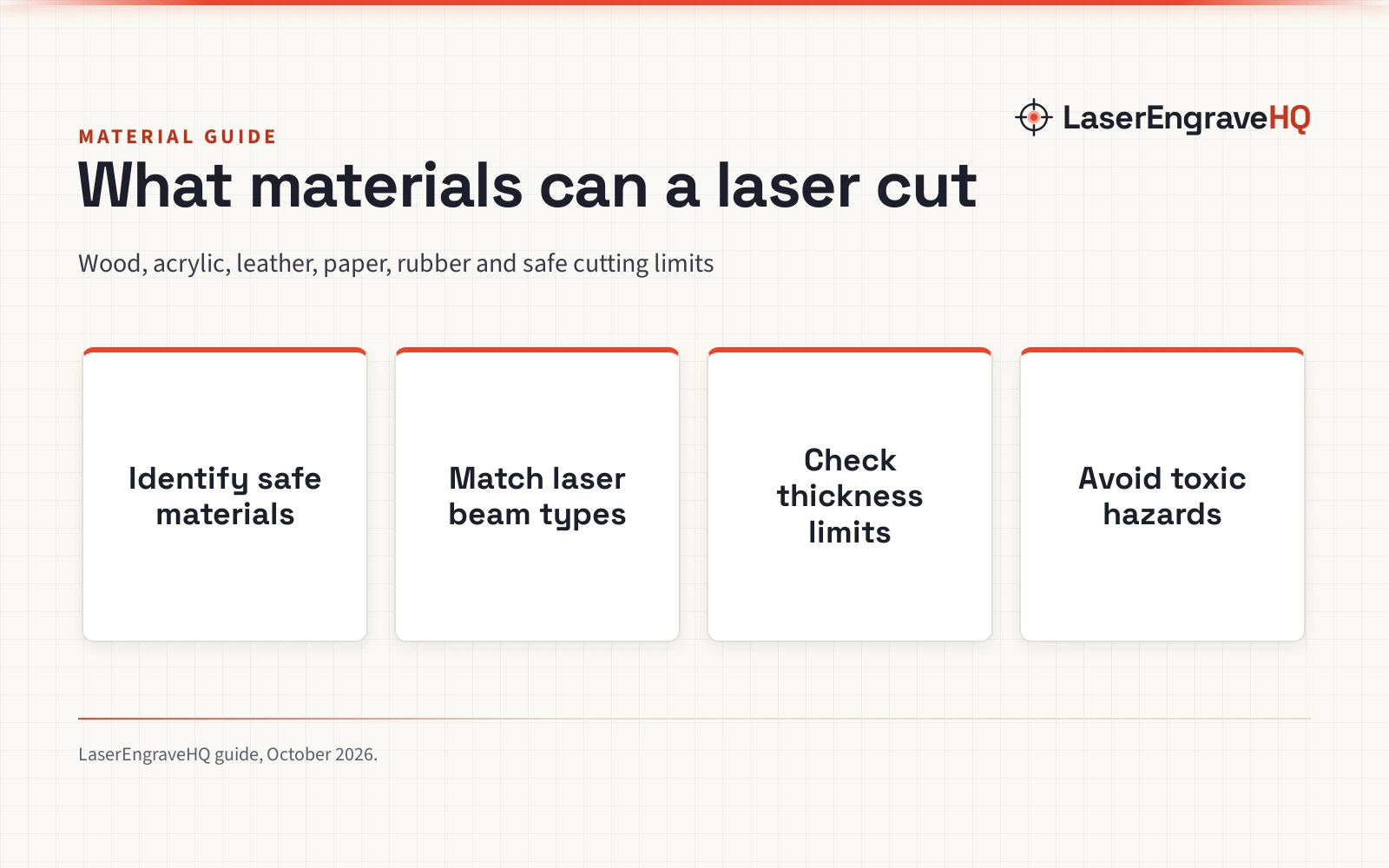
What materials can a laser engraver cut comes down to beam wavelength and optical output: safe materials include wood, paper, cardboard, laser-compatible acrylic, genuine leather, natural fabric, and stamp rubber. A diode laser cuts organic materials and black acrylic, a CO2 laser cuts clear acrylic and thicker wood, and a fiber laser marks bare metal rather than cutting sheet stock. The sections below break down safe materials by family, explain beam limits, and list hazardous plastics you must never place under a laser.
LaserEngraveHQ earns a commission from purchases made through these links, at no extra cost to you. Read our affiliate disclosure.
Laser machines vary by beam source, optics, and manufacturer build quality. We do not provide unverified cutting claims or generic rules of thumb. Every figure in this guide comes directly from verified manufacturer specifications; when no verified figure exists, we explain material behavior without inventing numbers.
Step 1: Match beam wavelength to material type
Different materials absorb different light wavelengths, which decides whether a beam cuts cleanly, reflects, or passes straight through without effect.
Diode lasers produce visible blue light. For example, maker ACMER lists its S1 diode model with a 455±5nm wavelength, a 2mm focal length, and a 130*130mm working area. ACMER lists a 3500mW optical output (alongside a 6000mW diode laser claim with 24W machine draw). Because transparent items do not absorb blue light, diode beams pass straight through clear materials without cutting them. Diode units cut dark materials that absorb blue light, such as black acrylic, craft paper, thin wood, and genuine leather.
CO2 lasers produce a long infrared beam that organic matter, wood, and acrylic absorb efficiently, cutting clear and opaque acrylic alike. Fiber lasers emit a wavelength tuned for metals, excelling at marking bare metal alloys rather than cutting sheet stock. For a detailed comparison, read our diode vs CO2 laser guide and how to choose a laser engraver.
Step 2: Evaluate wood and paper sheet goods
Wood is the most versatile laser cutting material. Softwoods, hardwoods, plywood sheets, and paper products vaporize cleanly under focused laser heat when accompanied by steady air assist.
Basswood and birch plywood are standard choices for craft projects because their uniform grain minimizes resin pockets. For instance, maker Rowood lists multi-pack colored plywood sheets in 1/8 inch (3mm) thickness, with sheet dimensions including 12x12x1/8 inch (300x300x3mm), 12x16x1/8 inch (300x420x3mm), and 12x18x1/8 inch (300x450x3mm). Beginner packages also bundle these woods: supplier Adrattnay lists a 170 piece craft kit containing basswood and birch sheets, and a 218 piece assortment with large and small basswood blanks.
Interior-grade craft plywood uses adhesives that cut cleanly, whereas exterior construction plywood uses resins that char heavily and resist the beam. Paper, cardstock, and corrugated cardboard cut rapidly with minimal laser power. For recommendations on wood supplies, see our guide to the best plywood for laser cutting and our roundup of the best laser engraver for wood.
Step 3: Select laser-compatible acrylic and plastics
Acrylic cuts cleanly under laser heat, producing polished edges when processed with proper settings. However, you must choose the correct acrylic variety and beam source.
Cast acrylic engraves to a frosted white finish and cuts smoothly. Extruded acrylic cuts cleanly with flame-polished edges, making it popular for dimensional lettering and displays. Color selection is critical: diode machines can only cut acrylic colors that absorb blue light, such as black and select dark shades. Diode lasers cannot cut clear, white, or blue acrylic sheets because those colors reflect or transmit the blue beam. In contrast, CO2 lasers cut acrylic in all colors, including completely transparent and white sheets.
For workshops processing oversized sheet stock, accessory hardware can expand working space: for example, maker WECREAT lists an automatic conveyor feeder that accommodates materials up to 14mm thick on compatible open-frame machines (and up to 8mm on WeCreat Vision) for pass-through work, expanding the working area to 137″x15″ (or 137″ x 14.9″). Note that feeder clearance represents mechanical pass-through capacity, not maximum laser cutting thickness, which depends strictly on optical beam power. To learn more, see our guide on cutting acrylic with a diode laser and our comparison of PVC vs acrylic sheet.
Step 4: Work with leather, fabrics, and craft blanks
Natural fibrous materials cut quickly and cleanly, making them popular for personalized accessories, patches, and apparel.
Vegetable-tanned genuine leather cuts cleanly, leaving sealed, dark brown edges that require only light wiping. Avoid chrome-tanned leather, which can produce hazardous vapors. High-quality PU leather (polyurethane-based synthetic leather) is also laser-compatible when free of vinyl backings. Multi-material bundles frequently feature these blanks: supplier Dunzoom lists a 257 piece package and a 127 piece kit containing fabric and PU leather blanks; maker Mroy mio lists a 135 piece kit with 27 blank varieties including felt, fabric, and PU leather; supplier Mossaestheticoy lists a 144 piece assortment covering 29 material types including fabric and leather blanks.
Natural fabrics like cotton, denim, canvas, linen, and silk cut cleanly with low power settings. Synthetic fabrics like polyester melt and seal along the cut edge, preventing fraying. Avoid faux leather made with vinyl. Explore blank options in our guide to leather patches for laser engraving.
Step 5: Carve rubber stamps and specialty blanks
Rubber stamps are a classic laser product, but require specially formulated laser rubber sheets that resist thermal degradation.
Laser-grade stamp rubber is designed to vaporize without melting into sticky residue or catching fire. For example, supplier Gilprop lists red rubber stamp sheets with a thickness of 2.3 mm (about 0.09″) in sheet sizes of 2″x2″, 3″×3″, 2″×4″, and 3″×4″. These sheets allow crisp relief carving and detail cutting for custom hand stamps.
Cork is another natural sheet material that cuts smoothly for coasters and protective pads. Supplier Adrattnay includes cork pads in both its 170 piece and 218 piece blank packages. Because rubber cutting produces a pronounced odor and fine particulate, active air assist and strong extraction are mandatory. For guidance on optimizing cutting parameters, check our laser engraver speed and power settings chart.
Step 6: Understand cutting limits on metal and stone
A frequent beginner misunderstanding is assuming that a desktop laser engraver can cut sheet metal or stone slabs. Desktop lasers can mark these dense materials, but cannot cut through them.
Metals possess high thermal conductivity and reflectivity. Diode and CO2 lasers cannot cut bare metal; they mark anodized aluminum or coated metals by vaporizing the surface coating. Desktop fiber lasers produce intense energy to mark, etch, and anneal bare steel, brass, and aluminum, but cutting through metal plates requires high-pressure oxygen or nitrogen assist gas alongside industrial power sources far beyond desktop enclosures. For details on metal capabilities, consult our guides on whether a fiber laser can cut metal and whether a CO2 laser can cut metal.
Stone, slate, ceramic, and glass cannot be cut through with a laser beam. Thermal stress from focused laser heat causes glass and stone to fracture locally, creating engraved surface marks rather than through-cuts. Desktop shops pairing high-volume engraving with small business production can review our best laser engraver for small business guide.
Step 7: Check the never-laser list for dangerous materials
Certain common workshop plastics release lethal gases, produce dense corrosive soot, or present catastrophic fire risks when exposed to a laser beam. You must never place the following materials into any laser machine:
- PVC and Vinyl: Polyvinyl chloride (PVC), vinyl records, and vinyl-backed faux leather release hydrogen chloride gas during thermal decomposition. This gas combines with atmospheric moisture to form hydrochloric acid, destroying precision mirrors, linear rails, and electronic controller boards while posing severe health risks to the operator. Some generic craft sets, such as Adrattnay 170 piece and 218 piece packages, include PVC sheets for manual craft work; you must never cut these sheets with a laser.
- Polycarbonate (Lexan): Polycarbonate absorbs laser energy poorly, melts rapidly, catches fire, and generates thick clouds of black soot that coat lenses and internal mechanics.
- ABS Plastic: Acrylonitrile butadiene styrene melts instead of vaporizing cleanly, emitting cyanide gas compounds and leaving sticky, flammable puddles on your cutting bed.
- Faux Leather with Vinyl: Many cheap synthetic leathers use PVC backings. Always confirm synthetic leather is pure polyurethane (PU) before cutting.
- Fiberglass and Carbon Fiber: The resins binding these materials emit hazardous fumes, and laser cutting exposes irritating glass fibers.
Always operate laser equipment with certified ventilation and eye protection. Review our laser ventilation guide, our fume extractor guide, and our laser safety glasses guide before starting any cutting project.
Common material mistakes to avoid
- Attempting to cut transparent acrylic with a blue diode laser.
- Cutting mystery plastics from retail packaging without verifying the chemical composition.
- Neglecting air assist when cutting wood, resulting in burned edges and flare-ups.
- Confusing machine electrical input draw with true optical cutting power.
- Failing to vent fumes outdoors or neglecting certified multi-stage fume filtration.
What materials can a laser engraver cut: the short version
- Verify chemical safety and confirm the material is completely free of PVC, vinyl, ABS, and polycarbonate.
- Match the material family to the laser beam type: diode for dark organics, CO2 for clear acrylic and wood, fiber for metal marking.
- Confirm material thickness: thin sheets like Rowood 1/8 inch (3mm) plywood cut cleanly, while thicker stock requires multiple passes or high-capacity machines.
- Activate air assist appropriately: strong flow for wood and leather to suppress flare-ups, but gentle flow for acrylic to preserve flame-polished edges.
- Exhaust all fumes directly outdoors or direct exhaust through a dedicated multi-stage filter.
- Wear certified laser safety glasses with optical density ratings matching your machine wavelength.
FAQ: lasers and CNC
Can a diode laser cut clear acrylic?
No. Blue diode lasers, such as those operating at the 455±5nm wavelength cited by ACMER, emit light that passes directly through transparent acrylic without being absorbed. Cutting clear acrylic requires the infrared beam of a CO2 laser.
Can a hobby laser engraver cut metal sheets?
No. Desktop diode, CO2, and fiber lasers do not possess the optical wattage or high-pressure assist gas systems required to cut sheet metal. Desktop fiber units mark and etch bare metals, but do not cut through plates.
What is the easiest material to cut with a beginner laser?
Thin craft basswood and birch plywood, such as the 1/8 inch (3mm) sheets listed by Rowood, are the easiest materials for beginners. They cut reliably, produce minimal charring with air assist, and engrave cleanly.
Why is PVC completely banned from laser cutting?
Thermal decomposition of PVC produces hydrogen chloride gas, which forms hydrochloric acid upon contact with moisture. This acidic vapor severely corrodes metal machine components, clouds laser optics, and creates severe respiratory hazards.
Do I need air assist when cutting materials?
Air assist is essential when cutting wood, paper, and leather to blow away combustion gases, prevent flaming, and keep edges clean. However, when cutting acrylic, operators typically reduce air flow to a gentle trickle, as excessive air pressure cools the molten plastic and prevents the formation of a smooth, flame-polished edge.
How does optical power differ from electrical draw?
Optical power measures the actual focused light output delivered to the workpiece, while electrical draw measures total power consumed from the wall outlet. For instance, ACMER lists a 3500mW optical diode alongside a 24W machine draw.
Related: the laser engraver hub, engraving materials category, diode vs CO2 laser comparison, best plywood for laser cutting, cutting acrylic with a diode laser, and our best laser engraver for small business guide. Also see our laser safety glasses guide and laser ventilation guide.



