3018 CNC vs Diode Laser Engraver: Which One Should You Buy?
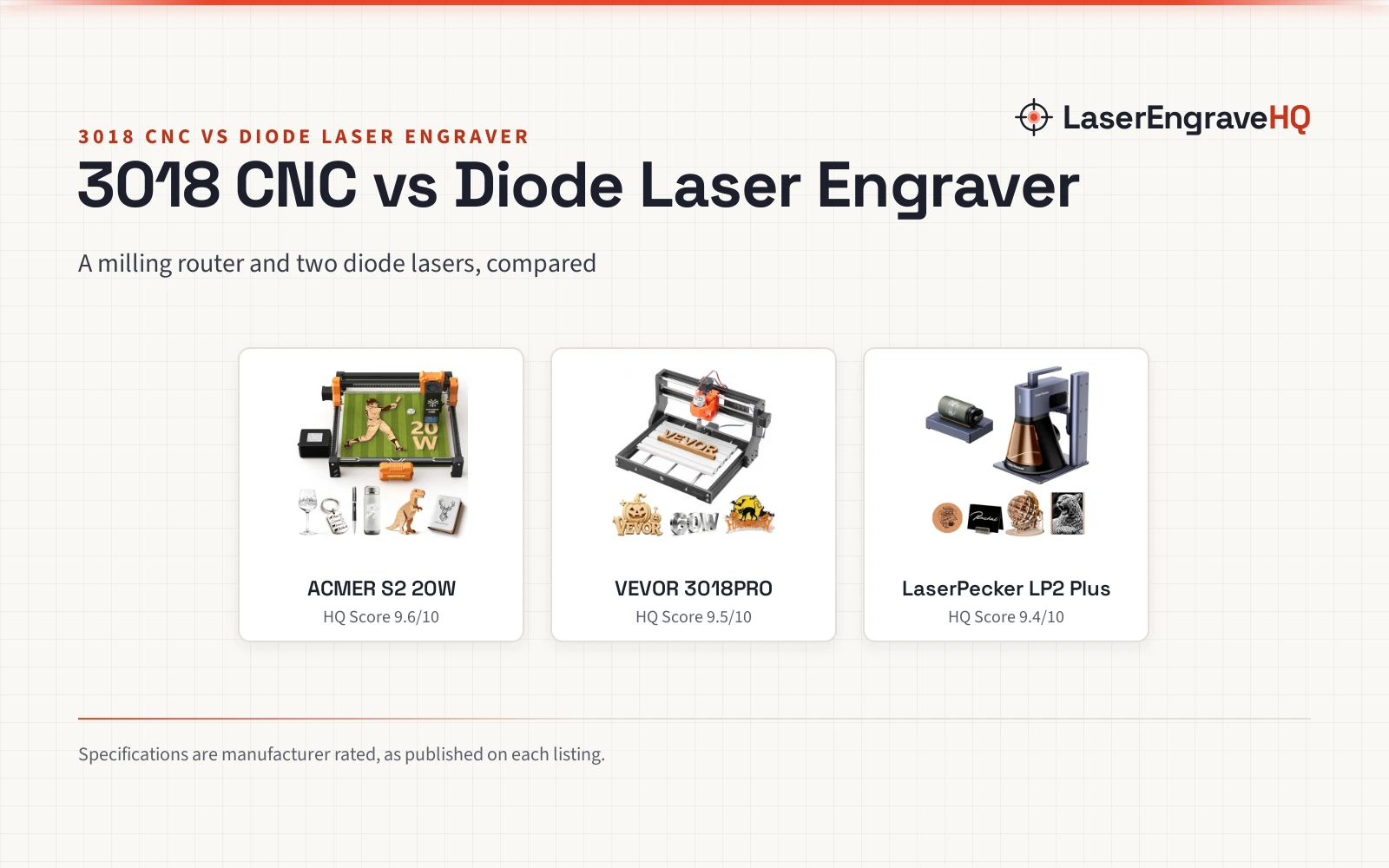
A 3018 CNC router mills solid stock while two diode lasers mark and cut flat materials.

On this page
Top picks at a glance
As an Amazon Associate I earn from qualifying purchases.
- 1
 CNCTOPBAOS 3018-PRO CNC Router Engraving Machine w/GRBL9.5/10View on Amazon
- 2
 Acmer S2 20W Laser Engraver9.6/10View on Amazon
- 3
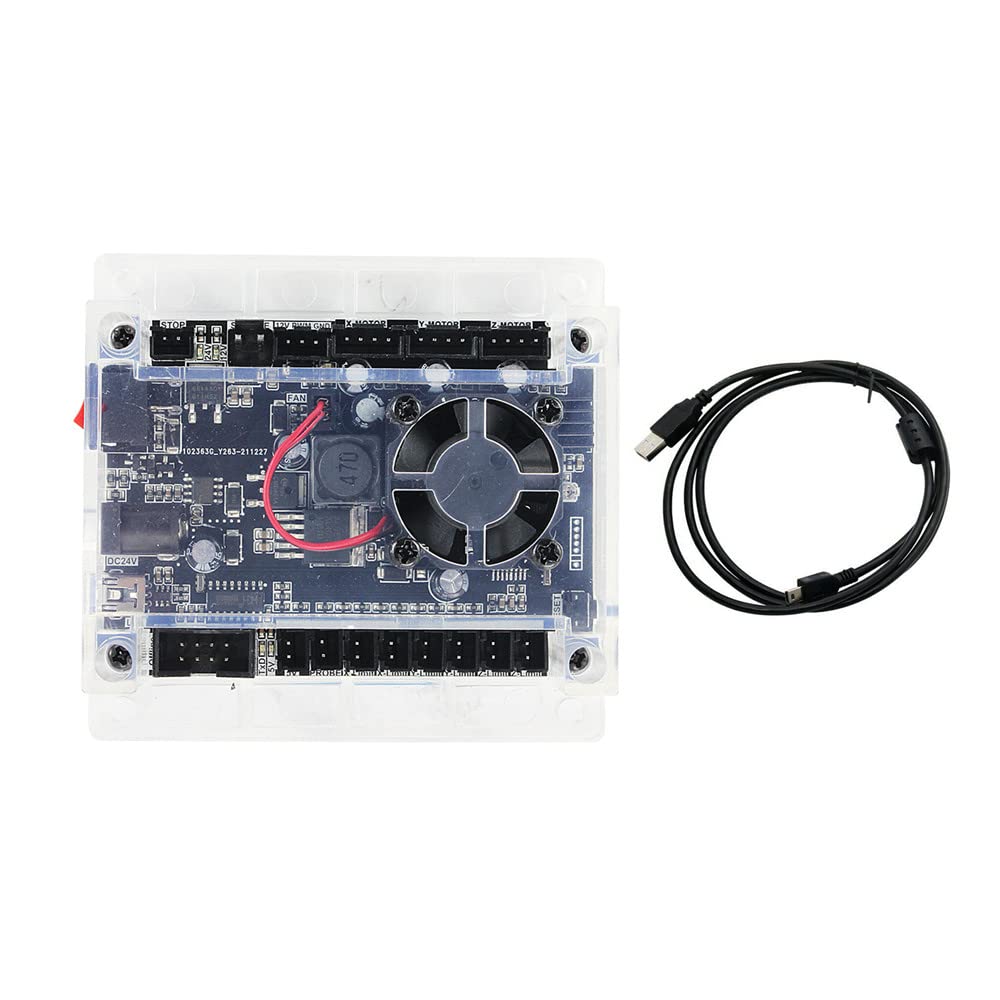 CNCTOPBAOS 3 Axis GRBL 1.1f USB CNC Engraving Machine9.5/10View on Amazon
- 4
 Creality Falcon 10W Laser Engraver MachineView on Amazon
- 5
 Creality Falcon A1C 10W Mini Laser EngraverView on Amazon
- 6
 SCULPFUN S9 Laser EngraverView on Amazon
- 7
 Genmitsu 3018-PROVer V2 CNC Milling Machine for BeginnersView on Amazon
- 8
 LaserPecker LP2 Diode Laser Engraver Laser Engraving MachineView on Amazon
- 9
 LONGER Ray5 Laser Engraver and Cutter MachineView on Amazon
A maker choosing between a small CNC router and a diode laser engraver faces different ways of shaping material: a spinning bit mills and carves, while a focused beam marks and cuts. This guide compares 3018 cnc vs diode laser engraver through the VEVOR router and the LaserPecker and ACMER diode lasers. The short verdict: pick the router for milling solid stock, and pick a diode laser for marking and cutting flat materials.
LaserEngraveHQ earns a commission from purchases made through these links, at no extra cost to you. Read our affiliate disclosure.
Verdict: pick the VEVOR 3018PRO for milling solid wood and acrylic, and pick a diode laser for marking and cutting flat materials. The ACMER states 20W of diode power against 10W for the LP2 Plus, which adds the SpinTrack bundle.
Machines on the list
| # | Product | HQ Score | Buy |
|---|---|---|---|
| 1 | Acmer S2 20W Laser Engraver | 9.6/10 | Buy on Amazon |
| 2 |  VEVOR 3018 CNC Router Machine, 60W Spindle | 9.5/10 | Buy on Amazon |
| 3 |  LaserPecker LP2 Plus SpinTrack Bundle | 9.4/10 | Buy on Amazon |
Acmer S2 20W Laser Engraver
A 20W diode laser engraver with a 300 x 285mm area, 25L/min air assist, limit switches and a 1 Year warranty.
Pros
- True 20W diode module at 455±5nm
- 300 x 285mm working area
- 25L/min air assist pump for cleaner cutting edges
- Limit switches plus a 1 Year warranty
Cons
- DIY assembly design means assembly first
- No laser class stated in the listing
- Rotary attachment not stated in the listing
- Weight not stated in the listing
VEVOR 3018 CNC Router Machine, 60W Spindle
A 3018 CNC router with a 60W spindle and a 300 x 180 x 40 mm work area for milling wood and acrylic.
Pros
- Mills and carves wood and acrylic with a 60W spindle
- 300 x 180 x 40 mm work area, expandable to 400 mm on the Y-axis
- Aluminum alloy body with a 1.57 in heavy-duty base
- Repeat positioning accuracy of ≤0.07 mm with a 32-bit control board
Cons
- Mills only; no laser marking
- Smaller stated work area than the ACMER S2 20W
- No warranty term stated in the listing
- Dust extraction not stated in the listing
LaserPecker LP2 Plus SpinTrack Bundle
A portable 10W diode laser engraver with a SpinTrack bundle for trolley and cylinder work, rated at 4000mm/s.
Pros
- 10W diode at 450nm with F-theta lens for sharp 4K engraving
- SpinTrack bundle: 2-meter trolley track and cylinder mode
- Rated 4000mm/s engraving speed
- Dual red-dot focus for fast alignment
Cons
- 10W diode is lower power than the ACMER 20W
- Fixed work area not stated in the listing
- No warranty term stated in the listing
- No air assist stated in the listing
Other machines to compare
 Creality Falcon 10W Laser Engraver MachineCheck price on Amazon
 Creality Falcon A1C 10W Mini Laser EngraverCheck price on Amazon
 SCULPFUN S9 Laser EngraverCheck price on Amazon
 Genmitsu 3018-PROVer V2 CNC Milling Machine for BeginnersCheck price on Amazon
 LaserPecker LP2 Diode Laser Engraver Laser Engraving MachineCheck price on Amazon
 LONGER Ray5 Laser Engraver and Cutter MachineCheck price on Amazon
Side by side
| Spec | ACMER S2 20W | VEVOR 3018PRO | LaserPecker LP2 Plus |
|---|---|---|---|
| HQ Score | 72 | 62 | 55 |
| Machine type | Diode laser engraver | 3018 CNC router | Diode laser engraver |
| Power | 20W diode, 455±5nm | 60W spindle | 10W diode, 450nm |
| Work area | 300 x 285mm | 300 x 180 x 40 mm | Trolley track 2 meters; bed not stated |
| Speed | Up to 10,000mm/min | Not stated in the listing | 4000mm/s |
| Materials | Wood, acrylic, leather, paper, bamboo, PCB board, ceramic | Wood, acrylic | Wood, leather, acrylic, coated metal |
| Software | ACMER Studio, free | Candle included, Easel support | Not stated in the listing |
| Warranty | 1 Year warranty | Not stated in the listing | Not stated in the listing |
| Weight | Not stated in the listing | 14.77 Pounds | 3.39kg |
Specifications are manufacturer rated, as published on each listing and collected 30 October 2026.
3018 cnc vs diode laser engraver: how they cut
The VEVOR 3018PRO cuts by milling: a 60W spindle spins a bit through wood and acrylic, with a stated work area of 300 x 180 x 40 mm. The diode lasers cut and mark with light: the ACMER S2 20W states a 20W diode at 455±5nm, and the LaserPecker LP2 Plus states a 10W diode at 450nm. Milling suits solid parts with depth and shape; laser work suits flat marking and cutting sheet material. The choice turns on what you plan to make.
Power and speed
Spindle watts and laser watts are different measures, so do not compare the VEVOR 60W spindle figure directly with diode output figures. Between the diode lasers, the ACMER states 20W of diode output and the LP2 Plus states 10W. Speed figures also arrive in different units: the LP2 Plus is rated at 4000mm/s, while the ACMER states speeds up to 10,000mm/min. The VEVOR listing states no cutting speed; it states repeat positioning accuracy of ≤0.07 mm instead.
Work area and materials
The ACMER states a 300 x 285mm working area. The VEVOR states 300 x 180 x 40 mm, expandable up to 400 mm on the Y-axis. The LP2 Plus states no fixed bed size; its SpinTrack trolley mode runs along a 2-meter track for signage, panels and batch work, and its cylinder mode handles bottles, cups and tubes. For materials, the ACMER lists wood, acrylic, leather, paper, bamboo, PCB board and ceramic; the LP2 Plus lists wood, leather, acrylic, coated metal and more; the VEVOR title lists wood and acrylic carving and cutting. Never laser PVC or vinyl.
Software and workflow
The VEVOR runs GRBL f1.1 firmware, includes Candle software and supports Easel. The ACMER includes free ACMER Studio software for NC, DXF, BMP, JPG and PNG formats. The LP2 Plus listing states no software package; its workflow centers on the SpinTrack bundle and dual red-dot focus for alignment. A rotary knob on the VEVOR gives spindle control during milling.
Safety and setup
Neither diode listing states a laser class, so plan eye protection and ventilation separately. The ACMER states built-in limit switches that keep the laser head from hitting the frame. The VEVOR states spindle current detection protection that reduces faults. The LP2 Plus states dual red-dot focus for alignment, a positioning aid rather than a safety certification. Cutting and engraving make fumes and chips: ventilate and stay with any machine while it runs.
Choose the ACMER S2 20W if
- You want the higher diode output, at 20W.
- You want a 300 x 285mm work area with air assist.
- You want a 1 Year warranty and limit switches.
Choose the VEVOR 3018PRO if
- You want to mill and carve solid wood and acrylic parts.
- You want GRBL control with Candle and Easel.
- You want an aluminum alloy body and heavy-duty base.
Choose the LaserPecker LP2 Plus if
- You want a portable laser at 3.39kg.
- You want trolley mode for signs and batch work, and cylinder mode for cups.
- You want dual red-dot focus for fast alignment.
Laser cutting makes smoke and bright light. Ventilate, stay with the machine while it runs, keep a fire extinguisher nearby, and never laser PVC or vinyl.
Project Match
- Signs and panels: the ACMER S2 20W with its 300 x 285mm area, or the LP2 Plus in trolley mode.
- Milled wood and acrylic parts: the VEVOR 3018PRO, the only router here.
- Cups, bottles and tubes: the LP2 Plus in cylinder mode.
- Photo engraving and fine detail: the ACMER S2 20W, with a 0.09 x 0.1mm spot.
FAQ: lasers and CNC
Should I buy a 3018 CNC or a diode laser engraver?
Buy the router for milling and carving solid wood and acrylic. Buy a diode laser for marking, engraving and cutting flat materials with fine detail. Match the machine type to the project first.
Can the VEVOR 3018PRO engrave with a laser?
No. The VEVOR listing describes a CNC router with a 60W spindle for milling, carving and cutting wood and acrylic. It states no laser.
Do these machines state a laser class?
Neither diode listing states a laser class. The VEVOR is a CNC router, so laser class does not apply to it.
Can these machines cut metal?
Only in limited ways. The LP2 Plus listing includes coated metal. The ACMER listing does not list metal cutting, and the VEVOR title lists wood and acrylic.
Related: CNC router vs laser engraver, how to choose a laser engraver and best laser engraver for beginners.



