Enclosed Fiber Laser vs Open Fiber Laser: Which One Should You Buy?
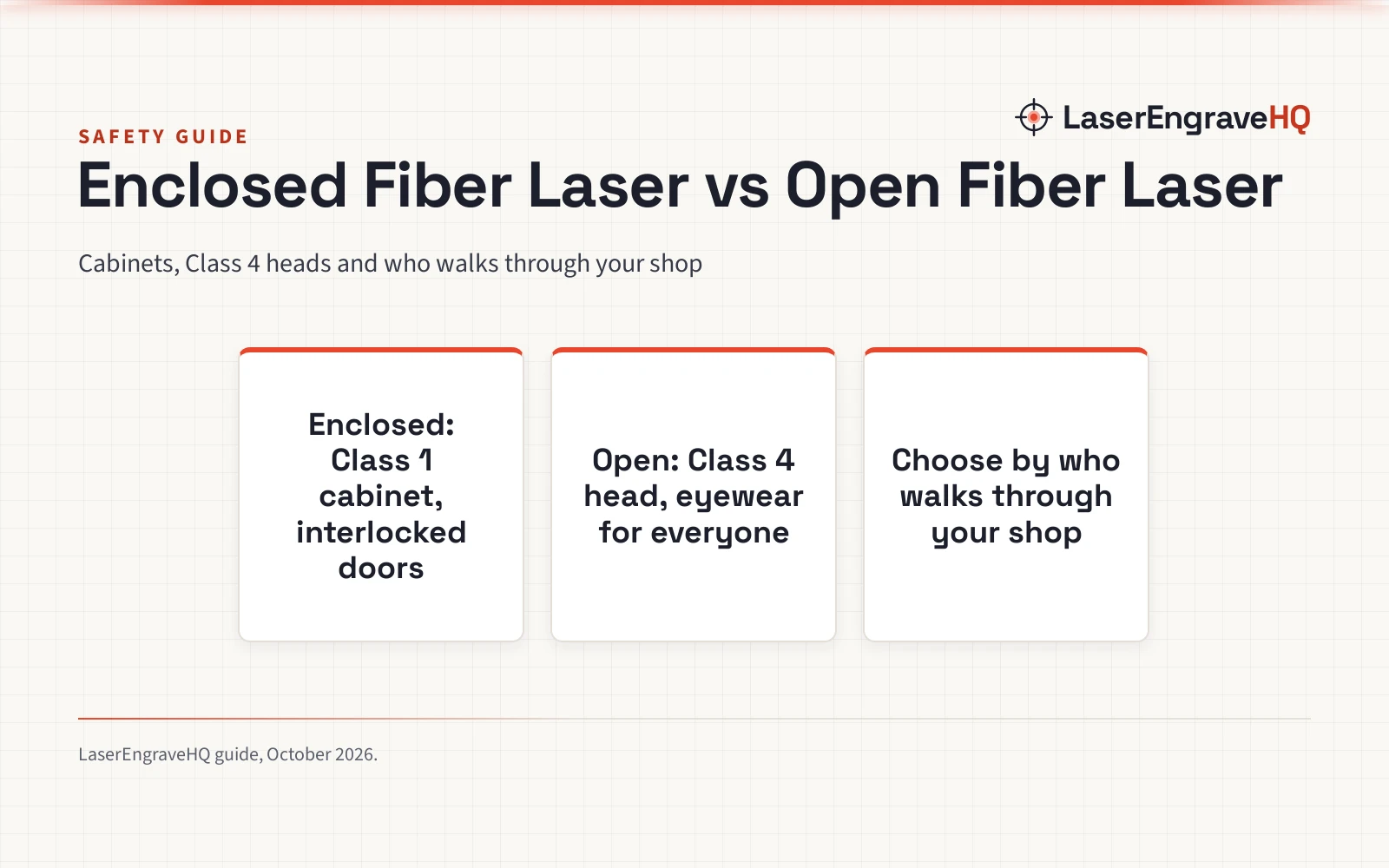
An enclosed fiber laser runs as a Class 1 cabinet anyone can walk past, while an open fiber laser like the GWEIKE G2 Pro is a Class 4 head for flexible marking.

On this page
Top picks at a glance
As an Amazon Associate I earn from qualifying purchases.
- 1
 LaserPecker LP5 Smart Dual 20W Fiber + Diode Laser Engraver9.5/10View on Amazon
- 2
 Monport 60W Fiber Laser Engraver with Rotary Axis & Lightburn9.5/10View on Amazon
- 3
 xTool M2 20W Color Craft Laser Engraver9.7/10View on Amazon
- 4
 GWEIKE G2 Pro 30W Fiber Laser Engraver with 3D & DeepView on Amazon
- 5
 GWEIKE G2 Plus 20W Fiber Laser EngraverView on Amazon
- 6
 Brilliance Laser Inks Black Metal Liquid-Ready Laser MarkingView on Amazon
- 7
 Brilliance Laser Inks Copper-Tone Red Liquid-Ready MarkingView on Amazon
- 8
 CREALITY FALCON A1 10W Laser EngraverView on Amazon
- 9
 CREALITY FALCON A1 White 10W Laser EngraverView on Amazon
A fiber laser marker always needs some form of beam safety, and the two ways to get it divide the market. Enclosed fiber laser vs open fiber laser: an enclosed machine puts the whole marking process inside a cabinet with interlocked doors, so it ships as a Class 1 device you can run in a shared shop; an open fiber laser like the GWEIKE G2 Pro 30W or G2 Plus 20W sits on your bench as a Class 4 device with a protective cover and glasses, in a compact bench unit. Pick enclosed for shared spaces and walk-up use; pick open for flexibility and handheld marking.
Other machines to compare
 GWEIKE G2 Pro 30W Fiber Laser Engraver with 3D & DeepCheck price on Amazon
 GWEIKE G2 Plus 20W Fiber Laser EngraverCheck price on Amazon
 Brilliance Laser Inks Black Metal Liquid-Ready Laser MarkingCheck price on Amazon
 Brilliance Laser Inks Copper-Tone Red Liquid-Ready MarkingCheck price on Amazon
 CREALITY FALCON A1 10W Laser EngraverCheck price on Amazon
 CREALITY FALCON A1 White 10W Laser EngraverCheck price on Amazon
LaserEngraveHQ earns a commission from purchases made through these links, at no extra cost to you. Read our affiliate disclosure.
Enclosed Fiber Laser vs Open Fiber Laser: The Short Answer
An enclosed fiber laser is a cabinet machine: the galvo head, work bed and fume handling live behind doors that cut the beam when opened, which is why enclosed machines list as Class 1. An open fiber laser is a head on a column or a detachable handheld unit, like the GWEIKE G2 Pro with its 110x110mm working area or the G2 Plus with its 150x150mm area, both listed at Class 4 with 1064nm output. The enclosure trades access and footprint for safety; the open design trades beam safety for flexibility. Your shop layout and who walks through it decide.
What an enclosed fiber laser gives you
The enclosure is the safety system. Interlocked doors mean the beam cannot fire with the door open, stray reflections stay inside, and the machine qualifies as Class 1, the rating under which no one in the room needs eyewear. An enclosed machine usually also routes fume extraction through the cabinet, which keeps metal marking smoke out of the shop air. That makes enclosed machines the natural choice for a shared workshop, a classroom, or a business where customers or staff walk past the machine while it runs.
The cost is access. You work through the doors, the work envelope is whatever the cabinet allows, and handheld or out-of-position marking is impossible. Enclosed machines also take more floor space, since the marking area sits inside a cabinet. If your jobs are parts you can lift into a cabinet, that is no loss; if you mark assemblies, doors or installed hardware, it is a dealbreaker.
What an open fiber laser gives you
An open fiber laser trades the cabinet for freedom of movement. The GWEIKE G2 Pro 30W lists a 110x110mm working area with a detachable design for handheld engraving beyond the workbench, and the G2 Plus 20W offers a 150x150mm area with an electric lifting column for focus, both stating 15000 mm/s engraving speeds and 0.001 mm accuracy. You can mark a tumbler on the bench, a tool chest in the corner, or a part clamped in a vise, because the head goes where the work is.
The trade is beam safety, and it is not a small one. Both GWEIKE listings state Class 4, a 1064nm beam that can injure eyes and skin from reflections, and both ship with protective glasses, an emergency stop button and a protective cover rather than a full enclosure. You are responsible for eyewear for everyone in the room, for containing reflections, and for a workspace layout where no one walks through the beam path. The G2 Pro lists an FDA accession number, 2211667-002, which speaks to the product’s regulatory paperwork, not to safety you can relax about.
Safety, eyewear and the room around the machine
This is the section that decides the purchase. An enclosed Class 1 machine asks little of the room: keep the interlocks working and vent the fumes. An open Class 4 machine asks a lot: eyewear matched to 1064nm for everyone present, a controlled area with no unprotected bystanders, and the discipline to never defeat the cover. If your shop has walk-through traffic, kids, or a shared maker space, an enclosed machine is the honest answer. If you control a private workshop and already practice laser safety, an open machine like the G2 Pro at 22 pounds and 17.2 x 10.1 x 21.2 inches is a flexible tool. Read our laser safety hub and the laser safety glasses guide before buying either.
Fumes and ventilation
Both types produce fumes when they mark metal, and neither listing in this guide gives extraction figures, so treat this as general practice: plan to vent outdoors or use a filter built for laser fumes, and do not mark coated metals without knowing what the coating releases. Enclosed machines make ducting simpler because the smoke is already contained; open machines need a capture hood or arm positioned over the marking point. Our ventilation guide walks through the options.
Which one should you buy
- Choose an enclosed fiber laser if your shop is shared, staffed or open to customers, if you want walk-up marking without eyewear for bystanders, or if you value the contained fume path a cabinet gives.
- Choose an open fiber laser if you mark large or installed parts, want handheld capability like the G2 Pro’s detachable head, need the 150x150mm field of the G2 Plus on a bench, or control a private shop and already run laser safety discipline.
- Budget and space: open machines take less floor for the same marking field; enclosed machines add a cabinet around it. Pick the machine whose safety you will actually maintain.
Still deciding on the fiber side itself? Our fiber laser engraver overview explains the source types, and the best fiber laser engraver guide compares current open models by stated power and work area. For cabinet options, see the laser engraver enclosure picks.
FAQ: lasers and CNC
Is an enclosed fiber laser safer than an open one?
Yes, for bystanders. An enclosed machine with interlocked doors runs as Class 1, so no one in the room needs eyewear. An open machine like the GWEIKE G2 Pro is Class 4, and everyone present needs proper 1064nm eyewear plus a controlled beam area.
Can an open fiber laser mark large parts?
That is its strength. Open machines like the G2 Pro with a detachable handheld head and the G2 Plus with its 150x150mm field mark parts that would not fit inside a cabinet, because the head goes to the work instead of the other way around.
Do I need an enclosure for a 20W or 30W fiber laser?
The GWEIKE 20W and 30W listings are Class 4 devices, so you need beam safety either way: a full enclosure, or eyewear, a controlled area and a protective cover used properly. The enclosure is the simpler answer for a shared shop.
Do enclosed fiber lasers need ventilation too?
Yes. Enclosures contain the beam, not the smoke. Marking metal produces fumes in both machine types, and the cabinet just makes ducting simpler. See our ventilation guide.
Can I build my own enclosure for an open fiber laser?
Many shops do, but a home-built box is not a certified Class 1 enclosure unless the interlocks, materials and light-tightness are done right. Our enclosure build guide covers what matters before you cut panels.
Related: the laser engraver hub, best fiber laser engraver and best laser engraver enclosure. Also see our laser safety hub.



