Vinyl Cutter vs Sticker Cutting Machine: Which One Should You Buy?
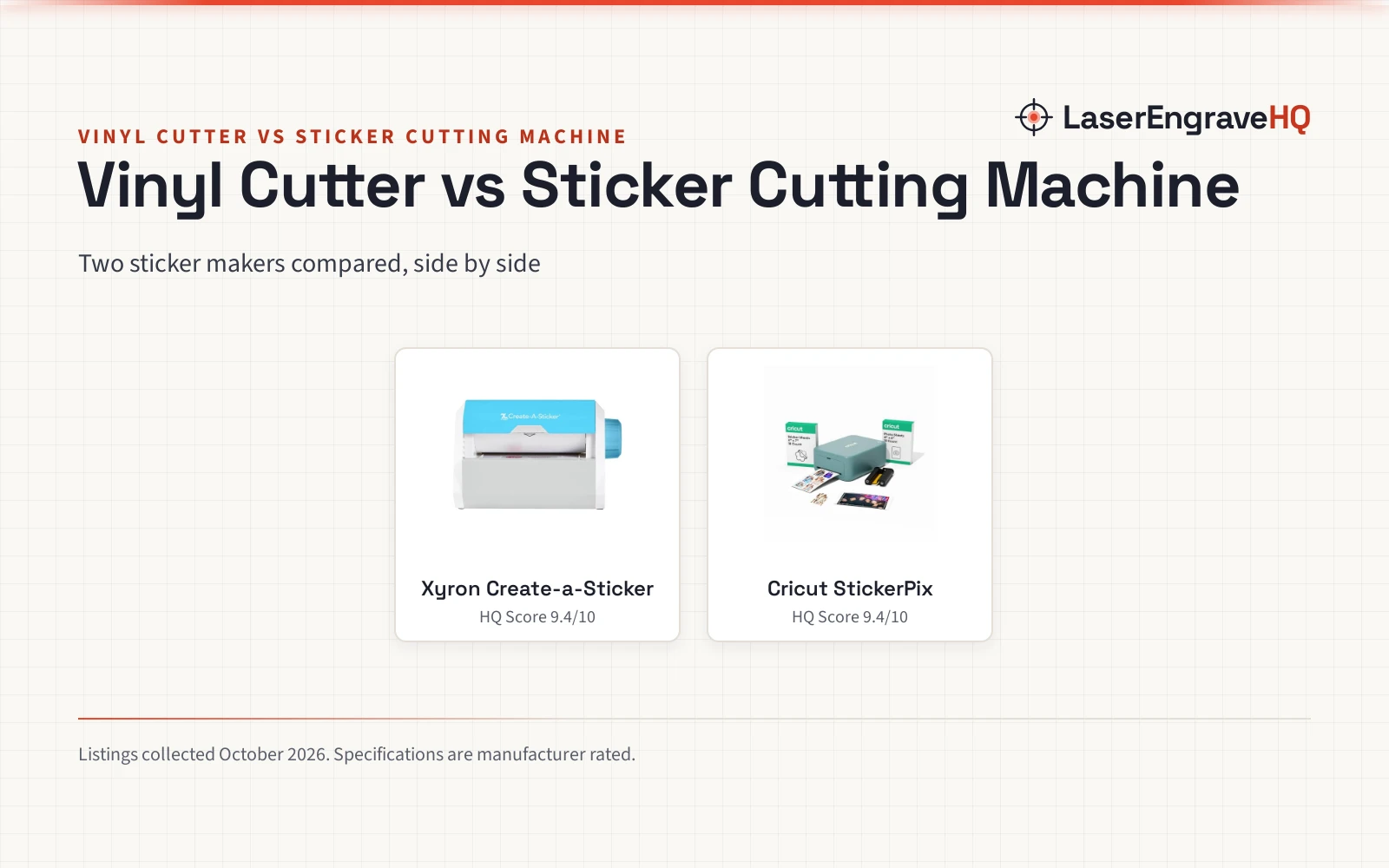
Two sticker makers compared: a connected print-and-cut bundle and a non-electric adhesive maker, with what each listing states and what it leaves unstated.

On this page
Top picks at a glance
As an Amazon Associate I earn from qualifying purchases.
- 1
 Xyron Create-a-Sticker, 5" Sticker and Label Maker9.4/10View on Amazon
- 2
 Cricut StickerPix Print + Cut™ Essential Bundle9.4/10View on Amazon
A crafter with a fresh sheet of printed designs and a pile of blank labels faces a practical question: which machine turns those designs into finished stickers with the least fuss. The vinyl cutter vs sticker cutting machine question sounds like a choice between machine types, but neither listing describes a vinyl cutter, so this comparison scores two different sticker-making approaches and says plainly where the vinyl-cutter side stands. A print-and-cut bundle prints, laminates and cuts, while an adhesive maker applies adhesive without power. The right pick depends on whether the project needs printing or only an adhesive backing.
LaserEngraveHQ earns a commission from purchases made through these links, at no extra cost to you. Read our affiliate disclosure.
Verdict: pick the Xyron example for a simple non-electric sticker maker that applies adhesive on the spot, and pick the Cricut example for printed, laminated stickers and photo prints. Neither listing here describes a vinyl cutter, so a shopper who needs a vinyl-roll machine will not find that side scored here.
Machines on the list
Xyron Create-a-Sticker, 5" Sticker and Label Maker
A non-electric sticker and label maker that applies adhesive as items are fed through and the knob is turned, pre-loaded with a 5" x 10' permanent adhesive cartridge.
Pros
- Non-electric process with no warm-up, cool-down or dry time
- Pre-loaded with a 5" x 10' permanent adhesive cartridge
- Drop-in refill cartridges in permanent and repositionable adhesive
- Acid-free, non-toxic adhesive stated as safe for photos and projects
Cons
- Prints nothing; it only applies adhesive to items fed through
- Stated width is 5", with no wider size stated in the listing
- Continued use needs refill cartridges
Cricut StickerPix Print + Cut™ Essential Bundle
An all-in-one print-and-cut bundle that prints, laminates and cuts stickers, plus photo prints, at 300 DPI, with ink cartridge, sticker sheets and photo paper included.
Pros
- Prints, laminates and cuts stickers with the push of a button
- 300 DPI print detail with dye-sublimation technology
- Bundle includes ink cartridge, sticker sheets and photo paper, enough for 18 sticker sheets and 18 photo prints
- Editable templates and a library of 1.8M+ sticker images
Cons
- Requires a compatible computer or mobile device with Bluetooth and high-speed internet
- Full content library and certain software features require a paid Cricut Access subscription
- Limited Warranty stated without a term
- Not intended for use by children 12 years and younger
Other machines to compare
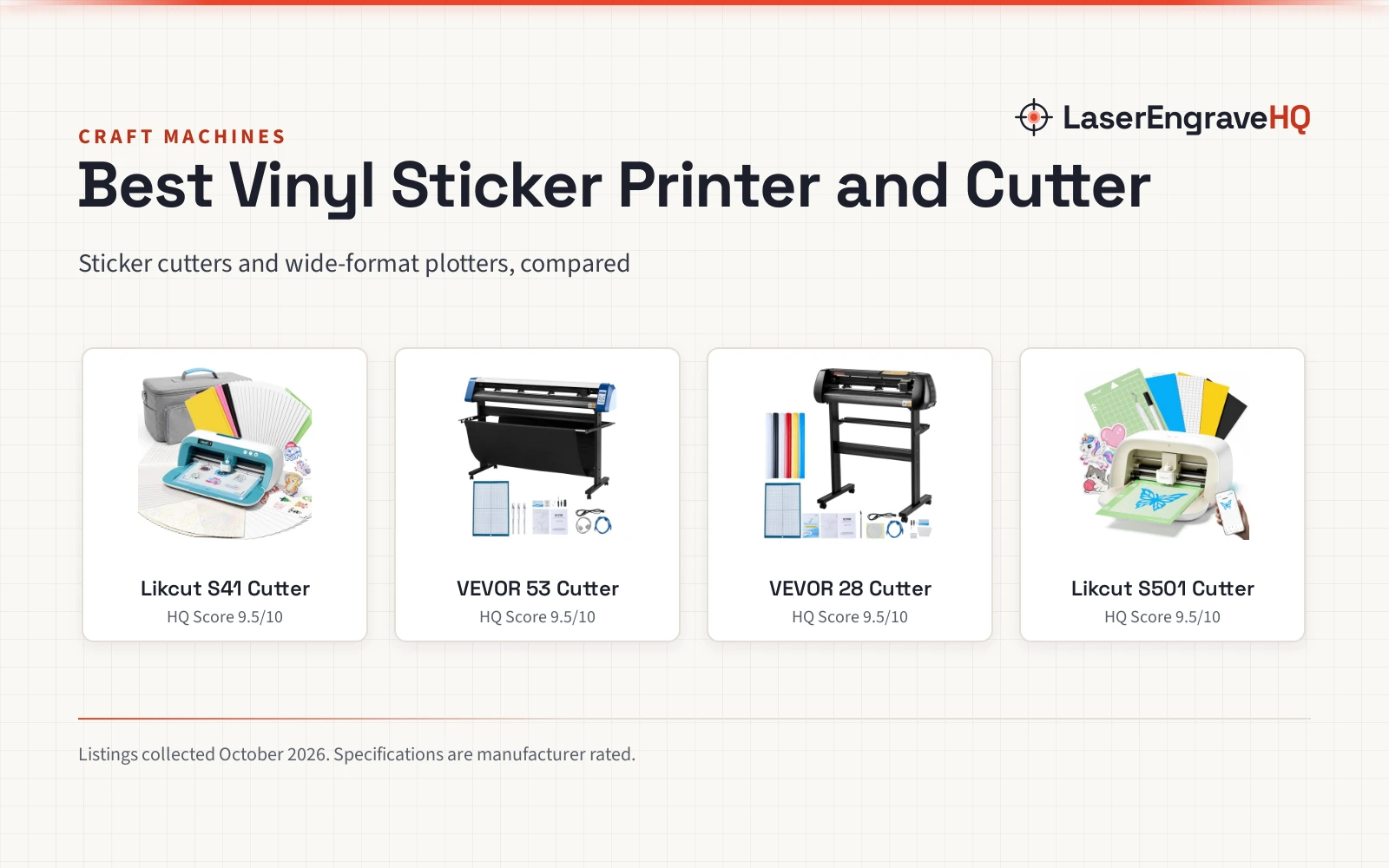
 VEVOR Vinyl Cutting MachineCheck price on Amazon
 Siser Romeo 24" Professional Vinyl Cutter Machine Bundle withCheck price on Amazon
 USCutter 14 inch MH Craft Vinyl Cutter Plotter withCheck price on Amazon
 Likcut S501 Vinyl Cutter MachineCheck price on Amazon
 White Permanent Vinyl for Cricut Cutting MachineCheck price on Amazon
 VEVOR Vinyl Cutter Machine Upgraded 28" Paper Feed CuttingCheck price on Amazon
Vinyl cutter vs sticker cutting machine side by side
| Spec | Xyron Create-a-Sticker | Cricut StickerPix | Notes |
|---|---|---|---|
| HQ Score | 62 | 58 | Stated warranty term only on Xyron |
| Function | Applies adhesive to items fed through | Prints, laminates and cuts stickers, plus photo prints | Only Cricut prints |
| Power | Non-electric, turn the knob | Needs Bluetooth device and internet | Different workflows |
| Supplies | Pre-loaded 5″ x 10′ permanent adhesive cartridge | Ink cartridge, sticker sheets, photo paper included | Both include starting supplies |
| Print detail | Not stated | 300 DPI | Only Cricut states DPI |
| Warranty | 1 year limited warranty | Limited Warranty, no term stated | Term stated only for Xyron |
| Dimensions | 5.709 inches x 9.055 inches x 5.906 inches | 8.0 Inches x 11.3 Inches x 4.1 Inches | As listed |
Specs are what each manufacturer publishes as its rating on the listing, collected 4 November 2026.
Printing and cutting
The difference between these two machines starts with printing. The Cricut StickerPix prints, laminates and cuts stickers with the push of a button, and it also makes photo prints, at 300 DPI with dye-sublimation technology. The listing describes the prints as water-, scratch- and fade-resistant. The Xyron Create-a-Sticker prints nothing at all: it feeds an item through, applies adhesive, and the user tears the finished sticker free. Only the Cricut side states a printing function, so the Xyron is not scored on printing. See printable sticker paper options when planning printed sticker projects.
Workflow and setup
Workflow is where the Xyron makes its case. Its process is non-electric, with no warm-up, cool-down or dry time: feed the item, turn the knob and tear to use the sticker on the spot. The listing calls it portable for home, office or classroom use. The Cricut workflow runs through software instead: editable templates and editing tools, a library of 1.8M+ sticker images, and a compatible computer or mobile device with Bluetooth wireless and a high-speed internet connection. That connected setup brings templates and photo effects, but the machine does not run standalone. The Cricut is the only one of these listings that states a Bluetooth requirement, as cutting machines with Bluetooth go.
Supplies and ongoing needs
Both listings describe starting supplies, but the ongoing needs differ. The Cricut Essential Bundle includes an ink cartridge, sticker sheets and photo paper, enough supplies to make 18 sticker sheets and 18 photo prints, while compatible materials and accessories are sold separately. The full content library and certain software features require a paid Cricut Access subscription, so the sticker library is not fully open without it. The Xyron comes pre-loaded with a 5″ x 10′ permanent adhesive cartridge, and drop-in refill cartridges in permanent and repositionable adhesive make it easy to swap cartridges or refill. Its adhesive is stated as acid-free and non-toxic, and safe for photos and projects.
Size and placement
Neither listing states a work area for cutting, so size here means the machine footprint as listed. The Cricut listing gives product dimensions of 8.0 Inches x 11.3 Inches x 4.1 Inches in Sea Green, and describes it as an ideal size to fit in any space in the home. The Xyron listing gives product dimensions of 5.709 inches x 9.055 inches x 5.906 inches in Blue and Gray, and describes it as a compact machine that fits in a home, office or classroom. The dimensions alone do not declare a winner; they only show the listed machine size.
Support and warranty
On warranty, the two listings are not like-for-like. Xyron states a 1 year limited warranty, while the Cricut listing states a Limited Warranty and points readers to the Cricut website for full terms and conditions, without stating a term in the listing data. A shopper who wants a stated term in the listing itself will find it only on the Xyron side.
Choose the Xyron Create-a-Sticker if
- You want stickers and labels without power, warm-up or software.
- You want refillable adhesive in permanent and repositionable forms.
- A stated 1 year limited warranty matters to you.
Choose the Cricut StickerPix if
- You want printed, laminated stickers and photo prints from one bundle.
- You want editable templates and a library of 1.8M+ sticker images.
- You have a compatible computer or mobile device with Bluetooth and high-speed internet.
Neither listing describes a laser machine, so no laser class or eyewear rating applies to these two picks. The Xyron listing states an acid-free, non-toxic adhesive, and the Cricut listing states the machine is not intended for use by children 12 years and younger.
Project Match
- Printed stickers and photo prints: Cricut StickerPix, which prints, laminates and cuts at 300 DPI.
- Labels for home, school and professional projects: Xyron Create-a-Sticker, which applies adhesive to items fed through.
- Stickers from ribbon, craft foam, fabric or photos: Xyron Create-a-Sticker, which the listing names for those materials.
- Sticker sheets built from templates: Cricut StickerPix, with editable templates.
- Vinyl roll cutting: Not stated in either listing.
FAQ: lasers and CNC
Is either machine here a vinyl cutter?
No. Neither listing describes a vinyl cutter: one prints and cuts stickers, the other applies adhesive without cutting. Neither listing states vinyl roll cutting.
Does the Cricut StickerPix work without a computer or phone?
No. The listing requires a compatible computer or mobile device with Bluetooth wireless and a high-speed internet connection, and the full content library requires a paid subscription.
Does the Xyron machine need power?
No. The Xyron process is non-electric: feed the item, turn the knob and tear, with no warm-up, cool-down or dry time.
Which machine states a warranty term?
The Xyron states a 1 year limited warranty. The Cricut listing states a Limited Warranty without a term, and points readers to the Cricut website for terms.
What can the Xyron maker feed through?
The listing names photos, ribbon, craft foam, fabric and paper for home, school and professional projects.
Related: cutting machines, craft machines for stickers, cutting machine for cardstock and sticker cutting machine for digital printing.