Computerized Embroidery Machine for Beginners: How to Choose
Pick a computerized embroidery machine by matching the hoop, the built-in designs and the transfer options to the projects planned, then start with a small first design.

On this page
Top picks at a glance
As an Amazon Associate I earn from qualifying purchases.
- 1
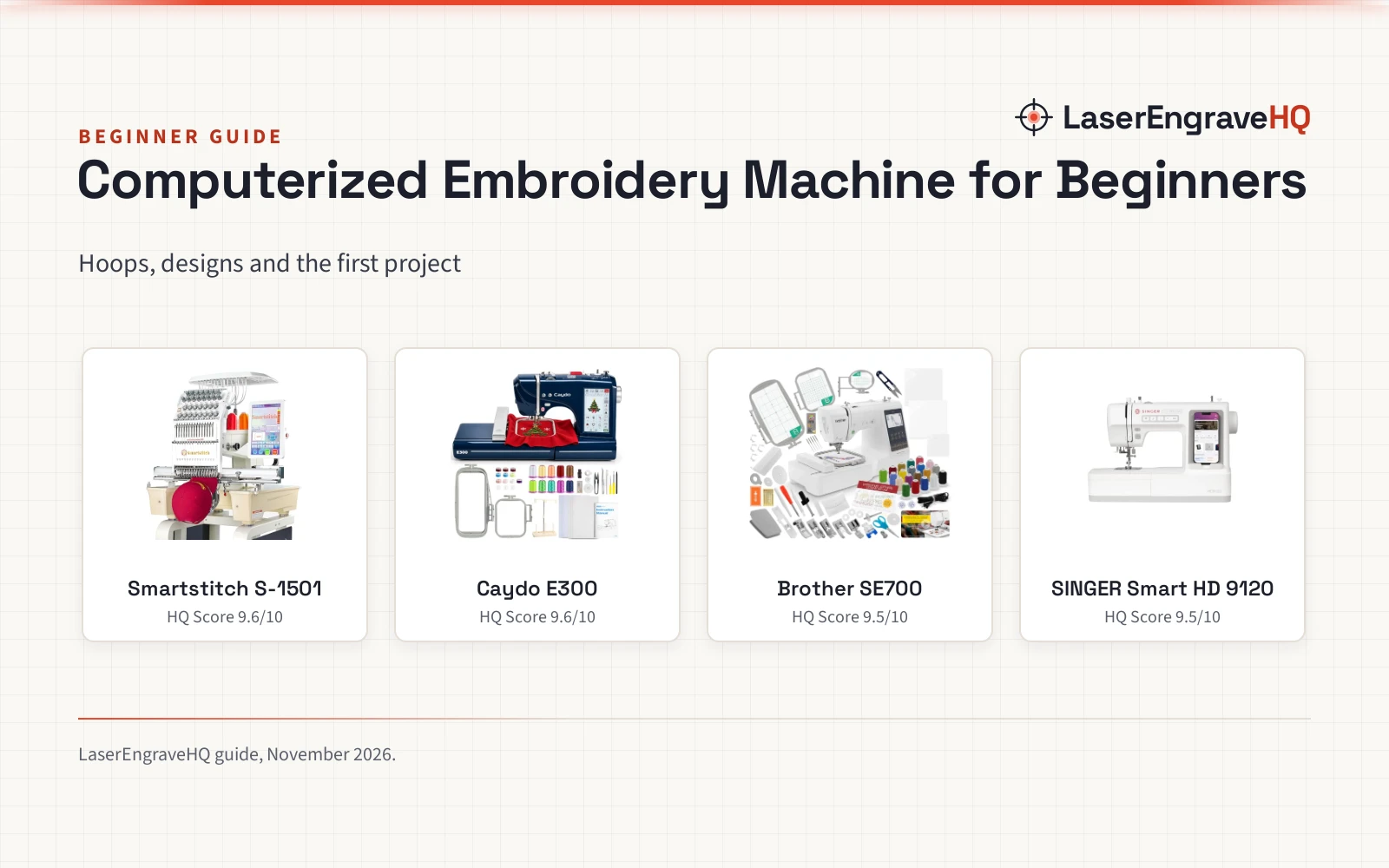
 Smartstitch S-1501 Ultra Embroidery Machine9.6/10View on Amazon
- 2
 Caydo E300 Embroidery Machine with 7-Inch9.6/10View on Amazon
- 3
 Brother SE700 Sewing & Embroidery Machine9.5/10View on Amazon
- 4
 SINGER® Smart HD 9120™ Sewing Machine9.5/10View on Amazon
A personalized tote bag, a monogrammed towel or a cap with a stitched logo all start the same way: with a computerized embroidery machine for beginners that turns a design file into stitches without a long learning curve. A computerized embroidery machine for beginners is a machine that turns a design file into stitches, usually with a touchscreen, built-in designs or a way to import designs, and a hoop that holds the fabric while the needle works. This guide explains what to look for, how to match a machine to the projects in mind, and which machines suit a first embroidery setup.
LaserEngraveHQ earns a commission from purchases made through these links, at no extra cost to you. Read our affiliate disclosure.
Hoop size decides what fits in a single run. The Caydo E300 (on Amazon) ships with 4 x 4 in and 4 x 9.25 in hoops, while the Smartstitch S-1501 Ultra (on Amazon) offers a 20 x 14 in embroidery area, so check the hoop before buying for large designs.
Smartstitch S-1501 Ultra Embroidery Machine
A 15-needle embroidery machine with a 20 x 14 in embroidery area, a 12 in touchscreen and a 1200 SPM top speed.
Pros
- 15 needles with automatic color change and a 1200 SPM top speed
- 20 x 14 in embroidery area, the largest here
- 12 in touchscreen with Wi-Fi and USB design transfer
- Laser positioning, thread break detection and a self-lubrication system
Cons
- Needs a fixed spot and help to move
- No warranty term is stated in the listing
- The wooden pallet and packing must be kept for a return
- Its size takes a dedicated table
Caydo E300 Embroidery Machine with 7-Inch
A beginner embroidery machine with a 7 in touchscreen, 168 built-in designs, 8 fonts and two hoops.
Pros
- 168 built-in designs and 8 fonts ready to stitch
- 7 in touchscreen previews, rotates, mirrors and combines designs
- Two hoops included: 4 x 4 in and 4 x 9.25 in
- Wi-Fi app and USB transfer, plus a full starter kit
Cons
- No stitch speed is stated in the listing
- No warranty term is stated in the listing
- Largest hoop is 4 x 9.25 in, so wide designs need re-hooping
- No needle count is stated in the listing
Brother SE700 Sewing & Embroidery Machine
A sewing and embroidery combo with 135 designs, 103 stitches, a 4 x 4 in field, 3 hoops and 20 threads in the bundle.
Pros
- 135 built-in embroidery designs and 10 lettering fonts
- 103 built-in sewing stitches and 10 styles of one-step auto-size buttonholes
- Wireless LAN for wireless design transfer, with Artspira app compatibility
- 3 hoops in the bundle, including a 4 x 6.75 in multi-position hoop and a 1 x 2.5 in pocket hoop
Cons
- 4 x 4 in embroidery field, smaller than the 14.2 x 9.5 in area on the Fokuse
- No warranty term is stated
- No max speed is stated
- No weight is stated
SINGER® Smart HD 9120™ Sewing Machine
An app-controlled sewing machine with 200+ stitches and an optional embroidery attachment.
Pros
- 200+ stitches with app preview and adjustment
- Built-in needle threader and drop and sew bobbin
- Speed control lever and start and stop button
- Eco Mode sleep after 20 minutes of inactivity
Cons
- Embroidery attachment sold separately, not included
- No buttonhole count is stated
- Warranty term is 1 year, shorter than the 25-year listings
- No extension table is stated
Step 1: Start with the project, not the machine
Pick the project before picking the machine. A tote bag with a name on it, a towel with a monogram, a cap with a logo and a denim jacket with a patch each need a different hoop and a different setup. The Smartstitch listing names denim, canvas, leather, vinyl, caps, shoes, bags, tennis balls and applique as materials it stitches, while the Caydo listing names towels, stockings and tote bags. Match the machine to the projects planned, not the other way around.
Step 2: Match the machine to the project
Hoop size comes first. A 4 x 4 in hoop fits small designs, names and monograms, while a 4 x 9.25 in hoop gives extra length for borders and sleeve details. The Smartstitch S-1501 Ultra goes further with a 20 x 14 in embroidery area and 15 needles, so it covers caps, hats and larger work in a single run. Built-in designs matter too: the Caydo E300 ships with 168 designs and 8 fonts, the Brother SE700 lists 135 designs and 103 stitches, and the SINGER Smart HD 9120 (on Amazon) lists 200+ stitches.
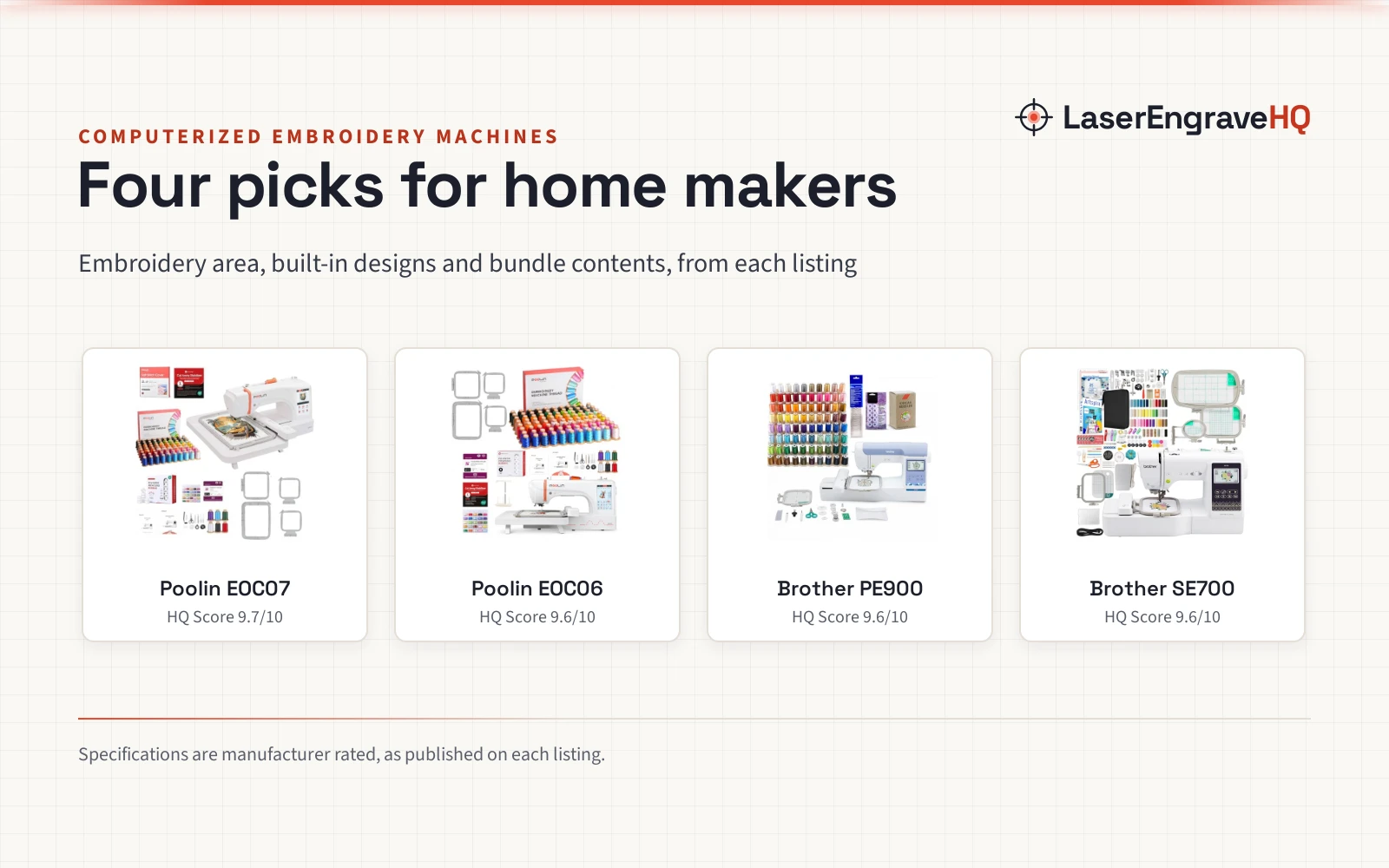
Compare the options in the computerized embroidery machine picks and the sewing and embroidery machine guide for beginners. For a machine that sews as well as embroiders, the sewing and embroidery machine picks show combination models side by side.
Step 3: Check the hoop, the designs and the transfer options
Once the project is clear, check how designs reach the machine. The Smartstitch S-1501 Ultra takes DST and DSB files from a computer over USB or Wi-Fi, and the Caydo E300 transfers designs through its app over Wi-Fi or directly by USB. The Brother SE700 connects wirelessly, and the SINGER Smart HD 9120 works through its free Creativate app. A screen that previews the design helps too: the Smartstitch has a 12 in touchscreen, and the Caydo has a 7 in touchscreen that previews, rotates, mirrors and combines designs before stitching.
Step 4: Set up a workspace and learn the controls
An embroidery machine needs a steady table, good light and room for the hoop to move. The Caydo E300 ships with an extension table and a thread rack, plus 5 white fabric pieces, 5 stabilizer sheets, 10 embroidery threads, 10 bobbins, 9 needles and an 8GB USB drive, so the first projects can start from the box. Smartstitch provides operation manuals and video training, and its support team and user group help with the learning curve. Keep the manual close while learning the controls, and run the first designs on practice fabric with stabilizer.
Step 5: Run a first project on a practice piece
Start small: a name on a towel, a monogram on a tote bag, or a simple border on a sleeve. Hoop the fabric with stabilizer, preview the design on the screen, and let the machine stitch while watching the thread. The Smartstitch lists thread break detection and a self-lubrication system, which help when a stitch run goes long. If a design puckers or the thread breaks, re-hoop the fabric and check the stabilizer before stitching again.
Step 6: Grow the project list as skills grow
Once the first projects stitch cleanly, add materials and designs a few at a time. The Smartstitch listing covers denim, canvas, leather, vinyl, caps, shoes, bags, tennis balls and applique, so there is room to grow without changing machines. Add a design pack or a new stabilizer only when a project calls for it, and keep notes on which combinations stitch well.
Computerized embroidery machine for beginners: the gear
The machines below cover the steps above: hoop size for the project, built-in designs for the first stitches, and a screen that previews each design before stitching.
Common mistakes to avoid
- Buying a machine before knowing the project it must stitch.
- Ignoring hoop size, then finding the design does not fit the hoop.
- Skipping stabilizer on stretchy or thin fabric.
- Ordering designs in a format the machine cannot read: check Wi-Fi, USB and app transfer first.
- Promising finished pieces before the first practice runs stitch cleanly.
Computerized embroidery machine for beginners: the short version
- Pick a project and the material it needs.
- Match the hoop to the design: 4 x 4 in for monograms, 4 x 9.25 in for borders, 20 x 14 in for caps and large work.
- Check built-in designs and transfer: 168 designs on the Caydo E300, 135 designs on the Brother SE700, Wi-Fi and USB on the Smartstitch.
- Set up a steady table and learn the controls.
- Stitch a practice piece with stabilizer.
- Compare the 4 machines below and pick the one that fits the project list.
FAQ: lasers and CNC
What hoop size does a beginner need?
It depends on the project. A 4 x 4 in hoop fits small designs, names and monograms, and a 4 x 9.25 in hoop adds length for borders and sleeve details. For caps, hats and large designs, the Smartstitch S-1501 Ultra offers a 20 x 14 in embroidery area.
How many needles does a beginner embroidery machine need?
There is no single answer. The Smartstitch S-1501 Ultra lists 15 needles with automatic color change, which suits caps and multi-color designs. The other machines in this guide do not state a needle count, so compare the hoop and the design count instead.
Can I import my own designs?
Yes, on the machines that state it. The Smartstitch S-1501 Ultra takes DST and DSB files over USB or Wi-Fi, and the Caydo E300 imports designs through its app over Wi-Fi or directly by USB. The Brother SE700 connects wirelessly and the SINGER Smart HD 9120 works through its free Creativate app, but neither listing states design import, so check before buying for custom designs.
What comes in the starter kit?
The Caydo E300 ships with an extension table, a thread rack, 2 hoops, 5 white fabric pieces, 5 stabilizer sheets, 10 embroidery threads, 10 bobbins, 9 needles, an 8GB USB drive and a user manual. The Smartstitch S-1501 Ultra ships with a starter pack of machine embroidery threads, stabilizers and bobbin threads.
Do these machines stitch caps and hats?
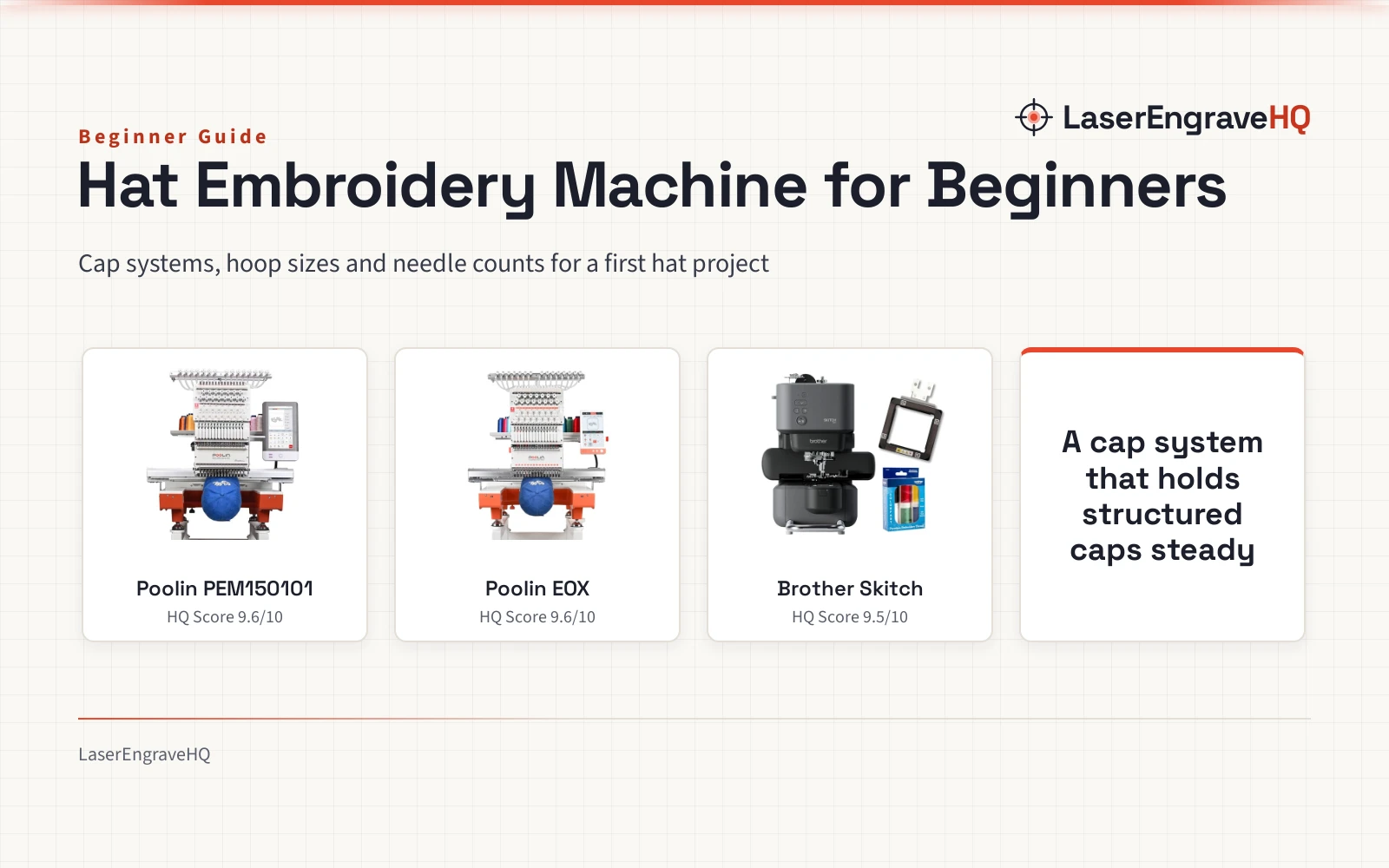
The Smartstitch S-1501 Ultra does: its upgraded cap driver and rotating trimming system are built for caps and hats, per the listing. The other machines in this guide do not state cap embroidery, so check the listing before buying for caps.
What materials can a computerized embroidery machine stitch?
The Smartstitch listing names denim, canvas, leather, vinyl, caps, shoes, bags, tennis balls and applique. The Caydo listing names towels, stockings and tote bags. Check the listing for each machine, since materials vary by model.
Related: the computerized embroidery machine picks, sewing and embroidery machines for beginners and embroidery machine vs sewing machine. Also see the embroidery machine table picks.