Brother Pe800 vs Pe900: Which One Should You Buy?
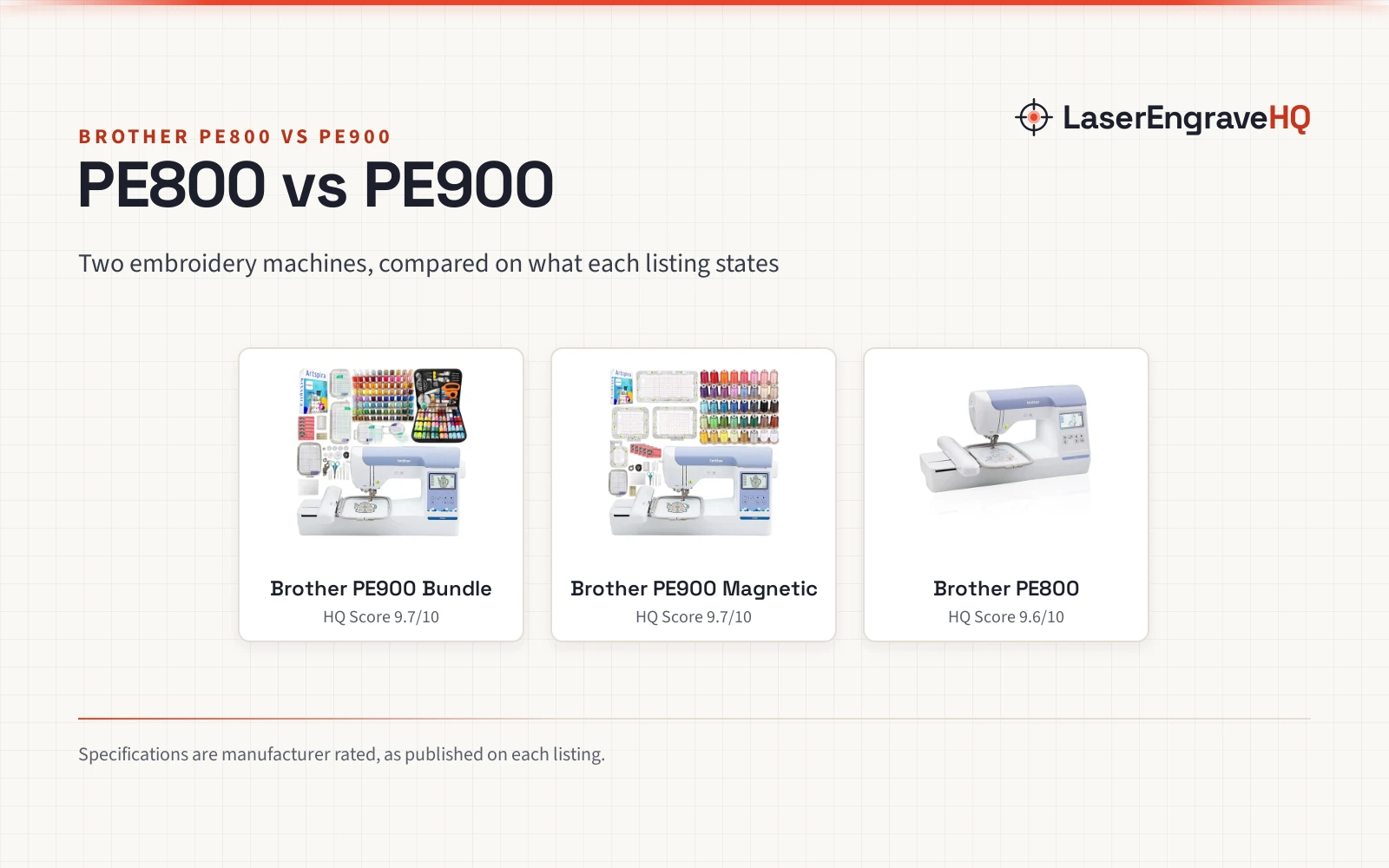
A machine-only PE800 against two PE900 bundles, compared on designs, screen, hoops and included extras.

On this page
A monogram on a towel, a quilt label, a patch for a jacket: embroidery turns plain fabric personal. When the choice comes down to Brother Pe800 vs Pe900, the question is less about the stitch itself and more about what comes in the box, since the listings describe a machine-only PE800 against PE900 bundles packed with hoops and thread. This comparison works through designs, screens, hoops and extras using only what each listing states.
As an Amazon Associate I earn from qualifying purchases. LaserEngraveHQ earns a commission from purchases made through these links, at no extra cost to you. Read our affiliate disclosure.
Verdict: pick a PE900 bundle for the larger stated library and the stocked box, and pick the PE800 for the machine itself. The PE900 bundles list 190 built-in designs and a 3.7 inch screen against the PE800 at 138 designs and a 3.2 inch screen, and the bundles add hoops and thread the PE800 listing does not.
Machines on the list
| # | Product | HQ Score | Buy |
|---|---|---|---|
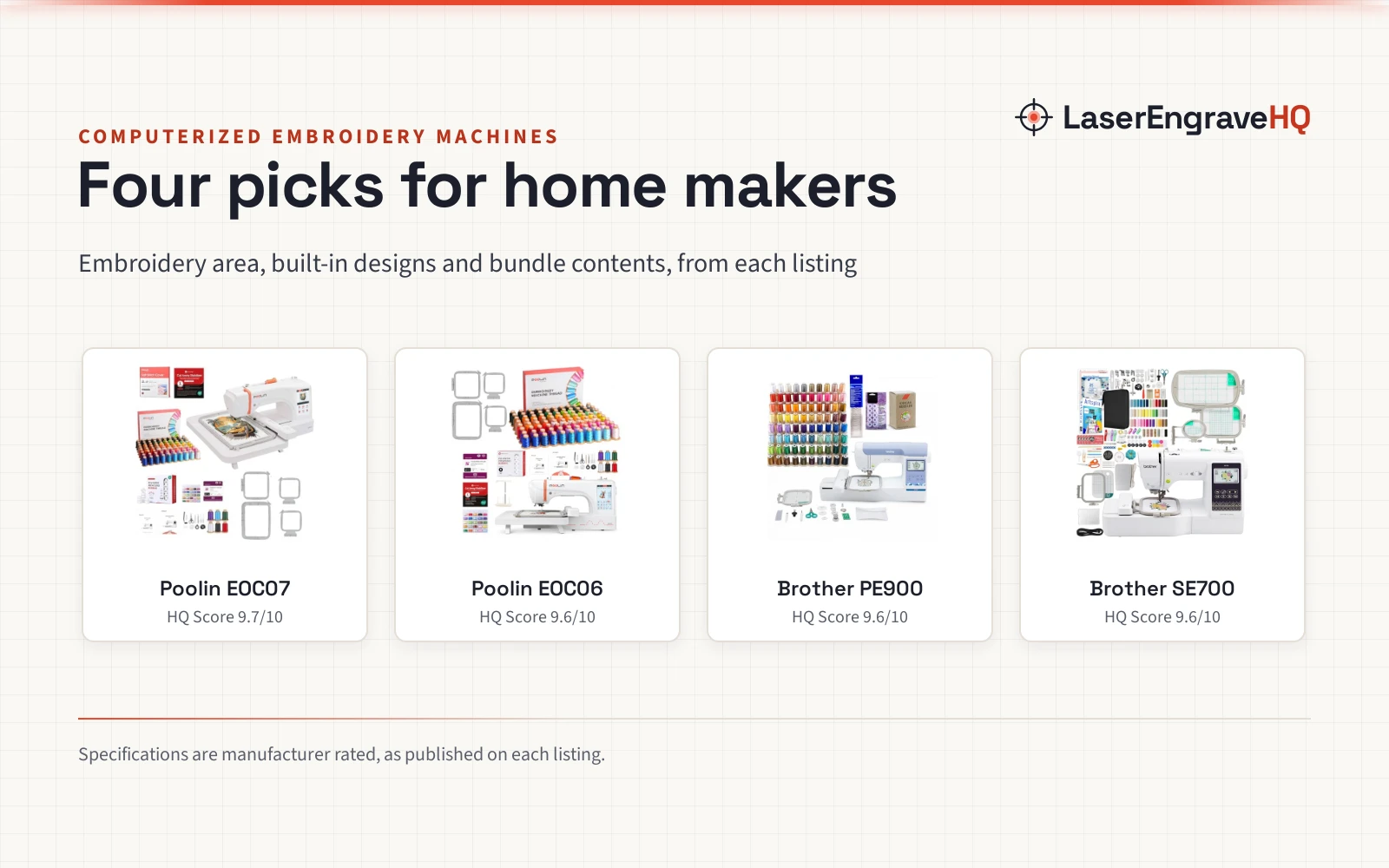
| 1 |  Brother PE900 5" x 7" Embroidery Machine | 9.7/10 | Buy on Amazon |
| 2 |  Brother PE900 5" x 7" Embroidery Machine with 4 | 9.7/10 | Buy on Amazon |
| 3 |  Brother PE800 Embroidery Machine | 9.6/10 | Buy on Amazon |
Brother PE900 5" x 7" Embroidery Machine
A PE900 bundle with 190 built-in designs, a 3.7 inch screen, wireless Artspira transfers and 80 thread spools.
Pros
- 190 built-in designs, against the PE800 example at 138
- 3.7 inch touchscreen with wireless Artspira design transfer
- 5 hoops in the box, including a 12" x 5" hoop
- 80 polyester thread spools at 500m each, plus a 230+ piece accessory bundle
Cons
- No warranty term is stated in the listing
- The 12" x 5" hoop sits oddly beside a 5" x 7" field, and the listing leaves the fit unclear
- Listed at 20.0 pounds, heavier than the PE800 example at 17.64 pounds
- Extra hoops and thread suit a stocked room, not a buyer who wants the machine only
Brother PE900 5" x 7" Embroidery Machine with 4
A PE900 bundle with 190 built-in designs, a 3.7 inch screen, wireless Artspira transfers and 40 thread spools.
Pros
- 190 built-in designs with a 3.7 inch touchscreen
- Magnetic hoops, including 12" x 5" and 5" x 7" sizes
- 40 polyester thread spools at 500m each
- Wireless Artspira transfers and iBroidery compatibility
Cons
- No warranty term is stated in the listing
- The 12" x 5" magnetic hoop sits oddly beside a 5" x 7" field, and the listing leaves the fit unclear
- Fewer thread spools than the 5-hoop PE900 bundle example at 80
- Listed at 20.0 pounds, heavier than the PE800 example at 17.64 pounds
Brother PE800 Embroidery Machine
A machine-only PE800 with 138 built-in designs, 11 font styles, a 3.2 inch touchscreen and a USB port.
Pros
- 138 built-in designs including scrollwork, florals and quilt patterns
- 11 font styles: 7 English, 3 Japanese and 1 Cyrillic
- USB port imports designs into the built-in memory
- 3.2 inch LCD color touchscreen previews designs before stitching
Cons
- Machine only: no extra hoops or thread spools are listed
- No warranty term is stated; the listing only warns that use or sale outside the US at 120 volts voids it
- Smaller stated design count than the PE900 bundles at 190
- Embroidery-only: the listing states no sewing function
Side by side
| Spec | Brother PE900 Bundle | Brother PE900 Magnetic | Brother PE800 |
|---|---|---|---|
| HQ Score | 62 | 61 | 57 |
| Built-in designs | 190 | 190 | 138 |
| Touchscreen | 3.7 inch LCD display | 3.7 inch LCD display | 3.2 inch LCD color touchscreen |
| Hoops in the box | 5 hoops | 5 hoops, 4 magnetic | 5″ x 7″ hoop |
| Thread spools | 80 spools, 500m each | 40 spools, 500m each | Not stated |
| Weight | 20.0 pounds | 20.0 pounds | 17.64 pounds |
| Warranty | Not stated | Not stated | No term stated |
Specifications are manufacturer rated, as published on each listing and collected 3 November 2026.
Brother Pe800 vs Pe900: designs and display
The design library is the widest gap. The PE800 listing states 138 built-in designs including scrollwork, florals and quilt patterns, plus 11 font styles with 7 English, 3 Japanese and 1 Cyrillic. Each PE900 bundle listing states 190 built-in designs, built-in memory space and iBroidery compatibility, with no font count stated. The PE900 side lists the larger library, while the PE800 side lists the font breakdown.
Screen size follows the same split. The PE800 lists a large 3.2 inch LCD color touchscreen for previewing designs before embroidering, and each PE900 bundle lists a 3.7 inch touchscreen LCD display. Neither side states a resolution.
Hoops and bundles
Each listing states a 5 inch x 7 inch embroidery field. The PE800 includes an embroidery foot and a 5 inch x 7 inch hoop. The 5-hoop PE900 bundle lists 5 hoops: 5 inch x 7 inch, 1 inch x 2.5 inch, 12 inch x 5 inch and 4 inch x 4 inch, plus an extra 5 inch x 7 inch hoop. The magnetic PE900 bundle lists a standard 5 inch x 7 inch hoop with an alignment grid, plus magnetic hoops in the same sizes.
Thread and extras widen the gap: the 5-hoop bundle lists 80 polyester thread spools at 500m each and a 230+ piece accessory bundle, while the magnetic bundle lists 40 spools at 500m each. Both bundles list 500 design cards. The PE800 lists neither.
One oddity deserves a pause on both PE900 bundles: each bundle lists a 12 inch x 5 inch hoop beside a machine field listed at 5 inch x 7 inch, and neither listing explains how that hoop fits the stated field. Plan around the 5 inch x 7 inch field the titles state.
Software and connectivity
The PE800 states a USB port for importing designs. Each PE900 bundle states the Artspira Mobile App, which lets a maker draw a pattern on a mobile device and transfer it to the machine wirelessly. A maker who draws on a mobile device gets the wireless route on the PE900 side, while a maker who imports designs through the USB port gets that route on the PE800 side.
Choose the Brother PE900 Bundle if
- You want 190 designs and a 3.7 inch screen.
- You want 5 hoops and 80 thread spools in the box.
- Wireless Artspira transfers appeal to you.
Choose the Brother PE900 Magnetic if
- You prefer magnetic hoops over a standard hoop set.
- You want 190 designs, a 3.7 inch screen and 40 thread spools.
- The 12 inch x 5 inch hoop question does not change your plans.
Choose the Brother PE800 if
- You want the machine only, with 138 designs and 11 font styles.
- You import designs through a USB port.
- You plan to add hoops and thread as needed.
Project Match
Pair the pick with the project planned:
- Monogramming and lettering: the PE800, with 11 font styles including 7 English, 3 Japanese and 1 Cyrillic.
- Quilt patterns and florals: the PE800, whose 138 designs include scrollwork, florals and quilt patterns.
- Small hoop work: a PE900 bundle, which lists 1 inch x 2.5 inch hoops alongside the 5 inch x 7 inch field.
- Drawing a pattern on a mobile device: a PE900 bundle, with wireless Artspira transfers.
FAQ: lasers and CNC
Which machine lists more built-in designs?
Each PE900 bundle lists 190 built-in designs, against 138 on the PE800.
What screen size does each machine list?
The PE800 lists a 3.2 inch LCD color touchscreen, and each PE900 bundle lists a 3.7 inch touchscreen LCD display.
Do the PE900 bundles include extra hoops?
Yes. Both bundles list 12 inch x 5 inch, 5 inch x 7 inch, 4 inch x 4 inch and 1 inch x 2.5 inch hoops.
Can a PE900 bundle draw patterns on a mobile device?
Yes, through the Artspira Mobile App, which lets a maker draw a pattern on a mobile device and transfer it to the machine wirelessly.
Related: best beginner embroidery machine, tear away vs cut away embroidery stabilizer and best magnetic hoop for embroidery machine.