Laser Engraver Accessories for Beginners: Essential Starter Gear Guide
A complete starter guide to laser engraver accessories for beginners, covering safety enclosures, ventilation, honeycomb beds, air assist and material packs.

On this page
Top picks at a glance
As an Amazon Associate I earn from qualifying purchases.
- 1
 Honeycomb Laser Bed9.6/10View on Amazon
- 2
 Genmitsu L8 Laser Engraver9.7/10View on Amazon
- 3
 Creality Honeycomb Working Table Set 320x320mm Steel9.7/10View on Amazon
Laser engraver accessories for beginners are the add-on tools that protect your workspace, improve cut quality, and expand what your machine can make. The immediate accessories you need before operating are certified safety glasses, an enclosure with exhaust ventilation, and a honeycomb bed with a metal base plate, followed by cutting upgrades like air assist and expansion tools like rotary rollers and material sample packs. The sections below explain each accessory category step by step.
LaserEngraveHQ earns a commission from purchases made through these links, at no extra cost to you. Read our affiliate disclosure.
You do not need to buy every add-on on day one. Prioritize eye protection and ventilation first, add a honeycomb bed and air assist for clean cutting, and buy rotary rollers or specialty blanks only when specific projects require them.
Step 1: Invest in certified eye protection
Eye protection is the primary accessory for anyone operating a laser engraver. An exposed laser beam or an indirect reflection off reflective materials can cause permanent eye injury. Standard sunglasses, workshop goggles, or unrated tinted acrylic shields offer no protection against focused optical radiation.
Protective eyewear works only when its listing explicitly states an optical density rating and a wavelength protection range that matches your machine beam source. Diode, CO2, and fiber lasers operate across different radiation wavelengths, so glasses matched to a diode beam cannot protect against a CO2 or fiber beam. Follow calm workshop safety guidance from OSHA and the FDA Center for Devices and Radiological Health by choosing eyewear with verified optical density for your exact wavelength. Learn more in our laser safety glasses guide and our how to choose laser safety glasses guide.
Step 2: Install an enclosure and exhaust ventilation
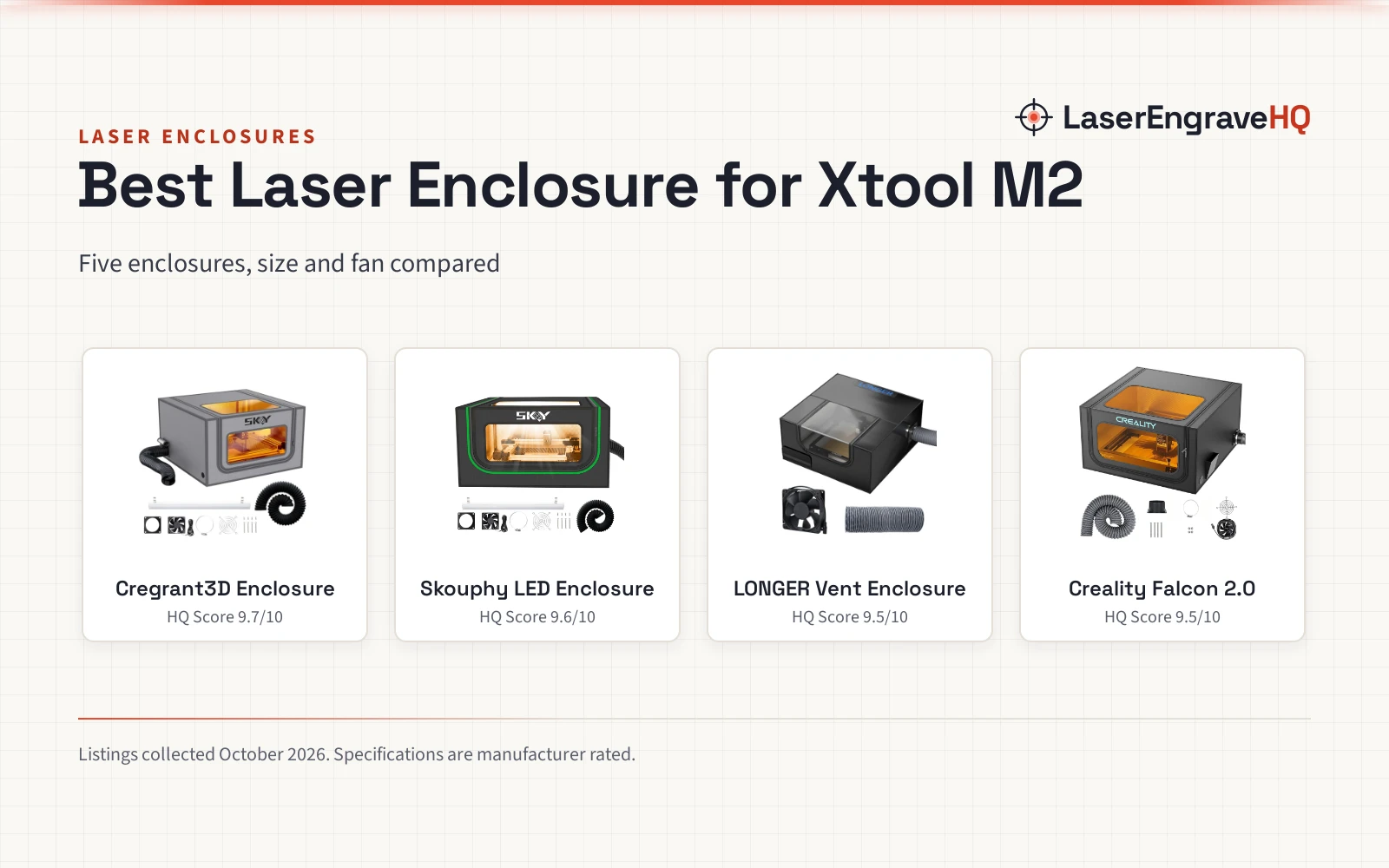
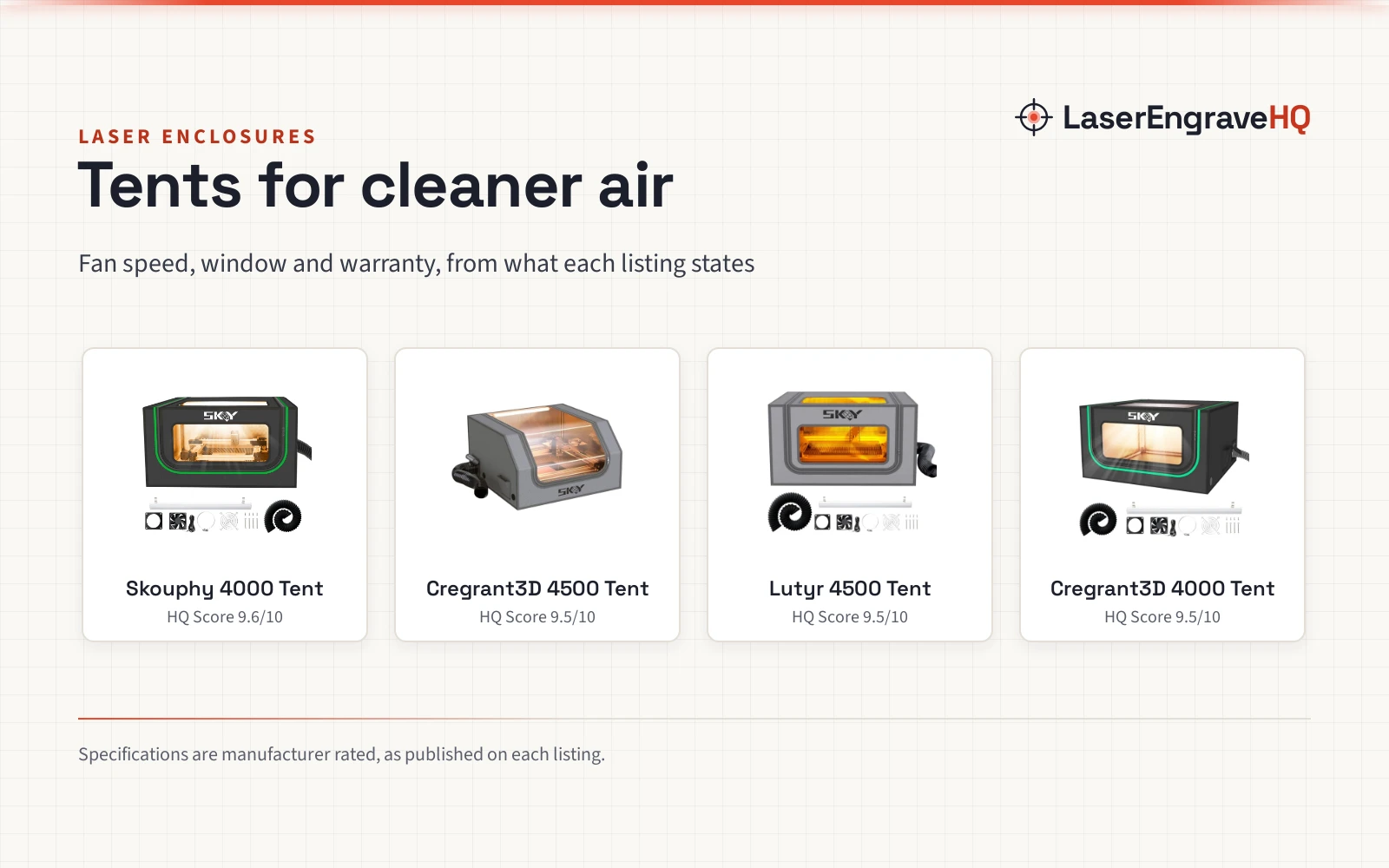
Most beginner diode lasers arrive as open-frame gantries. Adding a dedicated enclosure creates a protective barrier that blocks scattered laser light, keeps bystanders away from moving gantry rails, and confines smoke and airborne vapor for extraction.
Cutting and engraving vaporize materials, producing smoke and odor that must leave your workspace. Connect flexible ducting from your enclosure to a window exhaust fan to vent fumes outdoors, or route air through an indoor purifier with HEPA and activated carbon filtration. A dedicated exhaust fan for laser cutter systems handles exterior ventilation, while an indoor fume extractor for laser engraver setups cleans air when outdoor venting is impossible. Explore pre-built options in our laser engraver with enclosure guide.
Material warning: Never laser PVC, vinyl, PVC-based artificial leather, polycarbonate, or ABS. When heated, these banned materials release hazardous chlorine gas and toxic fumes that harm your health and corrode machine rails, wiring, and optics.
Step 3: Add a honeycomb bed and metal plate for table protection
Cutting materials directly on a solid table creates heavy backside scorch marks and fire risks. A honeycomb bed lifts your stock onto an open grid, allowing airflow to sweep away smoke and heat before they discolor the underside of your workpiece.
A honeycomb bed paired with an aluminum base plate shields your desk from laser beam penetration and heat damage. Reference listings publish a range of bed dimensions across different models:
- Longer: Longer offers a honeycomb working table measuring 400 by 400 mm (15.7 by 15.7 inches, weight 4.69 pounds) paired with an aluminum panel, plus a compact 300 by 200 mm honeycomb panel with a thickness of 22 mm and 9 mm apertures.
- ACMER: ACMER lists a honeycomb laser bed featuring a 300 by 300 mm engraving area, a 330 by 330 mm cutting table size, and an overall working frame size of 400 by 400 by 22 mm, supplied with four corner protectors and an aluminum backing plate.
- Cloudray: Cloudray provides a 400 by 400 mm honeycomb bed made of 4 aluminum plates, with each plate measuring 400 by 100 mm (15.7 by 3.9 inches) and a thickness of 2 mm. The package weighs 3 pounds with a load capacity of 110 pounds.
- Artilume: Artilume provides a honeycomb work table of 400 by 300 mm (15.7 by 11.8 inches, also listed as 15.75 by 11.81 inches) with a thickness of 22 mm (7/8 inch), a weight of 2.81 pounds, and package dimensions of 17.4 by 13.62 by 2.44 inches.
Compare more work surfaces in our honeycomb bed for laser cutter guide.
Step 4: Connect an air assist system for cleaner cuts
Air assist is a crucial mechanical upgrade for clean cutting. An air assist pump pushes a steady stream of pressurized air through a nozzle straight at the laser focal point on the material surface.
This air stream blows away combustible vapor to prevent edge flare-ups, reduces charred burn marks on wood, and prevents smoke residue from coating the focus lens. Remember that laser power ratings must always separate optical output from electrical input power; regardless of machine optical wattage, an air assist nozzle keeps the cut line clean and clear. Compare pump options in our best laser air assist guide.
Step 5: Set up a rotary roller for drinkware and cylinders
Standard laser machines move along flat X and Y axes. To engrave powder-coated tumblers, glassware, bottles, or round wooden items, you need a rotary attachment to rotate the object under the laser head.
A rotary roller typically connects to your machine Y-axis motor port or a dedicated rotary accessory connector, translating axis motion into rotational travel. Reference hardware illustrates these capabilities:
- ACMER: The ACMER M4 laser rotary roller attachment provides 360-degree Y-axis rotation with an adjustable roller spacing range of 3 to 150 mm for small rings up to wide cylinders. Built with an aluminum frame and rubber rollers, the M4 arrives 100 percent pre-assembled and connects to standard diode stepper ports, working with software like LightBurn and LaserGRBL.
Learn setup steps in our how to engrave a tumbler with a rotary guide and our laser engraving software for beginners guide.
Step 6: Stock beginner material kits and practice blanks
Starting with pre-cut blank variety packs lets beginners discover proper speed, optical focus, and power settings across diverse surfaces without buying large sheet stock. Reference listings publish specific kit contents:
- Adrattnay: The Adrattnay Laser Material Explore Kit contains 170 pieces across 17 materials and 2 tool types, measuring 13 by 13 by 4.3 inches with a 1-year warranty description. Components include 6 large basswood sheets, 5 birch sheets, 4 acrylic sheets, 20 metal business cards, 10 beechwood keychains, and 8 leather keychains. The kit also contains 10 pvc sheets, which beginners must set aside for non-laser crafts.
- Dunzoom: The Dunzoom material kit contains 257 pieces across 26 items and 8 materials, including wood, acrylic, metal, fabric, PU leather, glass, rock, and rubber, measuring 13.78 by 13.58 by 3.98 inches with a weight of 6.76 pounds.
- Lamnhin: The Lamnhin material box includes 366 pieces across 43 kinds of supplies and 11 material types, measuring 15 by 10 by 3 inches with a 6-month warranty description, plus black laser marking paper and masking tape.
- K KERNOWO: The K KERNOWO kit includes 185 pieces of assorted wood, acrylic, leather, and metal blanks with a package weight of 5.19 pounds.
Browse dedicated sheets in our guides for wood sheets for laser engraving, acrylic sheets for laser engraving, and cheap bulk laser engraving blanks.
Step 7: Prepare workshop fire safety gear and basic maintenance tools
Laser cutting vaporizes combustible material with intense heat, meaning small flare-ups can happen on wood or paper. Fire safety gear is mandatory. Mount a fire extinguisher and a fire blanket right beside your laser table, and never leave an active job running unattended.
Basic maintenance gear keeps your machine engraving accurately. Keep optical wipes and isopropyl alcohol on hand to clean smoke residue off the lens. Use a soft brush to clear honeycomb grid debris after each run, and regular wipe-downs of the aluminum base plate preserve surface cleanliness as recommended by Cloudray. For broader machine guidance, read our laser engraver for beginners starter guide.
Common mistakes to avoid
- Operating an open-frame laser without an enclosure or active exhaust ventilation.
- Using unrated tinted glasses instead of certified eyewear matched to your laser wavelength.
- Attempting to cut or engrave forbidden materials like PVC, vinyl, faux leather with PVC, polycarbonate, or ABS.
- Cutting wood on a bare desk without a honeycomb bed and metal base plate.
- Cutting thick materials without air assist, creating heavy charring and smoky lenses.
- Leaving active laser jobs unattended without fire safety equipment nearby.
Laser engraver accessories for beginners: the short version
- 1. Wear certified laser safety glasses matched to your beam wavelength and optical density.
- 2. Set up an enclosure and exhaust ventilation to direct smoke outdoors or through a filter.
- 3. Place a honeycomb bed and aluminum base plate on your desk to prevent underside scorch marks.
- 4. Connect an air assist pump to blow away combustion smoke and protect your lens.
- 5. Use a rotary roller attachment whenever personalizing drinkware or round items.
- 6. Practice machine speeds and power settings on organized multi-material sample packs.
- 7. Keep a fire extinguisher beside your bench and clean honeycomb grids regularly.
Everything after that is practice: evaluate each result, adjust air pressure, and add accessories as your projects require.
FAQ: lasers and CNC
What accessories do I need for laser engraver setups right away?
You need certified laser safety glasses matched to your machine wavelength, an enclosure with exhaust ventilation, and a honeycomb bed with an aluminum backing plate right away. These accessories protect your vision, keep smoke out of your room, and shield your desk from heat damage. Air assist and rotary rollers can be added next as your cutting and tumbler projects require.
Why is a honeycomb bed necessary for laser cutting?
A honeycomb bed lifts your material onto an open grid so smoke and heat can vent downwards. When material rests flat on a solid surface, smoke, combustion gases, and reflected laser energy remain trapped against the underside of the stock, causing dark scorch marks. Listings from Longer, ACMER, Cloudray, and Artilume also include aluminum backing plates that prevent laser beam penetration into your workbench.
Do I need air assist for basic laser engraving?
Air assist is primarily designed for vector cutting and deep engraving where it suppresses open flames, clears charred debris from the kerf, and protects the optical lens from rising smoke. For shallow surface marking on stone, slate, or coated metal, air assist is not required, and some makers reduce airflow during wood raster engraving to maintain darker contrast.
Can I use any rotary attachment with my laser engraver?
Rotary attachments must match your laser machine motor port and controller. For example, ACMER lists its M4 rotary roller for diode lasers connecting to Y-axis ports and working with software like LightBurn and LaserGRBL. Check machine wiring and roller diameter settings before purchasing.
Which materials should beginners never cut with a laser?
Never cut or engrave PVC, vinyl, PVC-based artificial leather, polycarbonate, or ABS. When heated, these materials release toxic fumes and corrosive chlorine gas that cause respiratory injury and rapidly corrode machine rails, wiring, and optics.
How do I know if my laser safety glasses are protective?
Laser safety glasses protect only if their listing explicitly states a verified optical density rating and an operational wavelength band covering your laser beam. Tinted workshop goggles, generic sunglasses, and unrated colored shields do not provide optical radiation protection.
Related: the laser accessories hub, honeycomb bed for laser cutter and best laser air assist. Also see our laser safety glasses guide. Also see our best fume extractor for laser engraver.