Heat Press vs Iron: Which One Should You Buy?
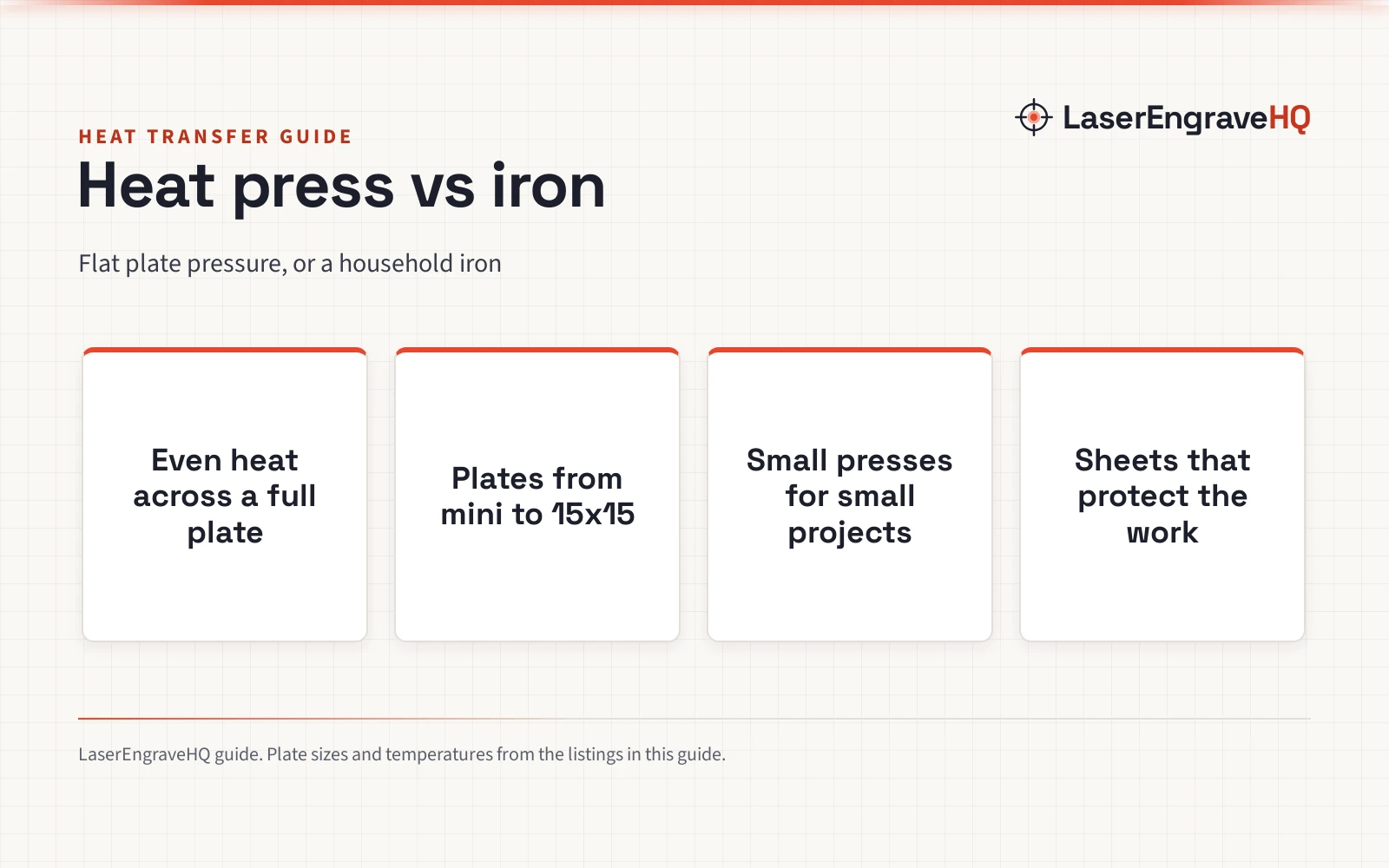
Heat presses give flat, even pressure across a full plate, while an iron presses by hand with a smaller plate, and this guide compares both for heat transfer projects.

On this page
A maker with a stack of plain shirts and a design ready to sell wants a transfer that sticks, stays bright, and survives washing. That is where heat press vs iron comes in, and the choice turns on pressure and heat, not just temperature. A flat-plate press gives even pressure across its plate, so a transfer that fits the plate bonds in a single press. An iron presses by hand, moving across the fabric a section at a time, which works for small jobs and struggles on larger designs. Choose a heat press for steadier, more repeatable transfers, and choose an iron for occasional small work when a press is not on the bench. The rest of this guide sets out how each tool works, then looks at heat press gear in detail.
As an Amazon Associate I earn from qualifying purchases. LaserEngraveHQ earns a commission from purchases made through these links, at no extra cost to you. Read our affiliate disclosure.
Heat Press vs Iron: The Quick Answer
A heat press and an iron both bond a transfer with heat and pressure, but they spread that pressure very differently. A heat press presses a flat plate over the design, with even heat across the plate, so a transfer that fits the plate bonds in one press. Pressure is adjustable on the automatic model below and applied by hand on the smaller presses. An iron presses a smaller, pointed plate by hand, moving across the design a section at a time, so pressure and heat vary as the iron moves. For repeatable transfers on shirts, hats, and bags, the heat press is the stronger pick. For an occasional small transfer when a press is not on the bench, an iron can still do the job, with more care and more passes.
| Point | Heat press | Iron |
|---|---|---|
| Pressure | Flat plate; automatic on the HTVRONT pick, by hand on the Cricut and Calogy picks | Pressed by hand, section by section |
| Heat | Even across the plate, set per model | Set on a dial, varying as the iron moves |
| Design size | Designs up to the plate size in one press | Small designs, or larger designs in passes |
| Repeatability | Same on the automatic press; varies by hand on the others | Changes with hand pressure each pass |
| Gear in this guide | 3 heat press models and press gear, described below | No iron is listed among the gear below |
How a Heat Press Works
A heat press bonds a transfer by pressing a heated plate over the design with steady pressure for a set time. The plate covers the design up to its size at once, so heat and pressure stay even from edge to edge on the plate. The automatic model below adds adjustable pressure and automatic pressing: the HTVRONT model below adjusts pressure up to 80 kg (170 lb) and presses automatically at the push of a button, releasing the material when the timer ends. Smaller presses trade plate size for bench space and portability, like the mini press below with a plate of 2.87 x 4.43 inches for unusually small projects.
Heat press gear also includes the sheets that protect the work. PTFE transfer sheets sit between the plate and the design, giving a non-stick, wipe-clean surface that protects the working surface and the design. The sheets below come in a 3 pack at 16 x 20 inches, resist heat up to 600 degrees, and can be cut to any size for a project. A sheet is not a press, but it belongs in the same workflow, and it protects the plate and the fabric.
How an Iron Compares
An iron is a household tool, not a press: a smaller, pointed plate, heated and pressed by hand, moved across the fabric a section at a time. That shape helps on seams and small areas, where a flat plate is awkward to place, and it costs nothing extra when an iron is already in the house. Its limits show on larger designs, where each pass must overlap the last without gaps, and where hand pressure varies from one pass to the next. Temperature control is by dial rather than a display, and there is no timer or automatic release, so the maker watches the clock and the pressure by feel.
No iron is listed among the gear below, so the iron side of this guide stays at the level of how that tool works, and the gear section describes heat presses and press gear only. That gap is worth naming plainly: a maker comparing both tools from this guide alone will find heat press figures in detail, and iron guidance only in general terms. For a maker who presses transfers often, or who sells what they press, the heat press side of the comparison carries the weight.
The Heat Press Gear in This Guide
The 4 items below are ranked by the strength of what each listing states: plate size, pressure control, automation, temperature range, and warranty term. The automatic 15×15 press leads, followed by the 12 x 10 press with a heat guide, then the mini press for small projects, then the PTFE sheets, which earn their place as press gear rather than as a press. Every figure below comes from that item’s listing.
HTVRONT Auto Heat Press 2
The HTVRONT Auto Heat Press 2 leads this set with a 15×15 plate, adjustable pressure up to 80 kg (170 lb), and automatic pressing. After setting the press parameters, the maker presses the R button, the machine presses the design, buzzes when the timer ends, and releases the material automatically. NTC thermistor technology with a dual-tube heating engine heats the plate evenly, and the listing states it heats up to 410°F within 5 minutes and 30 seconds, saving up to 30% of waiting time. Height for pressing runs up to 4.5 cm (1.77 in), so hoodies and heavier items fit as well as shirts. The screen angle adjusts across 7 levels within 0-75°, and the press shuts off automatically after 15 minutes without operation. The listing states a warranty of 1 Year Manufacturer. One wrinkle: the spec table lists dimensions of 5.0 Inches x 5.0 Inches x 5.0 Inches, which does not match the 15×15 size in the listing, so the size field is the figure used here.
Cricut EasyPress SE
The Cricut EasyPress SE records a 12 in x 10 in plate with a ceramic-coated surface that delivers dry, edge-to-edge heat up to 400°F (205°C). A heat guide gives precise time and temperature settings with step-by-step pressing instructions, and the easy-to-hold handle allows comfortable use with even pressure. The press works with major brands of iron-on (HTV), Infusible Ink, and sublimation products, for shirts, sweatshirts, blankets, pillows, and more. The listing describes it as portable and lightweight, but large enough for most heat transfer projects. The listing states dimensions of 13.7 Inches x 4.7 Inches x 11.5 Inches and a warranty of 1 year limited warranty.
Calogy Mini Heat Press
The Calogy Mini Heat Press suits unusually small or unique heat transfer projects, with a heat plate of 2.87 x 4.43 inches and a machine size of 4.5 x 2.9 x 5.1 inches in the bullets, similar in height and width to a mobile phone. One button controls the press: press 1 time to increase temp, press 2 times to decrease temp, and press 3 times to change the temp unit, with an LED display showing the real time temp. 3 temp levels cover small projects: Low at 284°F (140°C), Medium at 320°F (160°C), and High at 356°F (180°C). The press heats to 284°F in around 3 mins, from 284°F to 320°F in around 40 seconds, and from 320°F to 356°F in around 50 seconds, from an initial temp of 84°F. An insulated safety base helps prevent scalding, and the press powers off automatically after 15 mins of inactivity. One wrinkle: the spec table lists dimensions of 3.39 Inches x 5.98 Inches x 6.02 Inches, which differ from the bullets, so the bullets are the figures used here. The warranty description in the listing gives no concrete term, so no warranty term is used here.
YRYM HT PTFE Transfer Sheets
The YRYM HT sheets are press gear, not a press: a 3 pack of PTFE transfer sheets at 16 x 20 inches, non-stick and tear resistant, for use as a protective layer in heat press transfers. The sheets resist heat up to 600 degrees, wipe clean of messy materials like glue, wax, or clay, and serve as nonstick oven liners, iron clothes protectors, and heat press transfer sheets. They can be cut to any size for a project, which suits small or oddly shaped work as well as full plates. The listing states a weight of 0.2 pounds and dimensions of 20.0 Inches x 16.0 inches x 0.01 Inches. No warranty term is stated in the listing.
Which One Fits Your Projects
Start from the size of the work and how often it repeats. For shirts and larger designs pressed often, a full plate press fits best: the HTVRONT 15×15 press with automatic pressure and release, or the Cricut 12 in x 10 in press with a heat guide. For hats, caps, pillows, and small or unique projects, the Calogy mini press fits best, with a small plate and 3 temp levels for small surfaces. For protecting plates and fabric on any press, the PTFE sheets fit every workflow in this guide. An iron fits best when transfers are occasional and small, and when buying a press is not yet justified by the volume of work. Match the tool to the work that actually repeats on the bench, not to the largest plate on the page.
FAQ: lasers and CNC
Can I use an iron for heat transfer vinyl?
Yes, for small transfers, with more care than a press needs. An iron presses by hand a section at a time, so larger designs need overlapping passes, and pressure and heat vary as the iron moves. A flat-plate press bonds a design that fits its plate in one press with even pressure, which is why makers who press often move to a press.
What size heat press do I need?
Match the plate to the design. The HTVRONT plate is 15×15, the Cricut plate is 12 in x 10 in, and the Calogy plate is 2.87 x 4.43 inches for unusually small projects. A larger plate covers shirts and designs up to its size in one press, while a mini plate suits hats, caps, and small surfaces.
Do I need PTFE sheets for heat pressing?
They help, though no press here requires them in its listing. The YRYM HT sheets give a non-stick, wipe-clean layer between the plate and the design, resist heat up to 600 degrees, and can be cut to any size. They protect the working surface and the design, and they double as iron clothes protectors and oven liners.
What temperatures do these heat presses reach?
The HTVRONT press heats up to 410°F, the Cricut press reaches up to 400°F (205°C), and the Calogy mini press offers 3 levels: Low at 284°F (140°C), Medium at 320°F (160°C), and High at 356°F (180°C). Use the heat guide or the stated levels for the transfer material, since settings vary by material and project.
Can a mini press handle hats and small items?
Yes. The Calogy mini press is sized for unusually small or unique heat transfer projects, and its listing names shirts, clothing, hats, bags, masks, socks, and pillows. Its small plate and single-button control suit small surfaces where a full plate press would be awkward.
Related: the best t-shirt heat press machine, the heat presses and sublimation hub, and the laser engraver vs heat press guide.