Diode Laser vs CNC Router for Acrylic: Which One Should You Buy?
A guide to choosing between a diode laser and a CNC router for colored acrylic, with four sheets ranked by stated method compatibility and thickness.

On this page
Top picks at a glance
As an Amazon Associate I earn from qualifying purchases.
- 1
 xTool F2 Ultra 60W MOPA & 40W Diode Dual Laser Engraver 100+9.6/10View on Amazon
- 2
 Laser Engraver Laser Engraving Machine for Wood Metal Acrylic9.7/10View on Amazon
- 3
 Creality Falcon2 Pro S 22W Laser Engraver9.6/10View on Amazon
- 4
 LASER TREE 20W Diode Laser ModuleView on Amazon
- 5
 SCULPFUN S9 Laser EngraverView on Amazon
- 6
 Yakamoz V-Groove and Round Nose Router Bit SetView on Amazon
- 7
 FoxAlien Masuter Pro 3-Axis CNC Router MachineView on Amazon
- 8
 Twotrees TTC450 Pro All-Metal CNC Router Machine with NEMA 57View on Amazon
- 9
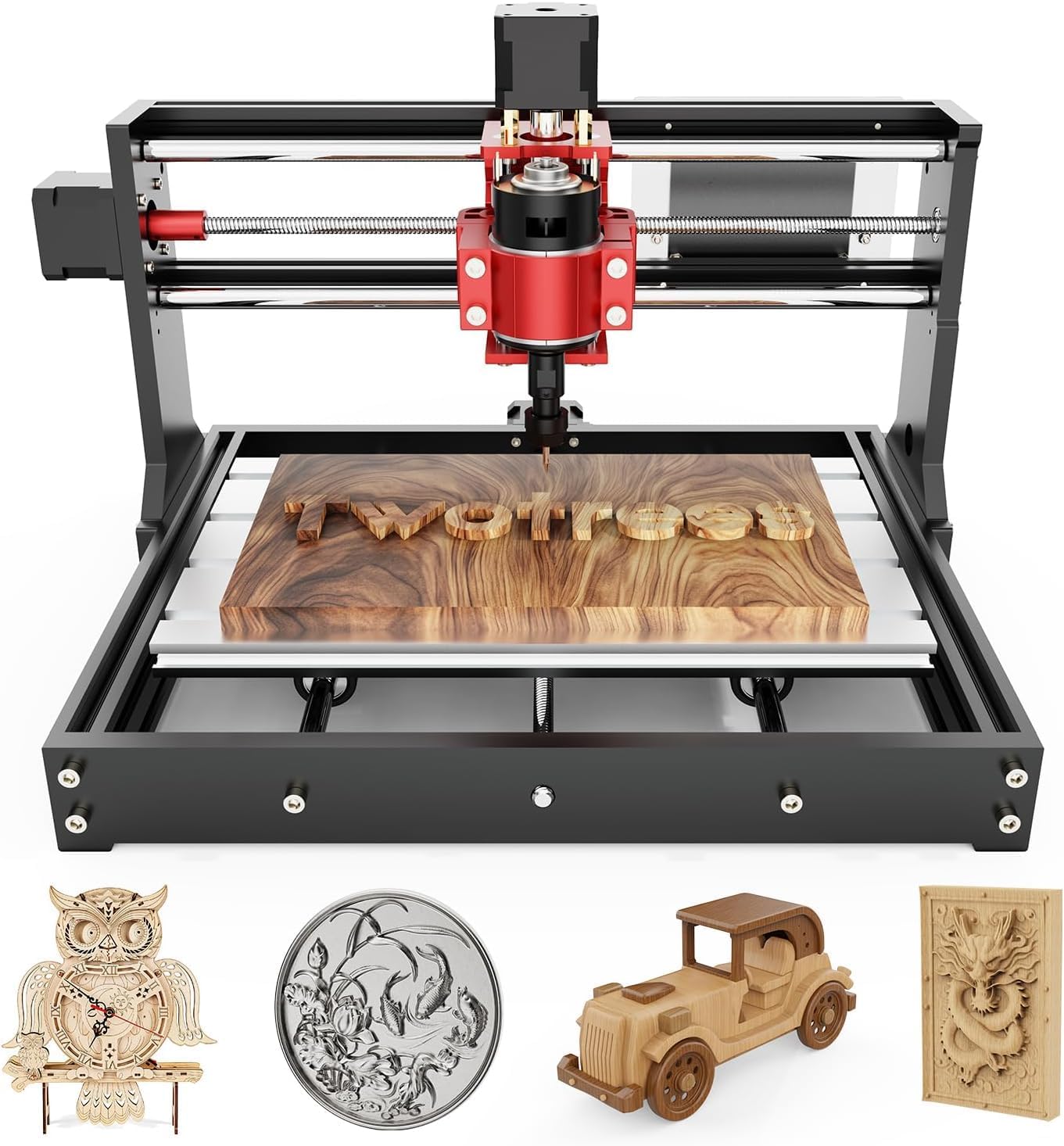 TTC3018 Pro CNC Router MachineView on Amazon
Diode laser vs CNC router for acrylic comes down to how each method shapes the sheet: a laser draws a narrow line with heat, while a router removes material with a spinning bit. For engraving colored acrylic, a diode laser can be a good fit, while a router suits cutting shapes and thicker work where a mechanical cut is wanted. The right choice depends on the sheet, the design and the finish, as the four sheets below show.
Other machines to compare
 LASER TREE 20W Diode Laser ModuleCheck price on Amazon
 SCULPFUN S9 Laser EngraverCheck price on Amazon
 Yakamoz V-Groove and Round Nose Router Bit SetCheck price on Amazon
 FoxAlien Masuter Pro 3-Axis CNC Router MachineCheck price on Amazon
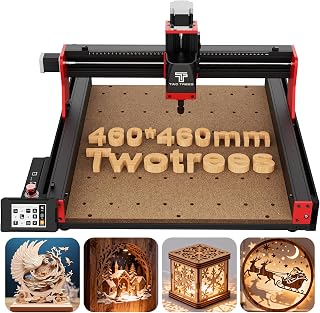 Twotrees TTC450 Pro All-Metal CNC Router Machine with NEMA 57Check price on Amazon
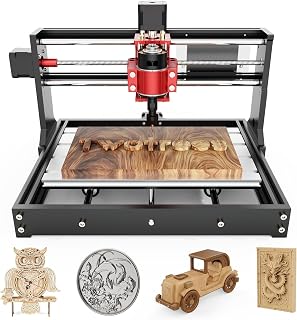 TTC3018 Pro CNC Router MachineCheck price on Amazon
LaserEngraveHQ earns a commission from purchases made through these links, at no extra cost to you. Read our affiliate disclosure.
How a diode laser handles acrylic
A diode laser engraves by heating the surface, which suits two-ply material especially well: the Trotec TroLase sheet below has a thin black top layer over a white core, and engraving reveals the contrasting core at a stated engraving depth of 0.003 inches. That contrast is what makes signs, badges and labels readable, and the listing describes the sheet for diode engraving and for CO2 laser engraving and cutting. For colored cast acrylic, the picture is more mixed, so the sheet matters as much as the machine.
Two listings in this guide warn against assuming every diode laser cuts every acrylic. The XLNT TECH 12 x 12 sheet states that colored acrylic is not recommended for 450nm diode laser engraving or cutting, and recommends CO2 laser systems for the best results on that sheet. The Adrattnay listing suggests using a CO2 laser for cutting rather than a diode one. By contrast, the XLNT TECH 6-piece set states that its sheets can be engraved and cut on a diode laser cutter. Before buying, match the sheet to the laser wavelength and type the listing names.
How a CNC router handles acrylic
A CNC router cuts by spinning a bit through the sheet, which suits outlines, cut parts and dimensional signs where a mechanical edge is wanted. Two listings here name CNC routers directly: the XLNT TECH 6-piece set lists a CNC router among the tools that cut its sheets, and the XLNT TECH 12 x 12 sheet lists CNC routers among the compatible tools for non-laser work. A router also handles work a diode laser is not recommended for, such as cutting shapes from the 12 x 12 sheet below, provided the bit and the holding method suit the job.
Router work brings its own trade-offs. Sheets need holding flat, edges may need finishing after the cut, and small lettering can be harder to cut cleanly than a laser-drawn line, since the bit has a fixed diameter. The XLNT TECH 12 x 12 sheet notes that project edges can be polished through laser cutting with proper settings, which is why many makers keep both methods in mind. For a broader comparison of materials, see acrylic vs wood for laser cutting and plywood vs acrylic for CNC.
Diode laser vs CNC router for acrylic: how to choose
Start with the design. Fine text, logos and two-color engraving favor a laser, especially on a two-ply sheet where engraving reveals a contrasting core. Larger cut parts, signs with simple outlines and repeat shapes favor a router, which does not depend on the sheet color or on laser wavelength. If the plan mixes both, a sheet that both methods handle, such as the XLNT TECH 6-piece set, keeps options open.
Next, check thickness and size against the listing. The sheets here run from 1/16 inch for the TroLase sheet to 1/8 inch for the Adrattnay and XLNT TECH 12 x 12 sheets, with the 6-piece set listing 0.1 inches in its bullets. Sheet sizes are 12 x 12 inches for the TroLase and XLNT TECH 12 x 12 sheets and 8 x 8 inches for the other two, so confirm the work area fits the design before ordering. For help picking a machine in general, read how to choose a laser engraver.
Finally, weigh color and finish. All four sheets here are opaque and colored, not clear, so this guide covers colored acrylic only. Opaque sheets suit signs and layered work where no glue marks should show through. If the project needs clear acrylic, none of these listings describe it, so look for a sheet whose listing names clear material directly.
Acrylic sheets for this choice
The four sheets below are ranked by stated method compatibility, stated thickness and engraving detail, and pack variety. No scores are shown here; the order itself is the ranking.
1. Trotec TroLase two-ply sheet
The TroLase sheet ranks first because its listing names diode laser engraving and CO2 laser engraving and cutting, plus saws, guillotines, rotary engraving and hot stamping. It measures 12 x 12 inches at 1/16 inch thick, with a stated engraving depth of 0.003 inches, and comes as 8 pieces in black over a white core. The listing also states UV stability and resistance to fading, which suits outdoor signs, labels and badges. It suits a maker focused on engraved signs and badges.
2. XLNT TECH 6-piece colored set
This set ranks second because it is the most flexible across methods: the listing states diode laser engraving and cutting, and also names a CNC router, table saw, jigsaw, electric drill and band saw. It includes 6 pieces in 6 colors, each 8 x 8 inches, with bullets listing 0.1 inches thick and a title listing .118 inches, so confirm the thickness on the listing before ordering. The listing states a warranty of 5 years without fading, and smooth edges with no burrs on the laser engraver. It suits a maker who wants color variety and both laser and router options in one small pack.
3. XLNT TECH 12 x 12 10-pack
This 10-pack ranks third for its size and its CO2 optimization, balanced by its diode warning. Each sheet is 12 x 12 inches at 1/8 inch thick, and the pack holds 10 sheets in 10 opaque colors. The listing states engineering for CO2 lasers at 10,600nm, smooth polished edges with minimal post-processing, and compatibility with table saws, jigsaws, CNC routers and scoring tools. It also states that colored acrylic is not recommended for 450nm diode laser engraving or cutting, so diode owners should treat this sheet as a router and CO2 sheet, not a diode sheet. It suits sign shops and batch makers working in CO2 or router workflows.
4. Adrattnay 20-piece colored set
This set ranks fourth on method fit, though it leads on variety: 20 pieces in 20 colors, each 8 x 8 x 1/8 inches, in cast acrylic with protective paper on both sides. The listing states smooth surfaces and edges, UV resistance for outdoor use, and a suggestion to use a CO2 laser for cutting rather than a diode one. It does not name CNC routers, so router owners should check compatibility before ordering. It suits a maker who wants many colors for signs, pet tags and decorations and works mainly with a CO2 laser.
Safety and ventilation basics
Cutting acrylic needs fire and ventilation planning on either method. Keep a suitable extinguisher within reach, never leave a running job unattended, and vent fumes or dust outdoors or use a filter designed for the job. See the fume extractor guide for options. The FDA Center for Devices and Radiological Health publishes material on laser safety.
Eye protection only counts when its listing states an optical density and a wavelength range that matches the laser; none of the four listings here state eyewear ratings, so do not assume tinted acrylic or an orange shield is protection. Never laser PVC, vinyl, PVC-based faux leather, polycarbonate or ABS, which can release harmful fumes and damage the machine. When in doubt about a material, check the listing and the machine manual before running the job.
FAQ: lasers and CNC
Can a diode laser cut acrylic?
It depends on the sheet. The XLNT TECH 6-piece set states diode laser cutting, while the XLNT TECH 12 x 12 sheet states colored acrylic is not recommended for 450nm diode work, so always match the sheet listing to the laser.
Can a CNC router cut acrylic?
Yes, where the listing names it: the XLNT TECH 6-piece set and the XLNT TECH 12 x 12 sheet both list CNC routers among compatible tools for cutting their sheets.
Which thickness should a beginner pick?
The sheets here cover 1/16 inch, 0.1 inches and 1/8 inch. Thinner sheets suit engraving and light cutting, while 1/8 inch sheets suit signs and cut parts, so pick the thickness the project design needs.
Does this guide cover clear acrylic?
No. All four sheets here are opaque and colored, and none of the listings describe clear acrylic, so a clear-acrylic project needs a sheet whose listing names clear material.
What safety gear does cutting acrylic need?
Plan ventilation for fumes, keep a suitable extinguisher within reach, never leave a running job unattended, and use eyewear only when its listing states an optical density and wavelength range matching the laser.
Related: the laser engraver hub, CNC routers and engraving materials. Also see 2mm vs 3mm acrylic for laser cutting and 1/16 vs 1/8 inch acrylic laser cutting.



