20w vs 30w Fiber Laser: Which One Should You Buy?
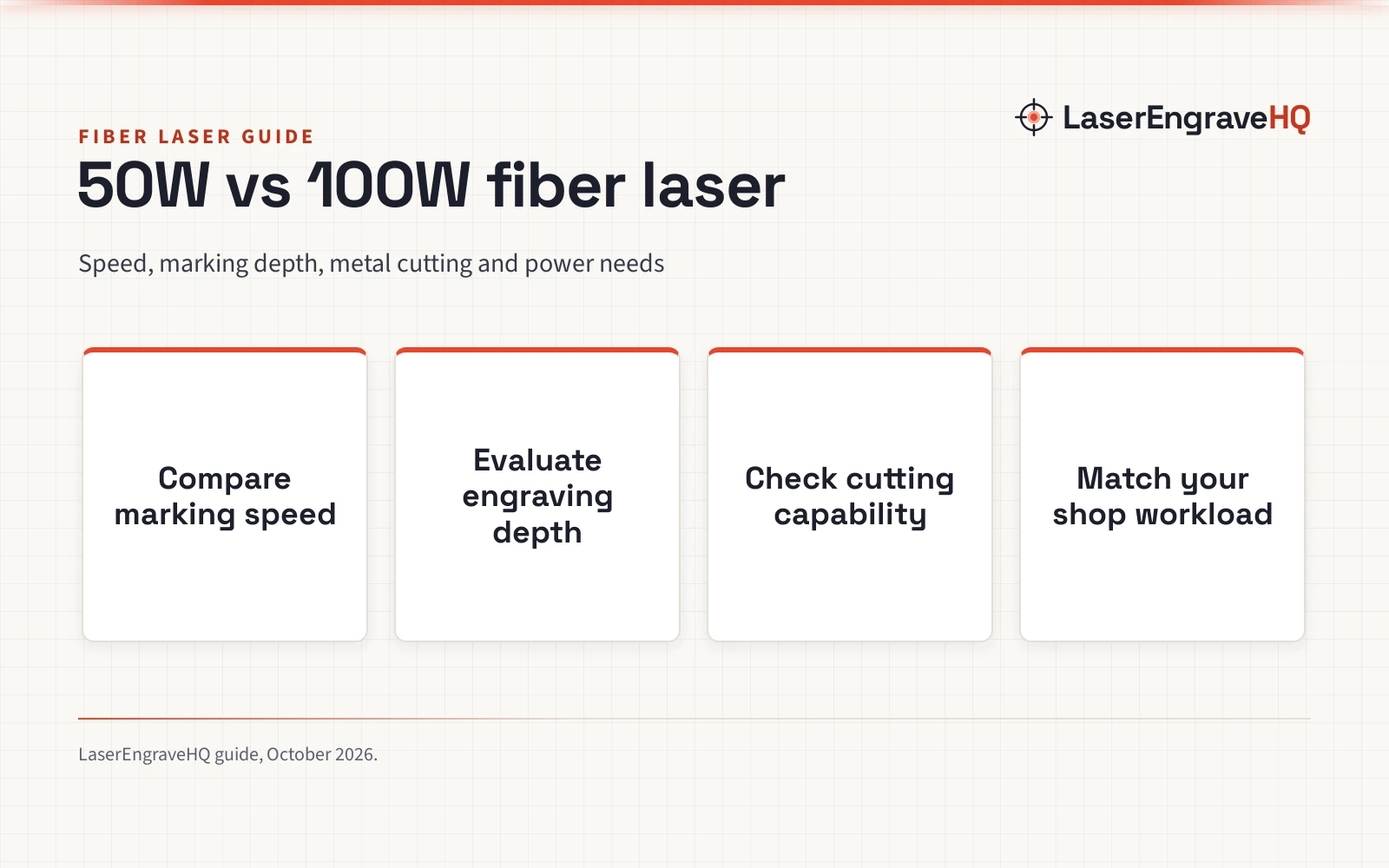
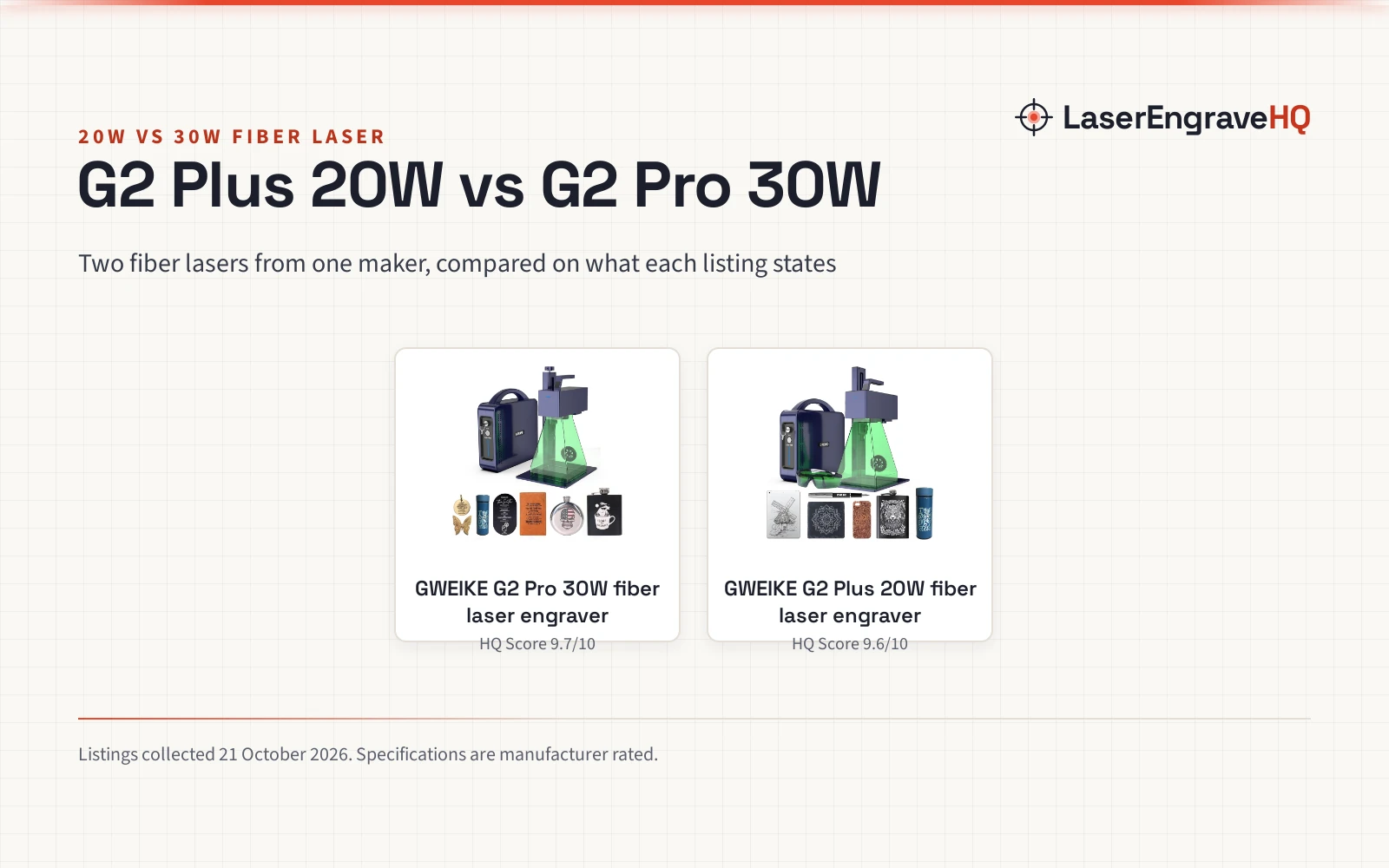
The 30W adds 3D embossing and 90+ color engraving; the 20W keeps a larger 150 by 150 mm work area. Both hit 15000 mm/s.

On this page
Top picks at a glance
As an Amazon Associate I earn from qualifying purchases.
- 1
 xTool F1 Ultra 20W Fiber & Diode Dual Laser Engraver 16MP9.7/10View on Amazon
- 2
 GWEIKE G2 Pro 30W Fiber Laser Engraver with 3D & Deep9.7/10View on Amazon
- 3
 ComMarker B4 20W Fiber Laser Engraver9.6/10View on Amazon
- 4
 GWEIKE G2 20W Fiber Laser EngraverView on Amazon
- 5
 ATOMSTACK 20W Laser Engraver A20 PRO V2 Laser CutterView on Amazon
- 6
 Acmer S2 20W Laser EngraverView on Amazon
- 7
 LONGER Ray5 Laser Engraver and Cutter MachineView on Amazon
- 8
 Creality Falcon A1 Pro 20W Laser EngraverView on Amazon
- 9
 Dofiki Honeycomb Laser Bed for Wecreate Vision 20W 40W LaserView on Amazon
20w vs 30w fiber laser verdict: Pick the 20W G2 Plus if your work is flat engraving on a larger 150 by 150 mm field: it matches the 30W on speed at 15000 mm/s and adds an electric lifting column for focusing. Pick the 30W G2 Pro if you want deeper and more varied metal work: it states 3D embossing, 90+ color engraving and an FDA accession number.
LaserEngraveHQ earns a commission from purchases made through these links, at no extra cost to you. Read our affiliate disclosure.
Machines on the list

GWEIKE G2 Pro 30W Fiber Laser Engraver with 3D
30W fiber laser with 3D embossing and 90+ color engraving
Pros
- 30W fiber laser with 3D embossing
- 90+ color engraving on stainless steel and titanium
- FDA Accession Number 2211667-002
- 15000 mm/s with dual red light preview
Cons
- Work area is the smaller 110 by 110 mm
- No focusing mechanism is stated
- No warranty term is stated
- 22 pounds is the heavier of the two

GWEIKE G2 Plus 20W Fiber Laser Engraver
20W fiber laser with a larger work area and electric lifting focus
Pros
- 150 by 150 mm work area, the larger of the two
- Electric lifting column for focusing
- 15000 mm/s at up to 8K resolution
- 30+ color engraving on stainless steel and titanium
Cons
- Only 20W against the sibling's 30W
- No 3D embossing is stated
- No FDA accession number is stated
- No warranty term is stated
Other machines to compare
 GWEIKE G2 20W Fiber Laser EngraverCheck price on Amazon
 ATOMSTACK 20W Laser Engraver A20 PRO V2 Laser CutterCheck price on Amazon
 Acmer S2 20W Laser EngraverCheck price on Amazon
 LONGER Ray5 Laser Engraver and Cutter MachineCheck price on Amazon
 Creality Falcon A1 Pro 20W Laser EngraverCheck price on Amazon
 Dofiki Honeycomb Laser Bed for Wecreate Vision 20W 40W LaserCheck price on Amazon
20w vs 30w fiber laser: side by side
| Spec | GWEIKE G2 Pro 30W | GWEIKE G2 Plus 20W |
|---|---|---|
| HQ Score | 74 | 72 |
| Laser | 30W fiber, 1064 nm (30,000 mW) | 20W fiber, 1064 nm (20,000 mW) |
| Speed | Up to 15000 mm/s | Up to 15000 mm/s |
| Workspace | 110 x 110 mm | 150 x 150 mm |
| Color engraving | 90+ colors on stainless steel and titanium | 30+ colors on stainless steel and titanium |
| Focus | Not stated in the listing | Electric lifting column |
| Preview | Dual red light | Dual red light |
| Software | LightBurn compatible, WiFi, USB | LightBurn compatible, WiFi, USB |
| Safety | Class 4, FDA Accession Number 2211667-002, emergency stop, glasses, cover | Class 4, emergency stop, glasses, cover |
| Weight | 22 pounds | Not stated in the listing |
| Warranty | No warranty term stated | No warranty term stated |
Ranges are typical of the listings we reviewed; example figures are manufacturer rated, collected 20 October 2026.
Laser power and engraving depth
Both machines are 1064 nm fiber lasers, and both state an engraving speed of 15000 mm/s with 0.001 mm accuracy at up to 8K resolution. The stated difference is what the power is aimed at: the G2 Plus 20W states deep engraving on metal with 30+ color engraving on stainless steel and titanium, while the G2 Pro 30W states 3D embossing and deep engraving with 90+ color engraving on stainless steel and titanium. Only the 30W listing uses the phrase 3D embossing, so raised relief work is the 30W side’s stated advantage.
Workspace
The 20W has the bigger field: 150 by 150 mm against the 30W’s 110 by 110 mm. Both are desktop machines with a detachable structure that the listings say lets them engrave beyond the bench as handheld units. The 20W listing states an electric lifting column for focusing with a button press; the 30W listing states no focusing mechanism, so the guide leaves that side unclear.
Materials and color
Both listings name metal, jewelry, leather, plastic, colored ceramic, black acrylic and stone. Both state color engraving on stainless steel and titanium: 30+ colors on the 20W, 90+ colors on the 30W. The color count difference is stated on both sides, so it is a clean comparison point rather than a marketing gloss.
Software and connectivity
Both machines state WiFi and USB connections and LightBurn compatibility. Both state dual red light positioning for previewing the engraving area. Nothing separates the two sides here; the software story is identical on both listings.
Safety
Both listings state Class 4 safety level with an emergency stop button, protective glasses and a protective cover. The 30W adds a stated FDA accession number (2211667-002), which the 20W listing does not state. Class 4 means eye and skin hazards from the beam and from reflections, so the glasses and cover are working parts of the setup, not decoration.
Size, weight and warranty
The 20W states dimensions of 21.2 by 10.1 by 17.2 inches with no weight stated; the 30W states 17.2 by 10.1 by 21.2 inches at 22 pounds. Neither listing states a warranty term, so warranty scores sit at zero for both.
20w vs 30w fiber laser: how to read the power number
The power figure is the first thing buyers look at and the easiest thing to misread. Both machines are 1064 nm fiber lasers, and both listings state an engraving speed of 15000 mm/s with 0.001 mm accuracy at up to 8K resolution. The stated power outputs are 20000 mW for the G2 Plus and 30000 mW for the G2 Pro. Same speed, same accuracy, same resolution on both sides, so the wattage number alone tells you less than you might expect.
What the extra watts are aimed at is stated clearly. The G2 Pro 30W listing states 3D embossing and deep engraving on metal, and it is the only listing of the two to use the phrase 3D embossing. The G2 Plus 20W listing states deep engraving on metal without the 3D embossing claim. Treat that as a clean line: if your work means raised relief patterns carved into metal, only the 30W side states it. If your work is text, logos and surface graphics, both listings state deep engraving, and the 20W covers it.
The G2 Pro listing also claims a 79% increase in efficiency. No baseline for that claim is stated in the listing, so read it as the maker’s marketing figure rather than a measured comparison against the G2 Plus. Speed is stated identically on both sides at 15000 mm/s, and the galvanometer hardware is described in near-identical terms, so any real-world speed gap would have to show up in your own jobs, not in the listed figures.
Match the machine to your work: a buyer checklist
Run through the work you actually plan to do before you pick a side. Flat marking jobs such as dog tags, jewelry pieces and metal nameplates sit squarely on the 20W side: the listing names jewelry and dog tags among its uses, and the 150 by 150 mm field takes larger plates and batches than the 30W’s 110 by 110 mm field. Both listings name jewelry, metal, leather, plastic, colored ceramic, black acrylic and stone, so the material range is not the deciding factor.
Color work is a stated difference you can rely on. The 20W states 30+ colors on stainless steel and titanium; the 30W states 90+ colors on the same metals. Both figures are stated on their own listings, so the gap is real rather than implied. If colored finishes on stainless or titanium are a selling point of your pieces, the 30W’s wider stated palette is the argument. If 30+ colors cover what you make, there is no reason to pay for palette you will not use.
Relief work is the other clean split. The 30W listing states 3D embossing alongside deep engraving; the 20W states deep engraving only. Raised textures and layered carving belong to the 30W by the listings’ own words. And both machines state a detachable structure that extends engraving beyond the bench as a handheld unit, so oversized fixed objects that will not fit either field are handled the same way on both sides.
Day-to-day differences: focusing, preview and software
The 20W’s electric lifting column is the most practical convenience in this comparison. The listing states that focusing takes a button press with no manual adjustment, and the 30W listing states no focusing mechanism at all. Buyers who change material heights often will feel that difference every session; buyers who set one height and run will not.
Positioning is identical: both listings state dual red light positioning with an industrial-grade, fully digital galvano scanning system, with square and graphic quick previews stated on the 20W. Resolution is stated the same way too, up to 8K at 0.001 mm accuracy, with the G2 Plus listing adding three selectable resolution options at 2k, 4k and 8k. Nothing in the listed figures suggests one machine draws finer lines than the other.
Software and connections match as well. Both list LightBurn compatibility, WiFi and USB connections, and support for various input file formats; the 20W listing adds that designs can move between the machine, a computer and a smartphone. The machine generations are one year apart: the G2 Plus was first listed on June 3, 2024 and the G2 Pro on May 14, 2025, with model numbers G2 and G2 Pro respectively. Footprint figures are near-mirror images, 21.2 by 10.1 by 17.2 inches for the 20W and 17.2 by 10.1 by 21.2 inches for the 30W, with 22 pounds stated only for the 30W.
Safety and listing paperwork before you buy
Both machines state Class 4 safety level, and both listings include an emergency stop button, protective glasses and a protective cover as part of the package. Class 4 is an eye and skin hazard category, so plan your setup around the included gear: glasses on for every session, the cover in place, and a clear space where nobody walks through the beam path or its reflections.
The paperwork differs on one point. The G2 Pro 30W listing states FDA accession number 2211667-002; the G2 Plus 20W listing states no accession number. If your records or your workplace need a stated accession number on file, that is the 30W’s documented advantage. Finally, neither listing states a warranty term, so budget as if post-purchase support depends on the seller rather than a stated manufacturer term. That is true of both sides, so it is not a tiebreaker; it is a buying condition to accept with eyes open.
Choose the 20W G2 Plus if
You engrave flat metal work and want the larger 150 by 150 mm field, you value the electric lifting column for focusing, and 30+ color engraving covers your color work.
Choose the 30W G2 Pro if
You want 3D embossing and deeper carving, 90+ color engraving matters for your pieces, and you want the stated FDA accession number on file.
FAQ: lasers and CNC
Is 30W always better than 20W for fiber laser engraving?
No. The 30W states 3D embossing and more color options, but the 20W states a larger 150 by 150 mm work area and an electric lifting column. Match the machine to the work, not the wattage.
Do both machines engrave at the same speed?
Both listings state 15000 mm/s with 0.001 mm accuracy at up to 8K resolution. Speed is not the differentiator here.
Can either one engrave jewelry?
Both listings name jewelry among their uses, and the 20W also names dog tags. Both state deep engraving on metal, and the 30W adds 3D embossing for raised relief work.
What is the difference in color engraving?
The 20W states 30+ colors on stainless steel and titanium; the 30W states 90+ colors on the same metals. Both figures are stated, so the gap is real.
Do these lasers need safety gear?
Both state Class 4 safety level with an emergency stop button, protective glasses and a protective cover. Class 4 lasers are eye and skin hazards, so use the included gear every session.
Related: best fiber laser engraver and fiber vs mopa laser for metal.