Water Cooled vs Air Cooled Fiber Laser: Which to Buy?
Water cooled vs air cooled fiber laser: air cooling suits markers to 60W; water chillers suit high-power 2000W sources. Compare cooling by power level.

On this page
Top picks at a glance
As an Amazon Associate I earn from qualifying purchases.
- 1
 OMTech 100W CO2 Laser Engraver with 4 Way Pass Through Air9.7/10View on Amazon
- 2
 LaserPecker LP5 Smart Dual 20W Fiber + Diode Laser Engraver9.5/10View on Amazon
- 3
 Monport 60W Fiber Laser Engraver with Rotary Axis & Lightburn9.5/10View on Amazon
- 4
 Brilliance Laser Inks Black Metal Liquid-Ready Laser MarkingView on Amazon
- 5
 Brilliance Laser Inks Copper-Tone Red Liquid-Ready MarkingView on Amazon
- 6
 ATOMSTACK 20W Laser Engraver A20 PRO V2 Laser CutterView on Amazon
- 7
 ATOMSTACK 10W Laser EngraverView on Amazon
- 8
 Acmer S2 20W Laser EngraverView on Amazon
- 9
 Longer Laser Engraving and Cutting Machine Air PumpView on Amazon
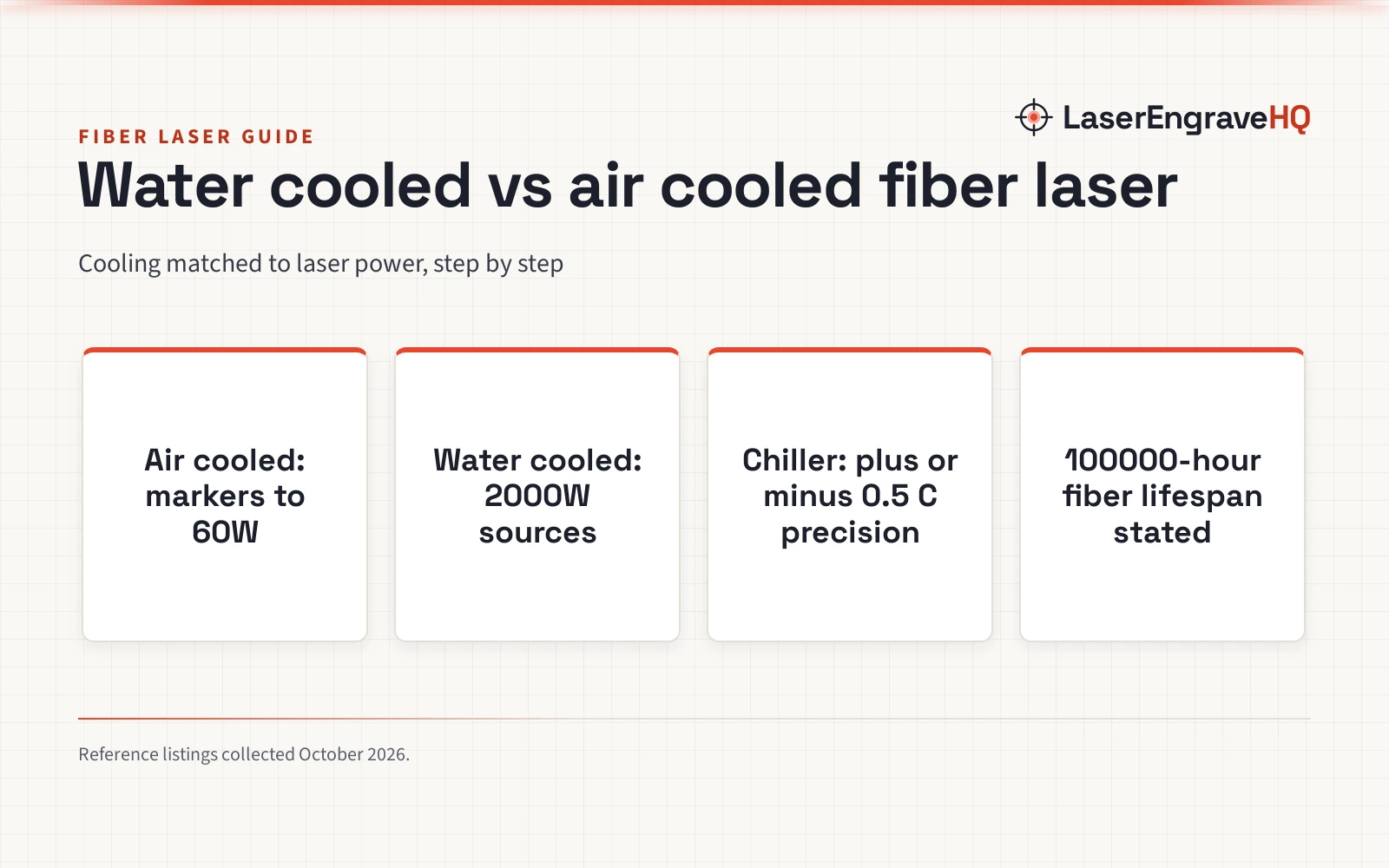
Water cooled vs air cooled fiber laser, the direct answer: air cooling suits low-power fiber lasers up to the 60W class, where fans move enough heat; water cooling with a chiller suits high-power fiber lasers like the 2000W class, where heat load needs active temperature control. Both keep the laser at its working temperature; the choice is power level and duty cycle. This guide explains the differences step by step, with figures from the fiber laser and chiller listings LaserEngraveHQ collected.
Other machines to compare
 Brilliance Laser Inks Black Metal Liquid-Ready Laser MarkingCheck price on Amazon
 Brilliance Laser Inks Copper-Tone Red Liquid-Ready MarkingCheck price on Amazon
 ATOMSTACK 20W Laser Engraver A20 PRO V2 Laser CutterCheck price on Amazon
 ATOMSTACK 10W Laser EngraverCheck price on Amazon
 Acmer S2 20W Laser EngraverCheck price on Amazon
 Longer Laser Engraving and Cutting Machine Air PumpCheck price on Amazon
LaserEngraveHQ earns a commission from purchases made through these links, at no extra cost to you. Read our affiliate disclosure.
Water cooled vs air cooled fiber laser: the short version
The listings show the 2 cooling worlds clearly:
- Air cooled fiber lasers use fans and heatsinks. The Monport 20W fiber laser engraver lists a 100000-hour lifespan on a 4.3 by 4.3 inch work area, and the Monport 60W MOPA lists adjustable frequency of 1 to 3000kHz and pulse width of 2 to 500ns on a 6.9 by 6.9 inch lens. No chiller, no water lines, no plumbing.
- Water cooled fiber lasers use a chiller. The S&A CW-FL-2000BN is an industrial water chiller for cooling 2000W fiber lasers at AC 1P 220V, and the POVOKICI CWFL-2000BN lists 14L capacity, plus or minus 0.5 degrees C precision, a 5 to 35 degree C range with a best running temperature of 20 to 30 degrees C, and 6500W cooling capacity. Water cooling holds the laser at a set temperature for long, heavy runs.
What the listings state
The air-cooled listings are galvo fiber markers: the Monport 20W with red dot pointer, LightBurn compatibility and a 100000-hour lifespan, and the Monport 60W MOPA with JCZ controller, Sino-Galvo SG7110 galvanometer, three-point red light alignment, access key and E-stop, rated Laser Class 5. The water-cooled listings are industrial chillers: the MELDIKISO S&A CW-FL-2000BN at 2930 watts and 3.16HP for 2000W fiber lasers, and the POVOKICI at 3.84kW machine power, 69 kg (152 lb), 27.6 by 18.5 by 35 inches, with compressor protection, water flow alarm and temperature alarms, plus caster wheels.
When air cooling is the right call
Buy air cooled if the laser is 60W or below and the work is marking and engraving. Fans and heatsinks move enough heat at these power levels, the machine is simpler with no water to maintain, and the 100000-hour lifespan on the Monport 20W shows the source is not thermally stressed. The trade-off is duty cycle: sustained high-power marking in a hot shop can push an air-cooled source harder than its cooling can shed.
When water cooling is the right call
Buy water cooled if the laser runs at high power or long duty cycles. The POVOKICI chiller holds plus or minus 0.5 degrees C across a 5 to 35 degree C range, with 20 to 30 degrees C as the suggested best running temperature, and the S&A unit is built for 2000W fiber lasers. Stable temperature means stable output: the laser marks the same at the end of a long run as at the start. The trade-off is complexity: a 152-pound chiller, water lines, 220V power, and water to maintain.
Buying advice: matching cooling to the work
Match cooling to laser power
The listings draw the line by power: 20W and 60W fiber markers run air cooled, while the chillers are specified for 2000W fiber lasers. The POVOKICI lists 6500W of cooling capacity for its 2000W laser class, which is the scale of heat a high-power source produces. If the laser is a desktop marker, air cooling is the standard; if it is an industrial cutting or deep-engraving source, plan for a chiller.
Chiller specs that matter
For water cooling, the figures to compare are temperature precision, range and cooling capacity. The POVOKICI lists plus or minus 0.5 degrees C precision, a 5 to 35 degree C range, and 6500W cooling capacity at 3.84kW machine power and 220V. Alarms matter too: compressor overcurrent protection, water flow alarm and high/low temperature alarms are the features that protect the laser if cooling fails. The caster wheels and 27.6 by 18.5 by 35 inch footprint decide where the chiller lives in the shop.
Picking the air-cooled marker
Not all air-cooled fiber markers do the same work. The Monport 20W runs LightBurn and includes BSLcad, with a red dot pointer for positioning and a 4.3 by 4.3 inch work area for metal marking. The Monport 60W is a MOPA machine with adjustable frequency from 1 to 3000kHz and pulse width from 2 to 500ns, which opens up color marking on stainless steel and black engraving on anodized aluminum, plus cutting, drilling and plastic work. Its 6.9 by 6.9 inch lens covers a larger area than the 20W. Software matters: the 60W runs EzCad2 on Windows and Mac, while LightBurn support for it is Mac-only per the listing. For safety, the 60W includes an access key against unauthorized use and an E-stop button, and it is rated Laser Class 5. Buy the wattage and feature set for the materials and mark types you need, since both stay air cooled across the desktop marker class.
Picking and placing the chiller
Chiller capacity should run ahead of the laser: the POVOKICI lists 6500W of cooling capacity for a 2000W fiber laser, roughly three times the source power, and its 14-liter tank holds the water reserve. Both chillers run on single-phase 220V, so check that your shop has a suitable outlet; the S&A lists 60Hz and the POVOKICI 50Hz, so match the frequency to your local power. Protection is a buying criterion: the POVOKICI lists compressor time-delay protection plus compressor overcurrent protection, a water flow alarm, and high and low temperature alarms, and both units carry CE, RoHS and REACH approvals. Plan the footprint: the POVOKICI weighs 69 kilograms (152 pounds) and measures 27.6 by 18.5 by 35 inches, so it is a permanent install even with caster wheels for positioning. Put the chiller where water lines reach the laser, power is close, and air can flow around the unit.
FAQ: lasers and CNC
Do fiber lasers need water cooling?
Low-power fiber markers to 60W run air cooled, per the Monport listings. High-power sources like the 2000W class use water chillers.
What temperature should a fiber laser chiller hold?
The POVOKICI listing suggests a best running temperature of 20 to 30 degrees C, within its 5 to 35 degree C range at plus or minus 0.5 degrees C precision.
How long do fiber laser sources last?
The Monport 20W listing states a 100000-hour lifespan.
What power does a chiller need?
The S&A CW-FL-2000BN lists 2930 watts at AC 1P 220V; the POVOKICI lists 3.84kW at 220V.
More laser and CNC guides
For the machines they cool, browse our laser engravers and fiber laser guides.



