Price Label Gun: How to Use It for Retail Pricing
A price label gun prints a price on a sticky label and places it on the product with a squeeze of the trigger, and this guide shows how to load it, set the digits and print clean labels.

On this page
Top picks at a glance
As an Amazon Associate I earn from qualifying purchases.
- 1
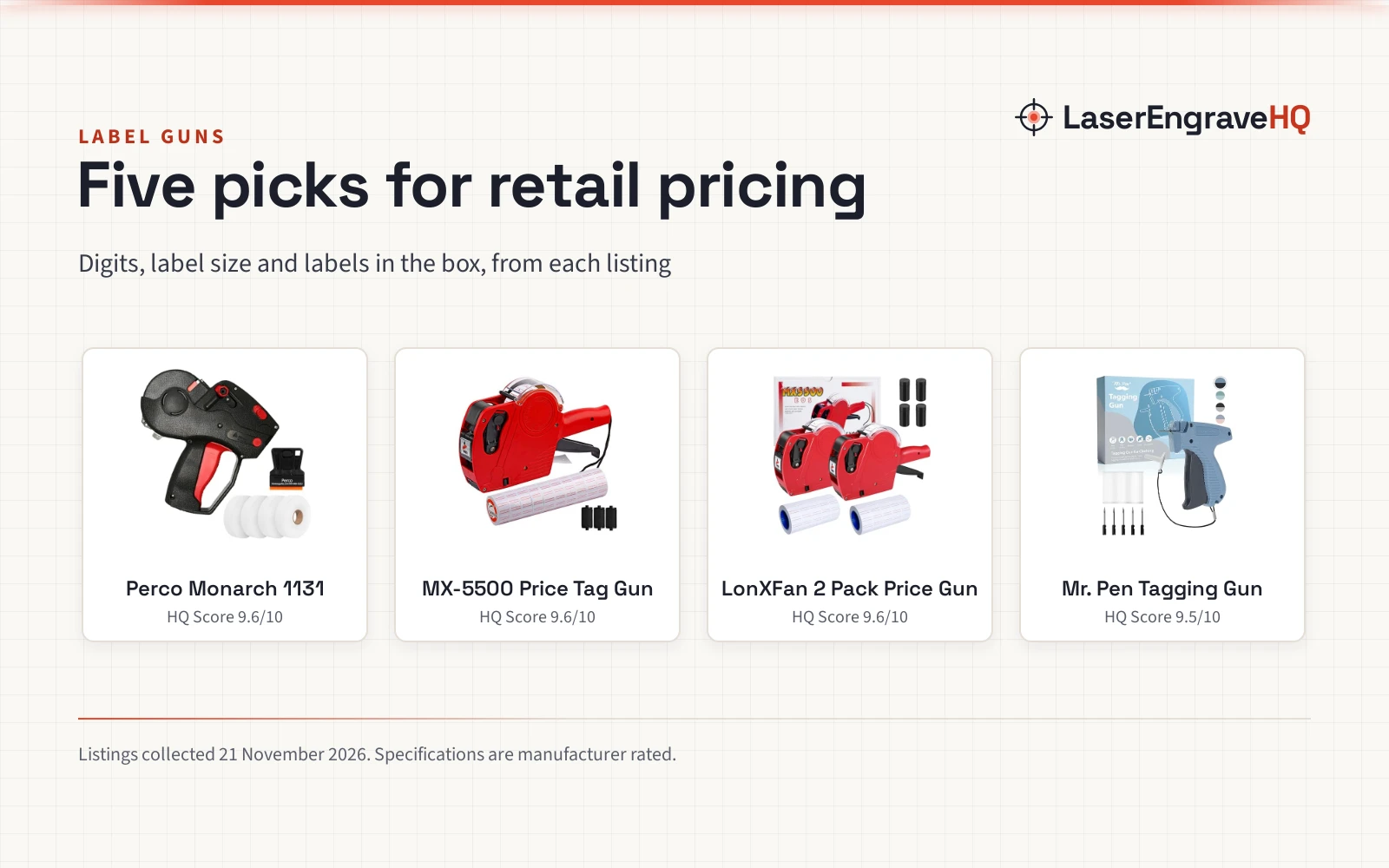
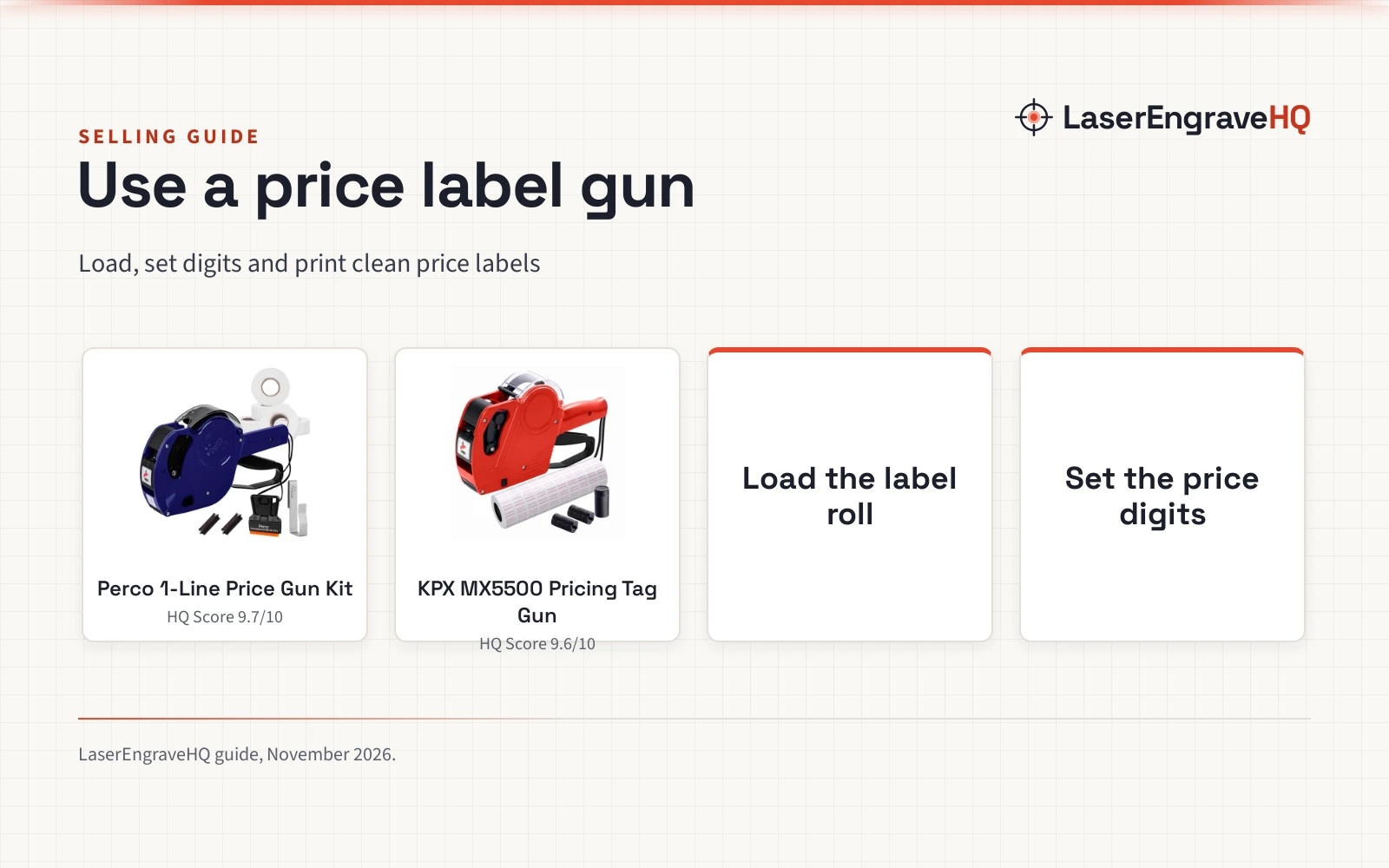
 Perco Price Gun 1-Line Kit with 5 White Label9.7/10View on Amazon
- 2
 MX5500 Pricing Tag Gun with 5500 pcs White Label9.6/10View on Amazon
A price label gun prints a price on a sticky label and places it on the product in a squeeze of the trigger. Load a roll of labels, set the digits on the wheels, fit the ink roller, and every pull prints and sticks a fresh label. This guide walks through loading the gun, setting prices, fixing the problems that show up most often, and choosing between the guns in the gear section below.
LaserEngraveHQ earns a commission from purchases made through these links, at no extra cost to you. Read our affiliate disclosure.
Perco Price Gun 1-Line Kit with 5 White Label
A 1-line price gun kit with 5,000 blank white labels on 5 rolls, 2 ink rollers, a gun clip, a label scraper and an instruction manual, preloaded and ready to use.
Pros
- 5,000 blank white labels on 5 rolls in the kit, preloaded and ready to use
- 2 ink rollers included, plus a gun clip and a label scraper
- 1-line printing for retail pricing and inventory use
- 2 year warranty from the maker
Cons
- 1-line printing only, with no second line for a product code or date
- Blank white labels only, with no color option for sale or clearance tags
- Manual operation, so every label needs a trigger squeeze
- Maker describes it for lighter applications such as garage sales and fairs
MX5500 Pricing Tag Gun with 5500 pcs White Label
A 1-line, 8-digit pricing gun with 5,500 white label stickers and 3 spare ink rollers, printing labels sized 21x12 mm for retail and grocery use.
Pros
- 8-digit, 1-line printing for prices and product codes
- 5,500 white label stickers included in the kit
- 3 spare ink rollers in the box
- Label size 21x12 mm stated by the maker
Cons
- 1-line printing only, with no second line for extra detail
- Manufacturer warranty runs 60 days only
- Labels at 21x12 mm suit small price tags, not larger shelf labels
- Each label needs a trigger squeeze, so large batches take time
Step 1: Load the label roll
Open the gun and set the roll of labels in place, with the strip feeding toward the front where the sprocket can grip it. The Perco kit arrives preloaded with a roll of labels and an ink roll already fitted, so it is ready to print out of the box. With the KPX gun (on Amazon), thread the strip through the feed path until the sprocket grasps a label and advances it. Close the gun and pull the trigger on scrap paper until labels feed straight and the print lands in the middle of each tag.
Step 2: Set the price digits
Turn the digit wheels until the price you want shows in the window. The KPX gun prints on 1 line with 8 digits, which covers prices and product codes, and it supports 8 currency signs, including the dollar and the euro. The Perco gun prints on 1 line as well. Set the digits before you start on stock, so a wrong price does not waste a strip of tags. Check the printed price on a spare label before you start on stock.
Step 3: Fit the ink roller
The ink roller sits against the print head, and a dry or worn roller gives a faint print. The Perco kit includes 2 ink rollers, and the KPX kit includes 3 spare ink rollers, so a fresh roller is on hand when the print starts to fade. Fit the roller in the slot the maker provides and close the cover. Print a spare label and look at the print: the digits should be dark and complete, with no pale patches.
Step 4: Print and place the label
Hold the gun flat against the product and squeeze the trigger in a smooth pull. The sprocket advances a label, the print head meets the ink roller, and the label sticks as the gun lifts away. Place each label in the same spot on every item, so a shelf looks tidy and a customer can find the price fast. Work through a batch at a steady pace, and refill the roll before it runs out mid-batch.
Step 5: Fix the common problems
A faint print usually means the ink roller is dry, so swap in a spare roller from the kit. Labels that feed crooked or jam usually mean the strip is threaded wrong, so open the gun and rethread it until the sprocket grips the strip cleanly. Labels that peel off a product may need a firmer press, or a surface that is dry and free of dust. Keep spare labels and ink rollers with the gun, so a fix does not stop a pricing session.
Price Label Gun Picks for Retail Pricing
Loading, setting digits and printing all need a gun that matches the job, so the guns below cover a light kit for fairs and a digit-heavy gun for grocery shelves.
If you also need printed shelf tags or shipping labels, the best label maker guide and the how to print a shipping label guide cover the next step.
FAQ: lasers and CNC
How do I load labels into a price label gun?
Open the gun, set the roll in place and thread the strip toward the front until the sprocket can grip it. The Perco kit arrives preloaded with a roll of labels and an ink roll already fitted. Pull the trigger on scrap paper until labels feed straight and the print sits in the middle of each tag.
How do I set the price on a one-line price label gun?
Turn the digit wheels until the price shows in the window, then print a spare label to check it. The KPX gun gives 8 digits on 1 line, and it supports 8 currency signs, including the dollar and the euro. Set the price before you start on stock, so a wrong price does not waste a strip.
What label size fits the KPX MX5500?
The maker states labels sized 21×12 mm for the KPX MX5500. The label size for the Perco kit is not stated. Match the roll to the size the maker states for the gun you buy, since a wrong size can feed crooked or jam.
How do I replace the ink roller?
Open the gun, lift out the old roller and fit a spare in its place. The Perco kit includes 2 ink rollers, and the KPX kit includes 3 spare ink rollers. Replace the roller when prints turn faint, and print a spare label to check the new roller before you start on stock.
How many labels come with each gun?
The Perco kit includes 5,000 blank white labels on 5 rolls. The KPX kit includes 5,500 white label stickers. Buy extra rolls in the size your gun takes before a large pricing session, so the gun does not run out mid-batch.
Related: the selling and packaging hub, best label maker for small business and best thermal label printer for small business. Also see the best label maker guide.