Acrylic vs Wood for Laser Cutting: Which One Should You Buy?
Acrylic and wood suit different laser projects, and this guide compares the two materials and three basswood sheet options for cutting and engraving.

On this page
Top picks at a glance
As an Amazon Associate I earn from qualifying purchases.
- 1
 Audab Acrylic Keychain Blanks Kit9.7/10View on Amazon
- 2
 Basswood Sheets 12 x 12 x 1/8 Inch9.7/10View on Amazon
- 3
 Falling in Art 4 Pack 4x6’’ Unfinished Birch Wood Panels Kit9.5/10View on Amazon
- 4
 MECCANIXITY 3pcs Basswood Sheet 18x12x1/4 Inch UnfinishedView on Amazon
- 5
 ROBOTIME Laser Wood SheetsView on Amazon
- 6
 ilauke Wood Squares 4x4 InchView on Amazon
- 7
 Baltic Birch PlywoodView on Amazon
- 8
 8 x 12 Acrylic Sheet 1/8 inch Thick 3mm 2 Pack ClearView on Amazon
- 9
 Duco 1/8" Clear Cast Acrylic SheetsView on Amazon
Acrylic vs wood for laser cutting comes down to the finish you want: wood gives a warm, natural look with a burned engraving tone, while acrylic gives a smooth, glossy look that suits signs and display pieces. Pick wood when the grain and a hand-made feel matter, and pick acrylic when a clean, modern face matters more. The rest of this guide compares the two materials, then looks at three basswood sheet packs for the wood side of the choice.
Other machines to compare
 MECCANIXITY 3pcs Basswood Sheet 18x12x1/4 Inch UnfinishedCheck price on Amazon
 ROBOTIME Laser Wood SheetsCheck price on Amazon
 ilauke Wood Squares 4x4 InchCheck price on Amazon
 Baltic Birch PlywoodCheck price on Amazon
 8 x 12 Acrylic Sheet 1/8 inch Thick 3mm 2 Pack ClearCheck price on Amazon
 Duco 1/8" Clear Cast Acrylic SheetsCheck price on Amazon
LaserEngraveHQ earns a commission from purchases made through these links, at no extra cost to you. Read our affiliate disclosure.
The three sheet packs below are wood only, and acrylic listings vary by brand and thickness, so check the material listing and your machine listing before ordering either material.
At a glance: acrylic vs wood for laser cutting
Wood and acrylic behave differently under the beam, and the difference shows in the finished piece. Wood engraves with a fine grain and a darker mark where the beam passes, which suits rustic signs, ornaments, models and gifts. Acrylic can engrave with a frosted mark on a smooth face, which suits awards, labels and modern signage, though the result varies by acrylic type and machine, so check both listings before ordering. Wood takes paint and stain well, and all three sheet packs below list painting or staining as a use. Acrylic usually stays as it comes, with its color and gloss doing the work.
Cutting differs too. Wood sheets cut into shapes for models, ornaments and layered signs, and the edges show the wood tone. Acrylic cuts into crisp shapes for boxes, stands and lettering, and the cut edges stay smooth, though the finish varies by acrylic type and machine. For a closer look at plywood choices, see basswood vs plywood for laser cutting. For thickness questions, 2mm vs 3mm plywood for laser cutting covers a similar range to the packs below.
Cutting and engraving: what changes between the two
Workflow stays the same in outline: design, focus, a sample piece on scrap, then the real run. What changes is finishing and cleanup. Wood pieces may need sanding on the edges, then paint, stain or a clear coat, though the twinsfox listing states its edges hardly need sanding; the listings below all mention painting or staining. Acrylic pieces usually need only a wipe and edge check, since the face arrives finished. Wood dust and cut residue both need clearing from the bed between runs, and offcuts should go in the bin, not back on the bed.
Ventilation matters for both materials. Exhaust outdoors or use a filter designed for laser fumes, and keep the room aired while the job runs. Fire watch matters for both as well: keep a suitable extinguisher within reach and never leave a running job unattended. Never laser PVC, vinyl, PVC-based faux leather, polycarbonate or ABS, since those materials can release harmful fumes and damage the machine. Eye protection only counts if its listing states an optical density and a wavelength range that matches your machine.
The gear: three basswood sheets for laser cutting
The three packs below are all basswood sheets for laser cutting and engraving, ranked by how directly each listing fits a maker buying wood for cut and engraved projects. All three are unfinished, smooth and paintable, so the choice comes down to size, thickness and pack count.
Juexica 12 pack, 3mm, 12 x 18 inches
The Juexica listing states 12 unfinished basswood plywood sheets measuring 12 x 18 inches, with a true size of 11.81 x 17.72 inches, and a thickness of 3mm. The surface is described as smooth and polished, and the stated uses cover laser cutting, laser engraving, CNC cutting, wood burning, painting and staining. Longer rectangular signs suit this size, and several small designs fit on a single sheet. Who it fits: a maker cutting signs, models and ornaments who wants a mid-thickness sheet for mixed jobs. Who should skip it: a maker whose machine bed is smaller than the sheet, since the listing itself says to check the machine working area before ordering.
XSEINO 60 pack, 1/8 inch, 12 x 12 inches
The XSEINO listing states 60 unfinished square basswood sheets, each measuring 12 x 12 x 1/8 inches. The panels have a poplar wood core bonded between two layers of basswood, with a smooth, even surface and straight panels. Stated uses cover laser engraving, cutting, polishing, pyrography and painting, both spray and hand painting, plus 3D models. Who it fits: a maker who burns through blanks on batches, gifts and models and wants one size in bulk. Who should skip it: a maker who needs a rectangular sheet or a single small pack, since this is a square 60 count pack.
twinsfox 12 pack, 2mm, 12 x 18 inches
The twinsfox listing states 12 unfinished basswood sheets with a soft, fine, even grain, a smooth, warp-free surface with no burr, and a thickness of about 2mm. Stated uses cover laser projects, wood burning, architectural models, ornaments and school projects, and the surface can be painted, colored and marked. One listing detail needs care: the title gives 12 x 18 inches and the bullets give about 300 x 450 mm, which lines up with that size, but the same bullets also write 12 x 8 inches, which does not match either figure. Treat the size as stated both ways and confirm it on arrival. The spec table also lists a thickness of 0.9 inches, which conflicts with the about 2mm in the title and bullets; trust the title and bullets and confirm on arrival. Who it fits: a maker cutting thin, light pieces such as ornaments and small models. Who should skip it: a maker who needs a thicker sheet for sturdier parts, since 2mm is the thinnest of the three packs.
Safety basics for both materials
Set up ventilation before the first job, not after the smell becomes a problem. Exhaust outdoors or use a filter designed for laser fumes. Keep a suitable extinguisher within reach, keep the bed clear of offcuts, and never leave a running job unattended. For eye protection, use eyewear only if its listing states an optical density and a wavelength range that matches your machine; tinted shields without a rating are not protection. For guidance on laser products, see the FDA page on laser products.
Common mistakes to avoid
- Ordering a sheet larger than the machine bed. Check the working area first, as the Juexica listing advises.
- Skipping the sample piece and cutting the good sheet first.
- Leaving a running job unattended, for either material.
- Lasering PVC, vinyl, PVC-based faux leather, polycarbonate or ABS.
- Assuming a listing size is exact when the listing itself gives conflicting figures, as the twinsfox listing does.
FAQ: lasers and CNC
Can one machine cut both acrylic and wood?
It depends on the machine and the material listing. Wood sheets like the three packs here are widely listed for laser cutting and engraving, while acrylic suitability varies by machine type and acrylic type, so check both listings before ordering.
Which material is easier for a first project?
Wood is the friendlier start for most makers: the sheets below are unfinished, smooth and paintable, and a sample piece on scrap shows the engraving tone before the real run. Acrylic suits a maker who already knows the look they want and has a machine listing that covers it.
Do I need ventilation for both materials?
Yes. Exhaust outdoors or use a filter designed for laser fumes, and keep the room aired while the job runs, for wood and for acrylic alike.
Can I paint or stain these wood sheets?
Yes. The Juexica listing states painting and staining, the twinsfox listing states painting, coloring and marking, and the XSEINO listing states spray and hand painting.
What thickness should I start with?
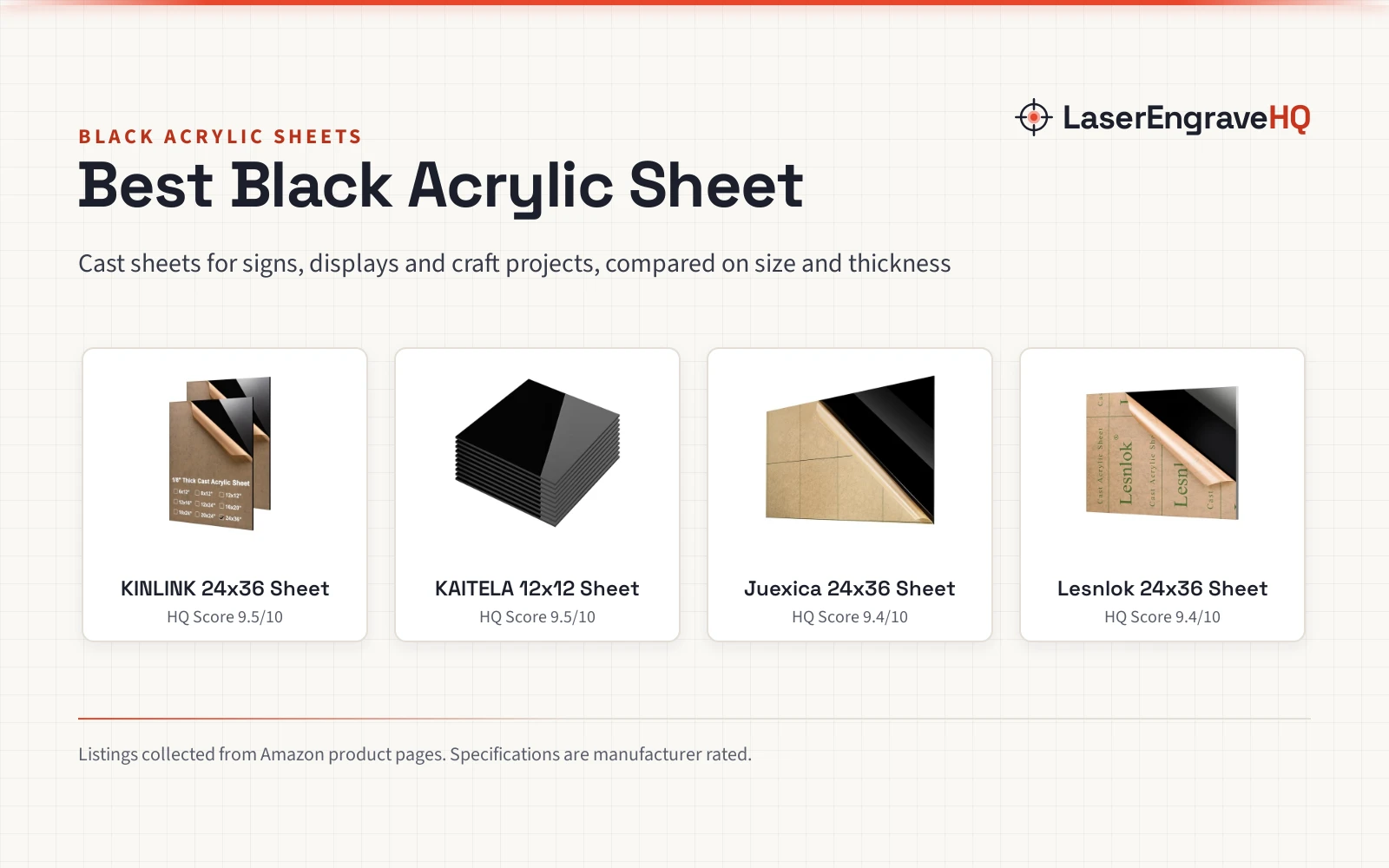
The three packs cover about 2mm, 3mm and 1/8 inch. Pick by project and machine bed: thin sheets suit ornaments and small models, while the thicker options suit signs and sturdier parts. For acrylic thickness choices, see acrylic sheets.
What should I never laser?
Never laser PVC, vinyl, PVC-based faux leather, polycarbonate or ABS. Those materials can release harmful fumes and damage the machine.
More laser and CNC guides
Related: the engraving materials hub, plywood vs acrylic for laser engraving and basswood for laser cut puzzles. Also see our clear acrylic spray for laser engraved wood.