5w vs 10w Diode Laser: Which One Should You Buy?
A practical guide to the 5W vs 10W diode laser choice: how to read optical and input power, rated speed and cut depth on real listings, with two 10W machines compared.

On this page
Top picks at a glance
As an Amazon Associate I earn from qualifying purchases.
- 1
 SCULPFUN iCube Ultra Dual 1.2W IR and 12W Diode Laser Engraver9.4/10View on Amazon
- 2
 AtomStack Kraft Enclosed Dual Laser Cutter9.4/10View on Amazon
- 3
 OMTech Laser Marking Spray9.4/10View on Amazon
- 4
 ATOMSTACK 10W Laser EngraverView on Amazon
- 5
 Creality Falcon 10W Laser Engraver MachineView on Amazon
- 6
 LASER TREE Laser Engraving ModuleView on Amazon
- 7
 LaserPecker LP2 Plus SpinTrack BundleView on Amazon
- 8
 WECREAT Vista 10W Laser Engraving Machine with 9-in 1 RotaryView on Amazon
- 9
 LaserPecker LP2 PlusView on Amazon
You want to engrave wooden signs, leather patches or tumblers, and every listing leads with a wattage: 5W here, 10W there. The 5w vs 10w diode laser question comes down to what you plan to cut, not just what you plan to engrave. Both machines below state 10W optical output; no 5W listing was provided for this guide. In general, a higher optical wattage cuts thicker stock, while the two 10W listings below show what 10W claims on paper.
Other machines to compare
 ATOMSTACK 10W Laser EngraverCheck price on Amazon
 Creality Falcon 10W Laser Engraver MachineCheck price on Amazon
 LASER TREE Laser Engraving ModuleCheck price on Amazon
 LaserPecker LP2 Plus SpinTrack BundleCheck price on Amazon
 WECREAT Vista 10W Laser Engraving Machine with 9-in 1 RotaryCheck price on Amazon
 LaserPecker LP2 PlusCheck price on Amazon
LaserEngraveHQ earns a commission from purchases made through these links, at no extra cost to you. Read our affiliate disclosure.
This guide compares listings, not machines in hand. Every figure below comes from what each Amazon listing states, and where a listing contradicts itself, both versions are shown.
5w vs 10w diode laser: reading the listing numbers
Listings mix two different watts. Optical output is the laser beam itself: both machines below state 10W optical. Machine or input power is what the whole machine draws: the ATOMSTACK lists 60W machine power, and the Creality claims 72W of effective power. Keep the two apart, because only the optical figure tells you what the beam can do.
Spot size is the other number that matters for detail. The ATOMSTACK states a 0.06 x 0.08mm spot and the Creality a 0.06*0.06mm compressed spot, both in the fine-engraving class. Speed is rated: the ATOMSTACK lists up to 400mm/s (24,000mm/min) and the Creality a rated 10000mm/min. Work areas are listed in both units: 410x380mm on the ATOMSTACK and 400×415 mm (15.7″×16.3″) on the Creality. If you are still unsure which type fits your projects, read our how to choose a laser engraver guide first.
What 10W cuts, on paper
Both listings put cutting front and center. The ATOMSTACK listing claims its 10W output cuts 10mm basswood or dark acrylic in fewer passes, with a 60L/min air assist pump that the listing says removes smoke and prevents charring. The Creality claims one-pass cuts through 12mm wood boards and 5mm black acrylic. Treat pass counts as the maker’s claim: your material, focus and air assist change the real result.
For materials, the ATOMSTACK names wood and metal, dark acrylic, glass and leather. The Creality names leather, fabrics, wood, acrylics and metals, and claims more than 200 types of materials. Whatever you cut, never laser PVC, vinyl, PVC-based faux leather, polycarbonate or ABS: they can release harmful fumes and damage the machine.
Gear: two 10W machines, ranked
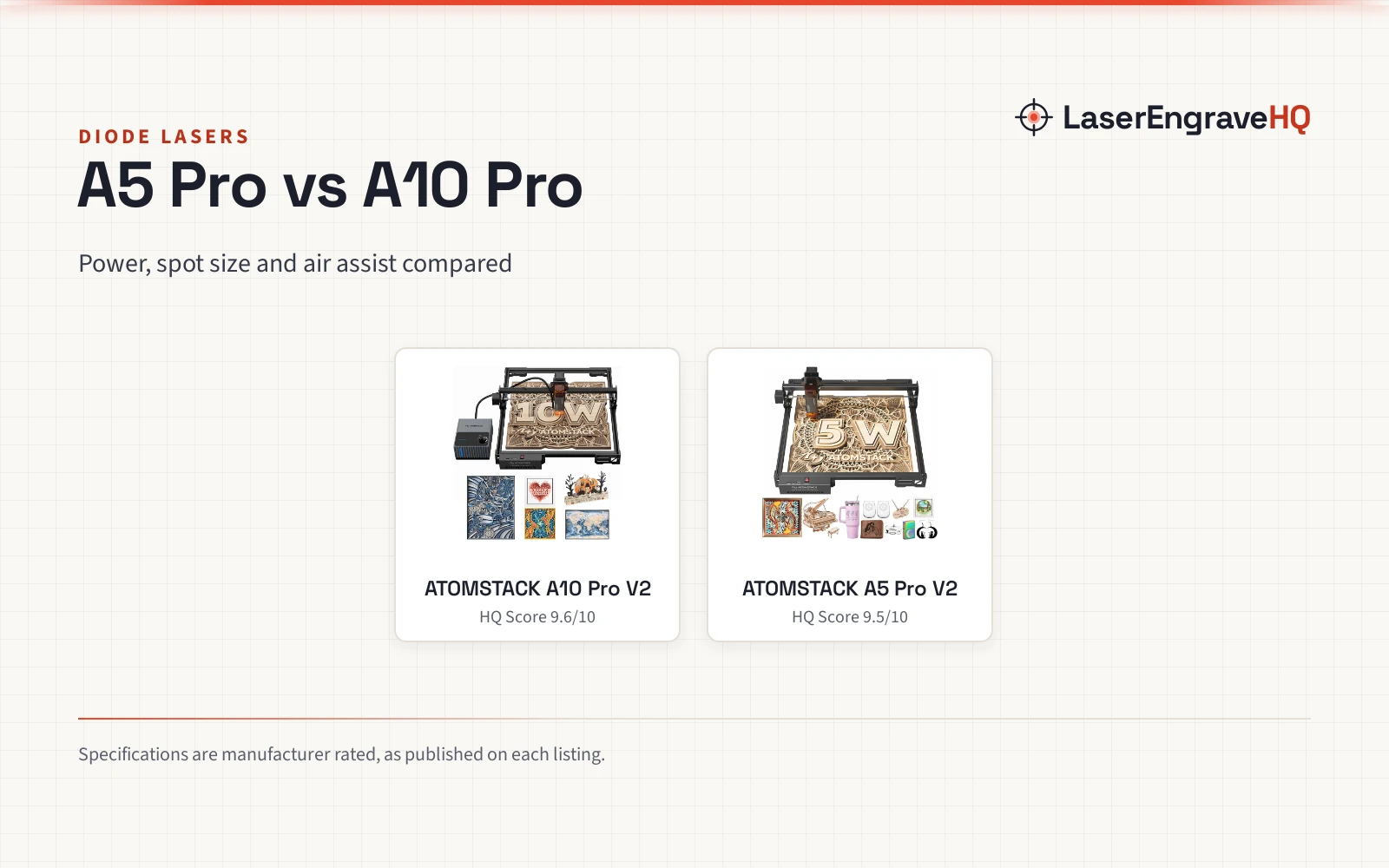
First is the ATOMSTACK A10 PRO V2 bundle. The listing states a 10W optical output with a 0.06 x 0.08mm spot, a rated speed up to 400mm/s (24,000mm/min) and a 410x380mm engraving area. The bundle part number is A10 PRO V2 + F80 + R6: the F80 is the auto air assist pump at 60L/min, and the R6 is a rotary roller with 180° tilt and 360° rotation that the listing says handles rings from 4mm to spheres of 200mm, with 0.1mm precision at up to 6000mm/min. It includes 100mm riser pads, lists LightBurn compatibility, and ships a magnetic cover that filters 97% of UV rays plus safety glasses. The spec table lists 20.5 pounds, 10 x 10 x 10 inches and a 1 year warranty. Note the two wattages: 60W machine power is the input, 10W is the optical output.
Second is the Creality Falcon 10W. The listing states a 10W optical module with a 0.06*0.06mm compressed spot, accuracy within 0.004 inches and repositioning accuracy under 0.007 inches. The work area is 400×415 mm (15.7″×16.3″) with a rated 10000mm/min speed. The title says 72W laser cutter, but the body text describes 72W as effective power; the optical module is 10W, per the listing. It lists one-pass cuts of 12mm wood boards and 5mm black acrylic, more than 200 material types, LightBurn and LaserGRBL support with offline work from an SD card, an anti-UV acrylic filter that reduces 97% of ultraviolet rays, and a pair of goggles. Weight is 10.93 pounds and no warranty term is stated.
The ATOMSTACK ranks first on the stated 1 year warranty, the included air assist and the rotary bundle. The Creality follows with a larger stated work area and offline SD card support, but no warranty term. For a broader field, see our best laser engraver for small business guide.
Safety before you buy
Both listings mention eye protection, but neither states an optical density or a wavelength range, so the included glasses and 97% UV covers are not rated protection. Use eyewear only if its listing states an OD and a wavelength range that matches your laser, and see our laser safety page for the full picture.
- Ventilation: exhaust outdoors or use a filter built for laser fumes. See our fume extractor guide.
- Fire: keep a suitable extinguisher within reach and never leave a running job unattended.
- Materials: never laser PVC, vinyl, PVC faux leather, polycarbonate or ABS.
- First runs: start on a trial piece of the same material before committing to a finished blank.
FAQ: lasers and CNC
Is 10W enough to cut wood?
The ATOMSTACK lists 10mm basswood in fewer passes and the Creality lists 12mm wood boards in one pass, per their listings. Neither states results for thicker stock, so plan a trial piece first.
Can a 10W diode laser engrave metal?
Both listings name metal among their materials. The ATOMSTACK lists wood and metal, dark acrylic, glass and leather; the Creality lists leather, fabrics, wood, acrylics and metals. Treat the metal claim as the maker’s, since neither states a marking depth.
Do I need air assist?
The ATOMSTACK bundle includes auto air assist at 60L/min, which its listing says removes smoke and prevents charring. The Creality listing does not state air assist. Either way, a ventilated workspace is part of the setup.
What software do these machines use?
The ATOMSTACK lists LightBurn compatibility. The Creality lists LightBurn and LaserGRBL, plus offline creation from an SD card. Both are listing claims.
Are the included safety glasses enough?
Neither listing states an optical density or a wavelength range, so the included glasses and 97% UV covers are not rated protection. Buy eyewear whose listing states an OD and a wavelength range that matches your laser.
Related: the laser engraver hub, diode laser engravers and laser safety. Also see our how to choose a laser engraver, best laser engraver for small business and fume extractor guide.